Cannot edit image?

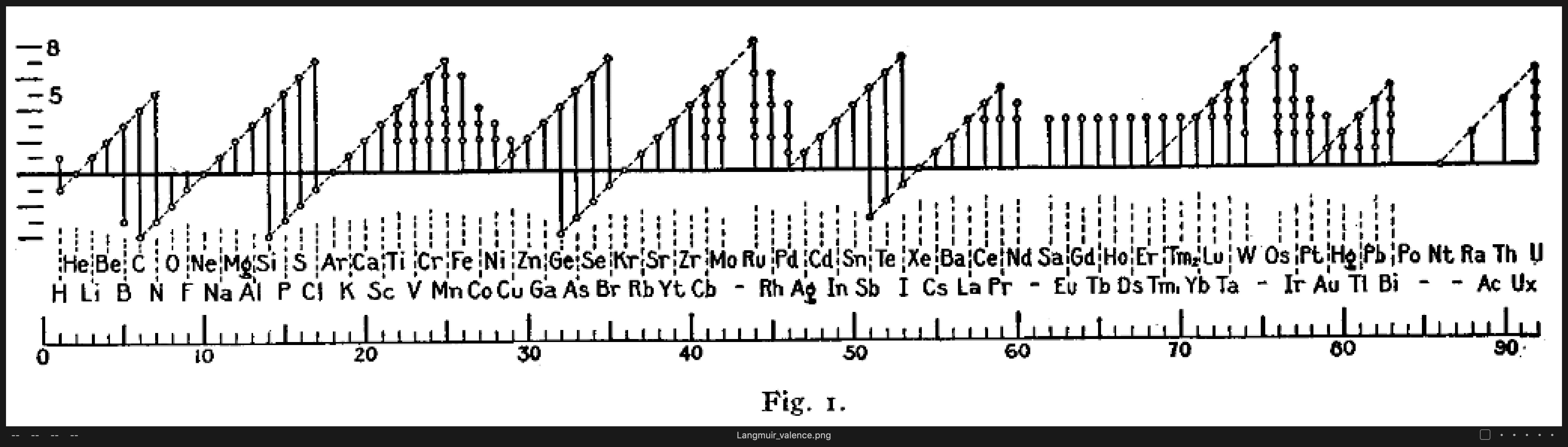
I downloaded this image from wiki commons to do some retouching. When I import it into COP 20 (Mac), the thumbnail has a pencil with a line through it icon. I found a few posts that say this means the image can't be edited because it's less than 500 px wide (WTF?) or greyscale (it is monochrome, but the color model is RGB). Anybody have any idea what's going on here?
I tried opening the png in Preview and re-exporting it as jpg and tiff; same result with either of those.
-

Here it is for you, Roy:
 0
0 -
Like you, I had a pencil. I viewed it at 400% and took a screen shot. :P0 -
I found a few posts that say this means the image can't be edited because it's less than 500 px wide
That is incorrect. It's not width, it's the smallest dimension. The smallest dimension must be 512 or larger. That image is 1,022 x 279 pixels. 279 is too small -- the picture can not be edited in Capture One.
You'll need to use some other program to adjust the canvas size before you can edit it in Capture One.
0 -
Wow, that's mind boggling. Why can't it handle small images? I know this isn't the product's normal use case, but it seems like a strange and arbitrary restriction.
0
Post is closed for comments.
Comments
4 comments