Off-line images

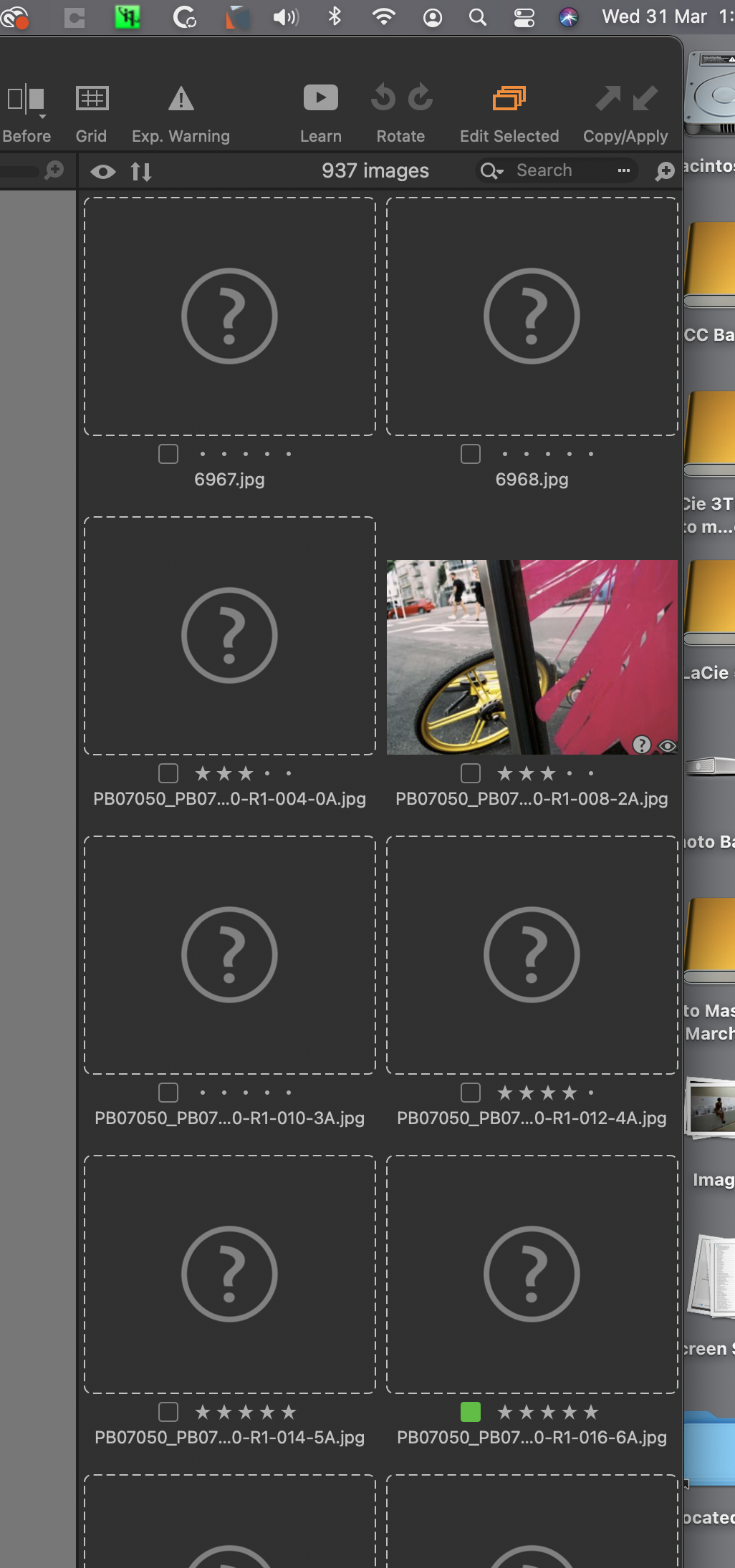
I am having an issue in getting a few of my images back online. I see info describing how to get one image back but I have 900 or so. I'm hoping there is a method to get these back en masse ....
Cheers, Peter
-

Hi Peter,
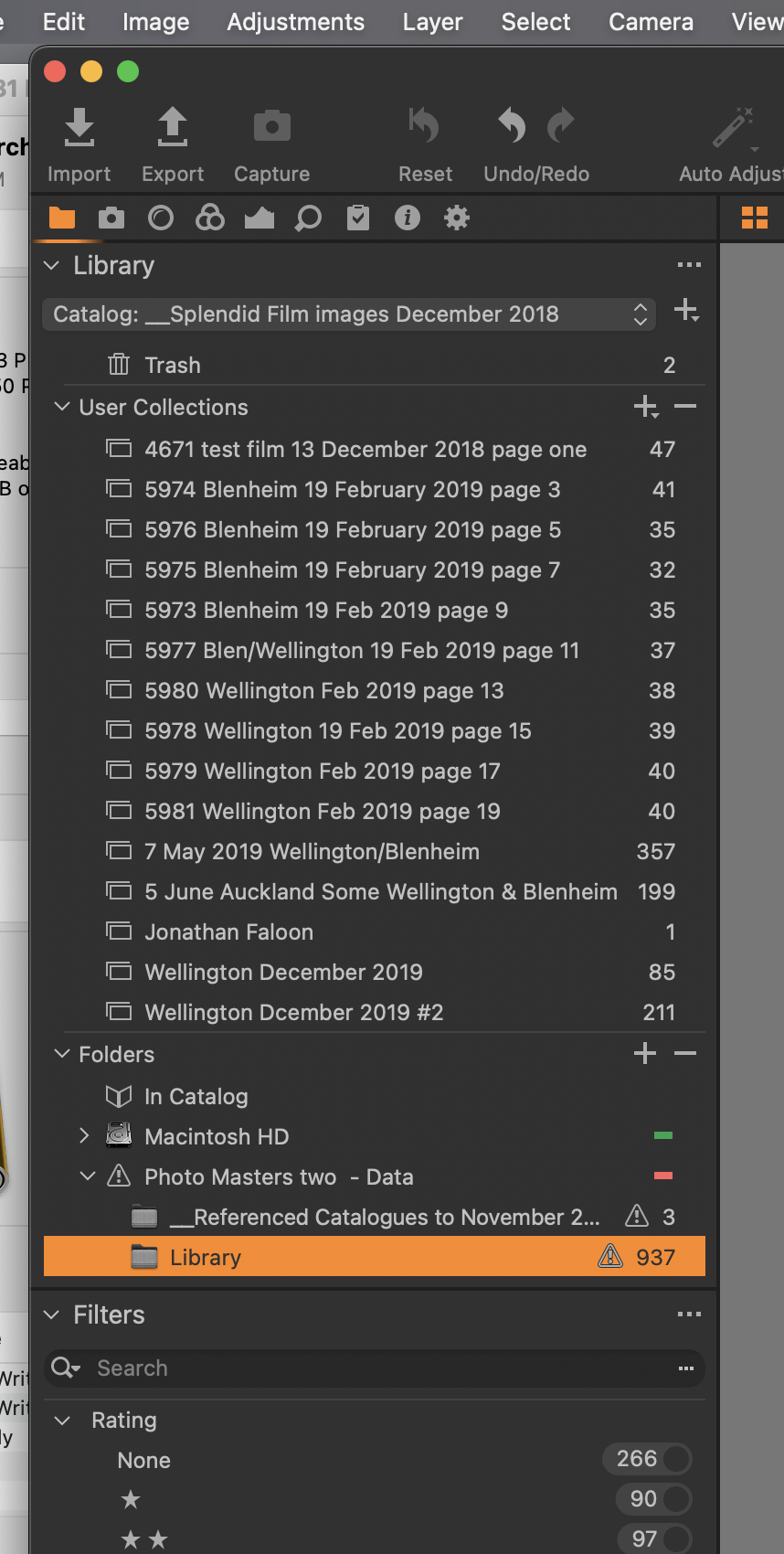
You don't need to locate each image, one by one. You just have to right click on the folder, then "Locate..." if Capture One has lost the path, or "Synchronize..." if you want to re-import missing images.
0 -
Thank you very much for getting back to me on this Robert. I think the problem may be greater than I first realised - All my catalogs have been locked - read only and I had an Apple support person helping with this. The catalogs were put onto a new external disk which succeeded with the unlock but now the majority of the catalogs are "Offline." I'm going to put this issue to online support and see if anyone has an answer...
Peter
0 -
Peter, did you get an answer to this. I also put my images onto a new external drive and now every picture I select shows as off-line?
Thanks John Rickard
0 -
If you use finder to move your pictures, C1's catalog does only know "pictures are no longer in the location they used to be". better to do this kind of picture moving within C1. In your library you can ... no, sorry, I don't want to confuse you more and it takes time to explain that properly. And since I'm not responsible for Capture One's library concept, please ask their support or wait if somebody else wants to dive into. It's fixable, but could be easier.
0 -
Joachim, thank you for your response. My external drive shows on my desktop but doesn't show up in C1s list of folders so there are issues to resolve. I've sent a detailed explanation to C1 support of how the came to be start to finish (I used a new external disc) and will wait to see what they say. Many thanks John Rickard in the UK.
0 -
My external drive shows on my desktop but doesn't show up in C1s list of folders so there are issues to resolve.
Have you given Capture One permission to see external drives?
Open System Preferences. Select Security & Privacy. Click on the Privacy Tab. Scroll down the left hand panel to Full Disk Access. Is Capture One listed? If not you'll need to click the Lock icon to unlock the panel then click on the + to add Capture One 21.
At least that is how it is set on my machine and Capture One has no problem accessing my photos on an external SSD. Permissions seem to be granted automatically in certain situations and need to be manually allowed in others. I think that is an Apple thing -- not sure.
0 -
Marco, thank you very much for this contribution. Checked all you said but C1 does have full disc access so the mystery continues.
0
Post is closed for comments.
Comments
7 comments