Iris Enhance Bug

Sometimes when using the Iris Enhance Brush a faint diagonal line appear going from the eye to the Top Left of the screen. Turn off the layer and it disappears, turn it back on and it reappears.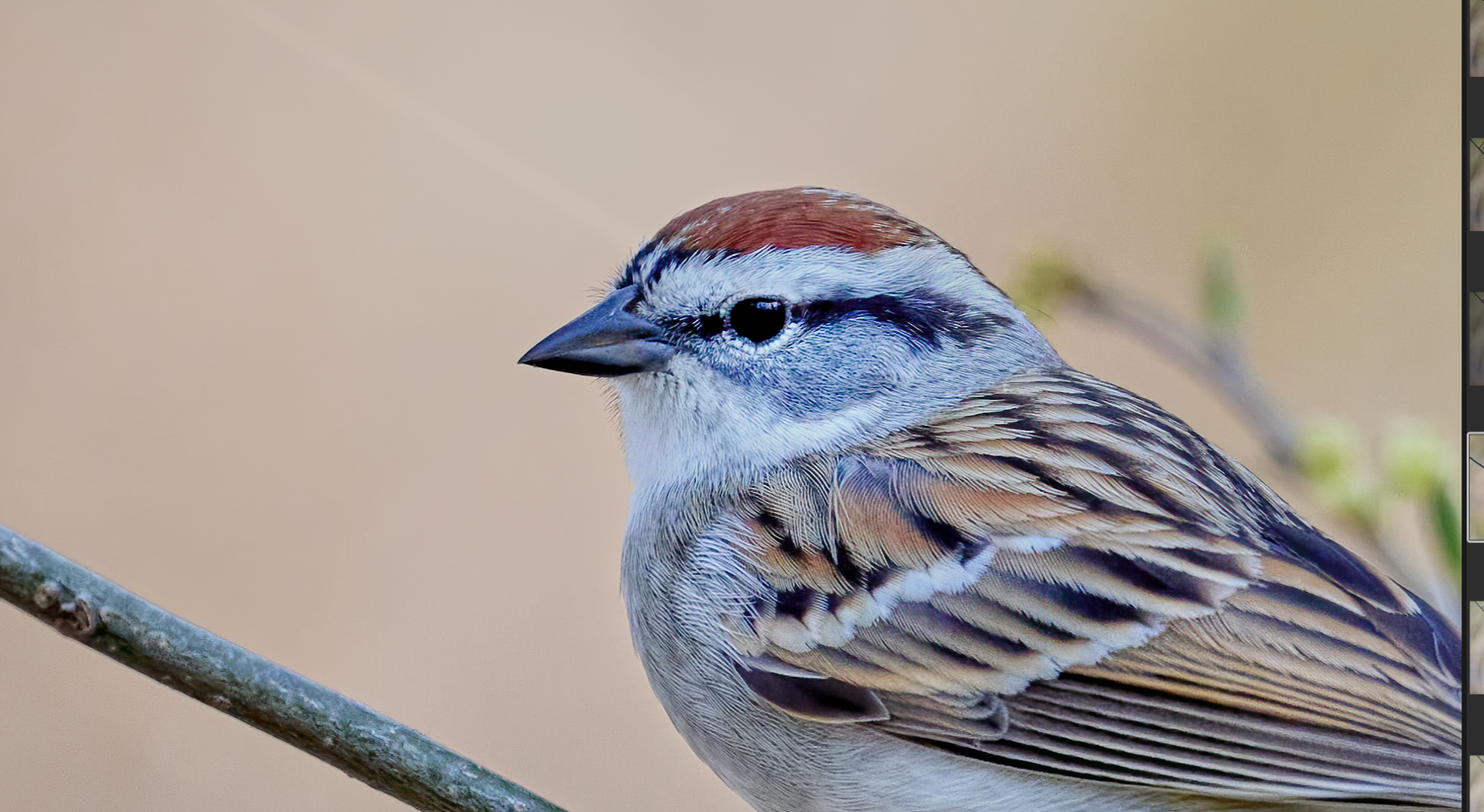
-
Can you show us a screenshot with the mask turned on? Has a a diagonal line of masking somehow been applied?
And what are you drawing the mask with? (Mouse? Touchpad? Wacom tablet?) Is it somehow sticking? Does this only happen with this particular brush?
Ian
1 -
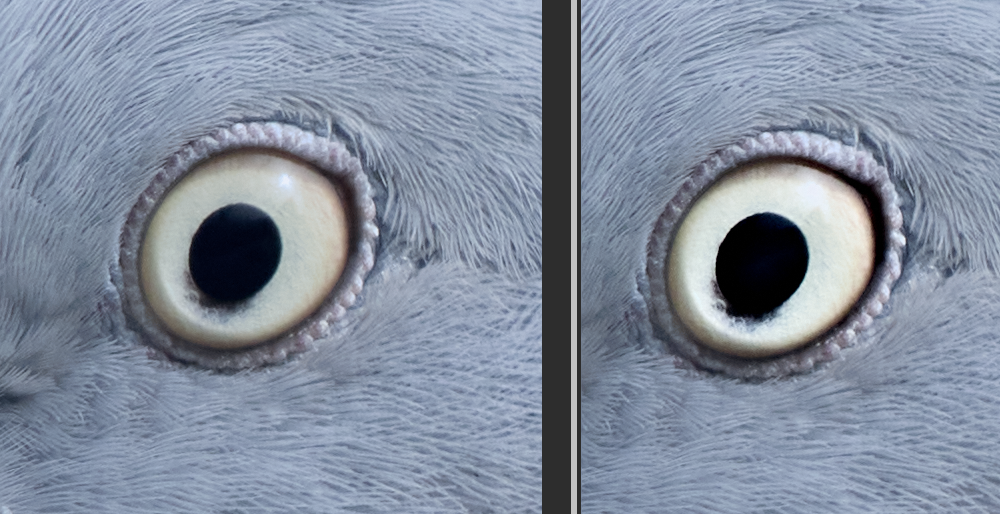
By the way, thank you - it hadn't occurred to me to use the Iris Enhance style brush on birds. It works! (Woodpigeon.)
 0
0 -
You can see the line in the attached image from the original post. I’m currently view it on my iPad and I can see it. It’s faint but it’s there.
I copied the adjustment in the Iris Enhance and made my own version. It does exactly the same thing by leaving a diagonal line.
I’m using a mouse and there's no mask.
I’ve only started using it recently but looking back I can see it in in other shots.
It’s on the Blue Jay here. http://mikes-photographs.blogspot.com/2021/04/not-today.html0 -
Those look like good pics on your blog - I'll have a browse later.
Yes, I could see the line on the original image.
But there must be a mask - if you have brushed in the adjustment, it creates a mask. You can toggle visibility of the mask on and off by pressing M on the keyboard.
I have an idea that some users said there was an issue like this a while ago with mask drawing but I can't remember when, and I am not sure how to search the forum to find it.
You might try turning off hardware acceleration to see whether the problem persists.
Ian
0 -
It appears it may have been a Mac OS issue. Last night I powered down for the first time in ages and this morning I cannot recreate it.
When I said there's no mask I meant there's no additional masking other than the Iris Enhance mask and that is just on the iris itself. Familiar with masking, especially the branch removal mask tool also known as the Healing Brush. When I created my own Custom Style Brush using exactly the same adjustment parameters as the Built-in-Style Iris Enhance it did exactly the same thing.
I often use it on birds to bring out the eye detail, it's great for that, in fact I love the whole Style Brush feature.
If it re-occurs I'll try turning off the Hardware Acc as you suggested.
Thanks for the advice.
Cheers
Mike
0 -

I have the same issue but with all of the style brushes. Whenever I'm using any brush, it automatically starts to draw a mask when my mouse leaves the slider and moves to the area that I'm brushing, leaving the same mark or line that is described in the original post. Normally I would just go back and erase the line from the slider area to the portion of the image being modified.
0

Post is closed for comments.
Comments
6 comments