Photo does not re-render when zooming in

C1 one works great on my desktop, but when installing it on my laptop, I get an annoying problem. When the photos are fit to screen, they look good, but when I zoom in, it will only show a zoomed in version of the fit to screen photo. In other words, it looks good when fit to screen, but is very blurry when zooming in. How can I get C1 to render the 100% version?
-
Are you working in a session or a catalog? Where are the original image files stored? On the laptop, or on an external drive? If it's an external drive is it connected and does Capture One have access to it?
Ian
0 -
Hi Ian! I'm working in a catalogue. The problems applies both to my own photos stored on a (connected) external drive, as well as the included example photos stored on the internal drive.
0 -

Fredrik,
Are you certain that C1 has access to the original images on the connected drive?
What size are the Preview files set to be? What are your screen resolution sizes on the 2 machines?
0 -
I'm not sure at all, any more. The photos are on my external HD, and I can access them with other apps. However, when I try with C1, it just shows black frames, and doesn't seem to do anything. Same problem with JPG and RAW (RAF). And the demo files that came with C1, which are on my C-drive, have also turned black. I guess I have to reinstall C1.
0 -
Correction.
C1 eventually loaded my photos from the external HD, and now the problem is the same as before.
I assume C1 has access since they just got imported.
Preview size 1920px.
Display resolution on laptop: 1920 x 1080.
I don't currently have access to my desktop.
0 -
Are you running Proofing and an output recipe?
If yes, what are the values in the recipe for Output processing?
Do you have "Hardware acceleration" active? If yes, does it make any difference to what you see if you turn it off? (Or if Off what happens if you turn it on?)
Bear in mind many settings for system defaults have the potential to be different on different computers. So things may get a little tricky trying to think of things to suggest without sight of the images and the system settings.
0 -
No proofing and no output processing.
I have just imported the photos, and that's it. In addition, there were some photos that came with the software, that are found on the C-drive. The problem is the same for all.
When I start C1, the "rotating star" at the toolbar on top just keeps rotating. It seems the program is working on something, but I don't know why.
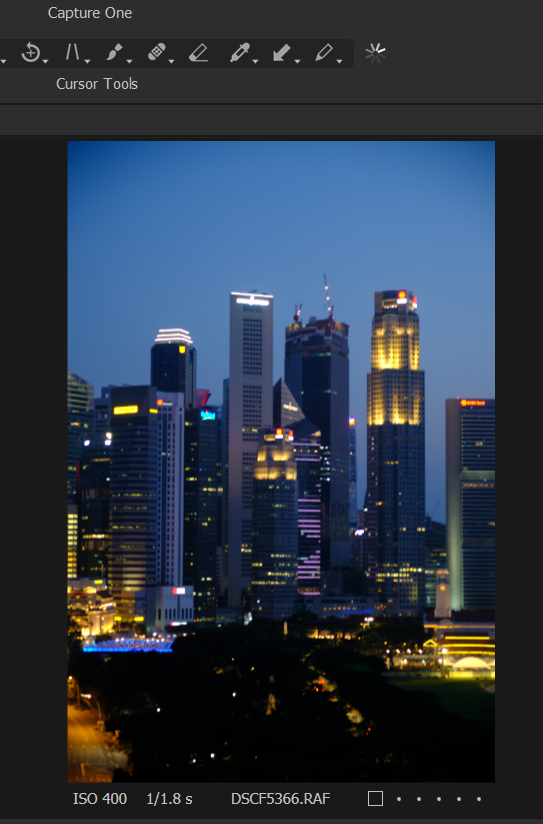
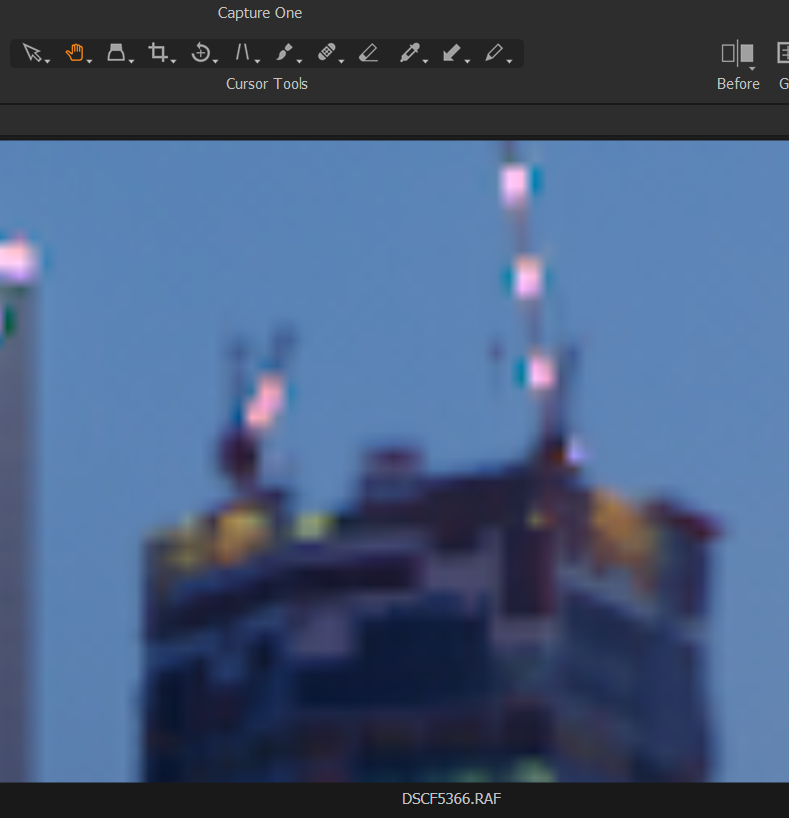
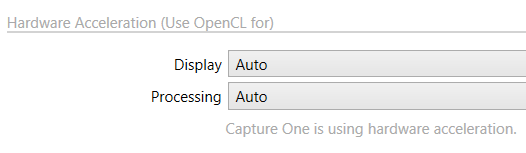 0
0 -
If you set the preferences for Hardware acceleration to "None" does it make any difference?
Also if you turn the Activities window on does it report any activities that seem to be running perpetually?
What percentage of zoom are you using?
How big (in pixel dimensions) is the RAW file?
0 -
I think I need to do a re-install. The software is very slow, and will not shut down when I try to. I have to force it to close.
0

Post is closed for comments.
Comments
9 comments