Photoshop round trip files come back pixelated

Greetings,
I am having some issues with the "round-trip" to Photoshop with some files. I 'edit variant' into Photoshop but when they come back, about half of them have blocks spread out that appear pixelated with large blocks of that issue(see reference pic). Any one have any idea what is going on?
IMac 5K 27 inch 2019
Radeon Pro Vega 48
Mojave 10.14.6
Adobe PS 21.0.3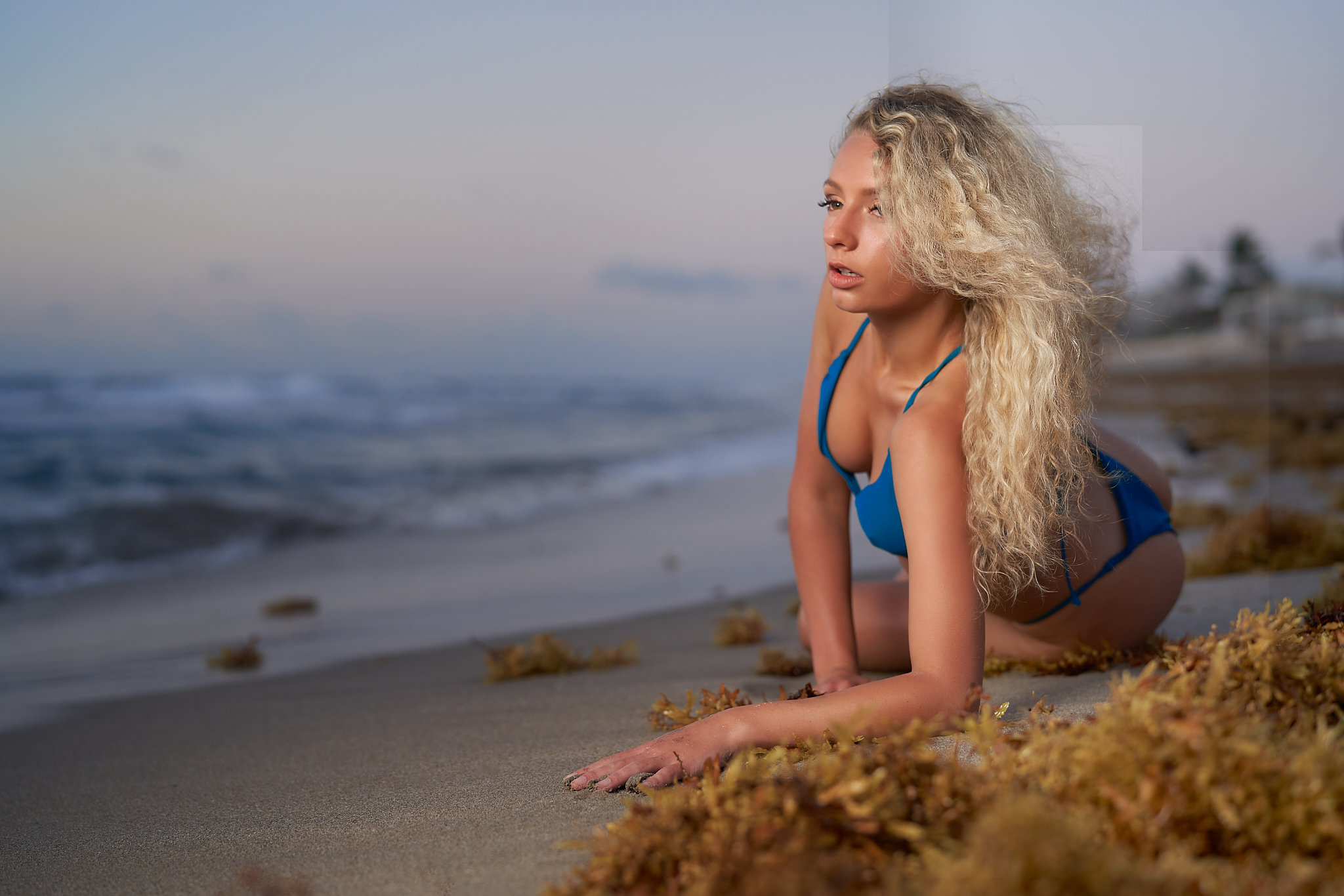
-
(1) What format are you round-tripping to PS in? PSD, TIFF?
(2) Are those blocks seen in the file when it's arrived in PS?
(3) Are those blocks seen in PS after you have finished working on the file?
(4) If the blocks are only seen when you get back to Capture One, then
(a) have you tried regenerating the preview for that file, and
(b) have you tried turning off hardware acceleration to see whether that makes a difference?
Ian
0 -
1. PSD
2. NO
3. NO
4. It's not only on the preview because when I export it, the blocks are there. I have not, but will try that !
Thanks will report back.
Vito
0 -
So I turned off the graphics accelerator and played with 2 files in PS on the round trip. They did not come back with any issues but PS is almost unusable without the accelerator. I tried some liquify and other things to manipulate the image and I felt like my computer just aged 10 years !
So that is not a good solution for me at all.
Vito
0 -
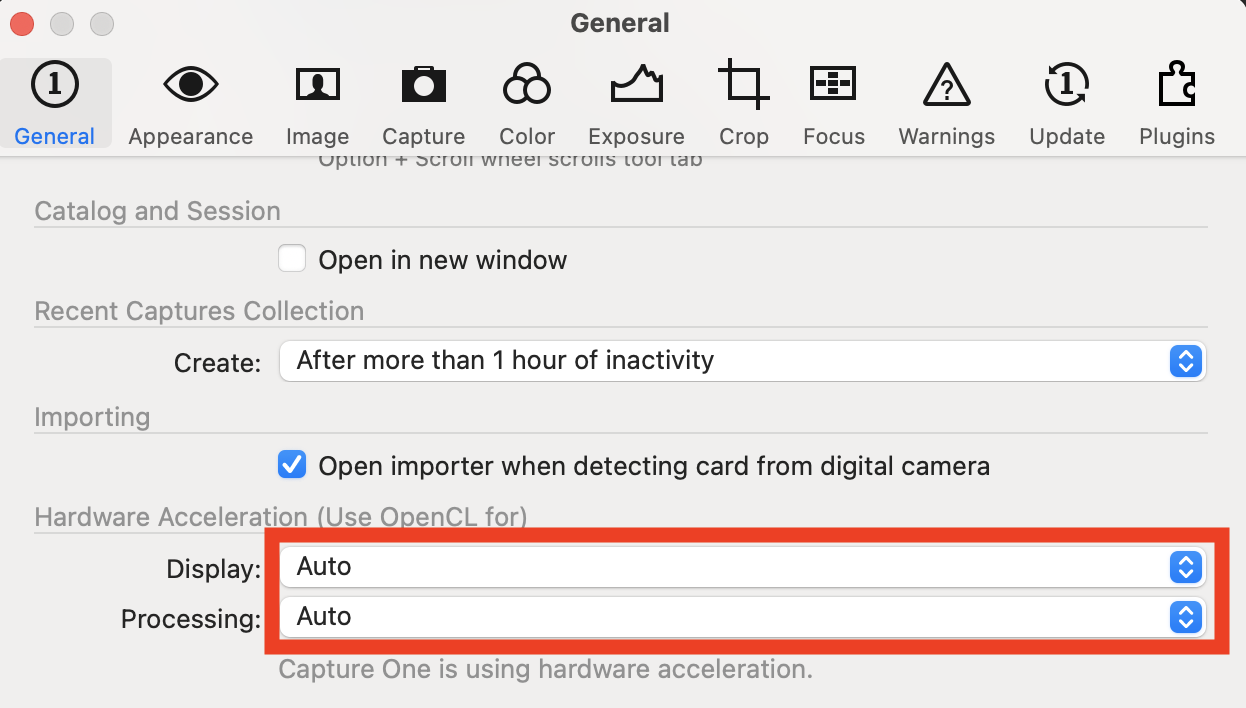
But it helps narrow down the problem. You don't need to turn off hardware acceleration everywhere, perhaps. You could try just turning it off in Capture One, in Preferences. Again, to see whether that makes a difference to the problem.
It's on the General tab in Preferences.
Ian
0

Post is closed for comments.
Comments
4 comments