Exporting/Moving jpeg images

Good morning/afternoon everyone. First post and relatively new CO users. I shoot jpeg/raw and have both imported into CO. I have close to 600 jpegs that are un-edited that I have applied keyword tags to both the jpeg and raw files. What I am trying to do is sort/relocate the jpeg's based on the tags. The photos are from a baseball game and I tagged all of the jpegs with the player number and last name. My goal is to take the jpeg's (unedited) and move or export them to folders based on the players number. Is this something I will have to do manually? I know I can filter by keywords and then just export them but that will be creating duplicates. I guess I could go back and delete the originals after they have all been exported but that seems like unnecessary work. Any suggestions would be greatly appreciated.
-

Hi Dwayne,
if you add numbered player folders along the original jpgs, you can
sort by tags previously assigned images by dragging them in the
proper folder. This operation will NOT duplicate the files but move
them to the new destination.
All the folders are retrievable in the original folder along the RAWs
that will stay back.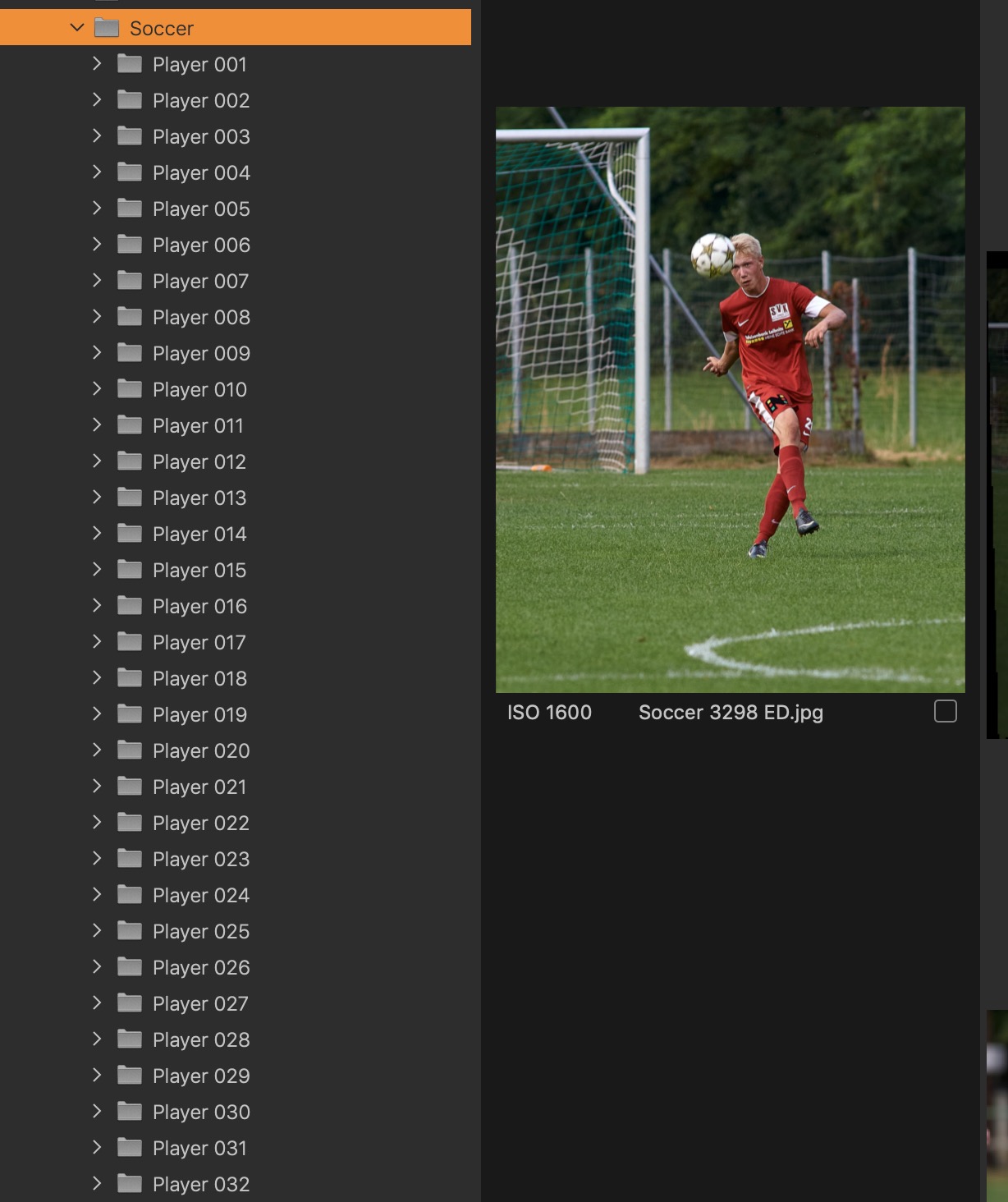 0
0
Post is closed for comments.
Comments
1 comment