License Problem on Mac: Old C1 v12 ––> New C1 v21

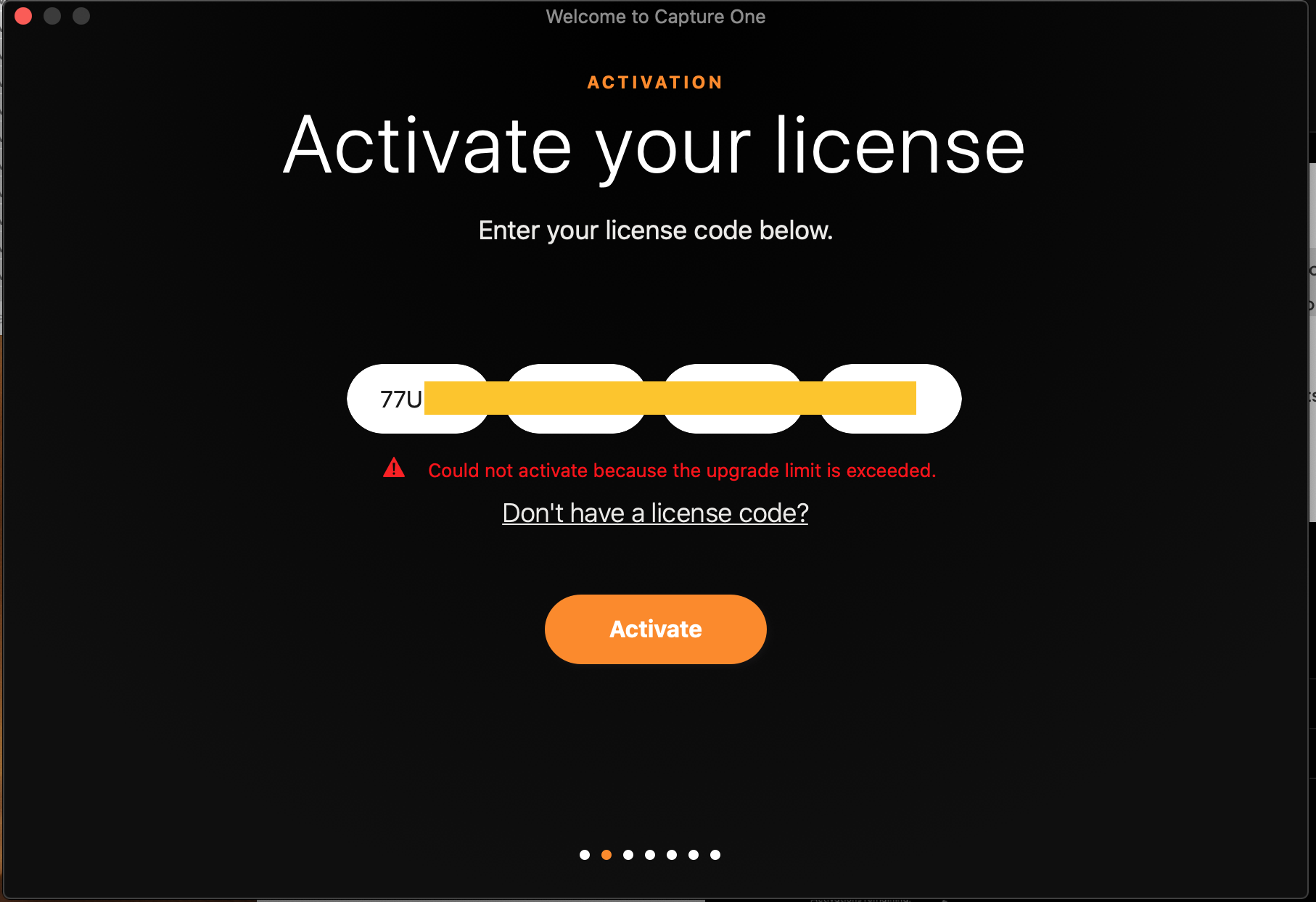
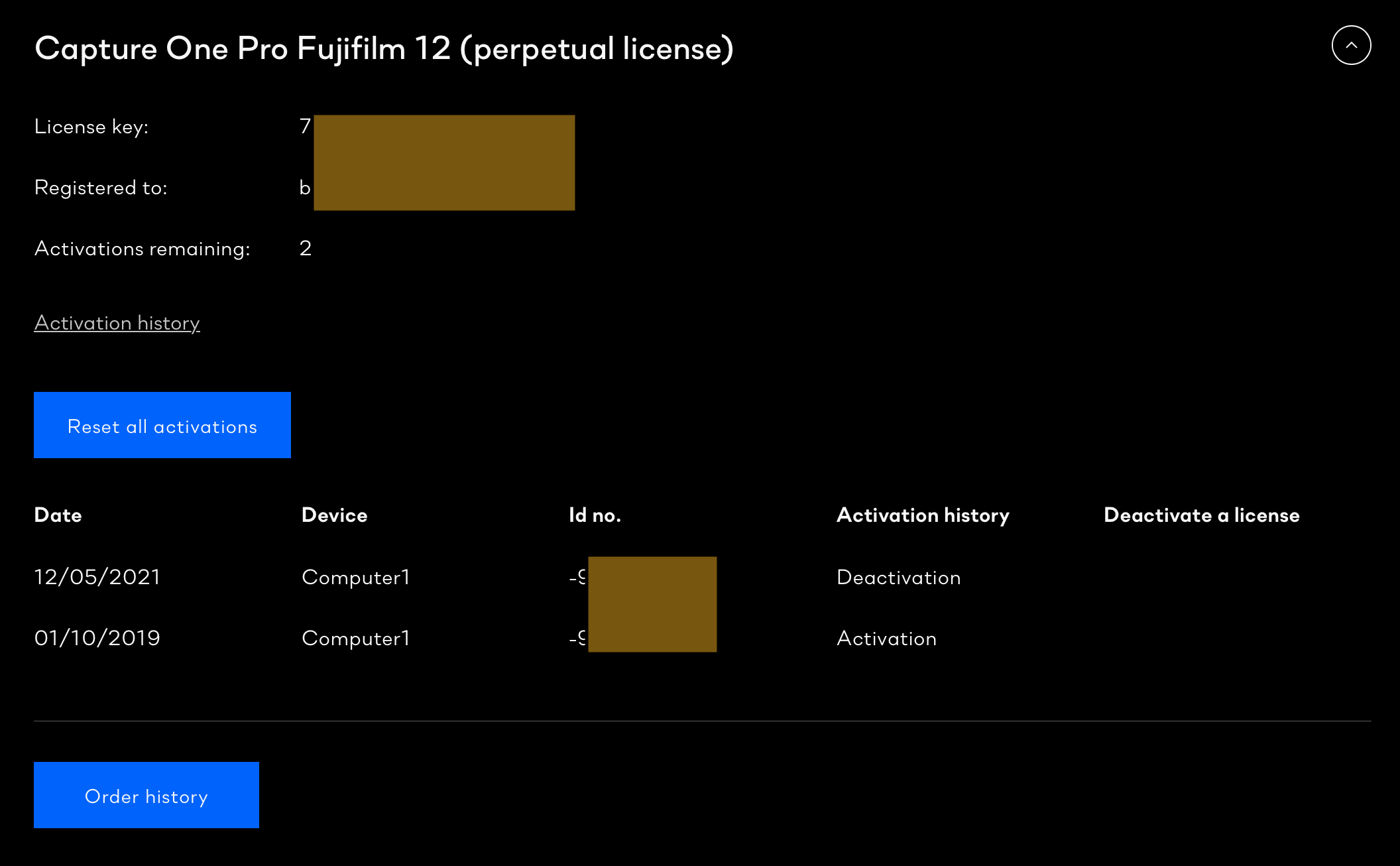
I am reinstalling C1 on my Mac after the previous hard drive died.
'Could not activate because the upgrade limits exceeded.'
Thanks for your help.
JD
a)
b)
-

Have you also installed V21 and activated it?
Is the license activation code you are using for the V21 purchase or the original V12 purchase? What you wrote suggests it is the new code but I don't feel comfortable just assuming that without checking.
Once you have purchased the upgrade key that will be the code registered to your account and the one that needs to be used to access the V12 installation.
It may be that for some reason you need to install V21 and activated it before then re-activating V12?
Have you already used the "Submit a request" option to ask Capture One directly for advice? If not it would probably be a good idea since this is mainly a User to User forum and unless someone has had the same experience AND happen to be visiting here, you may not see a useful reply.
0 -
SFA
thank you for your reply, I apologise for not being about to answer quickly.I think I understand now, I have to update (pay again) for my Perpetual License – I don't mind because it is quality software, but I thought I paid for it forever.
thanks again,
JD0 -

Common misconception. A perpetual license means you paid once for a specific version. You can use that version forever... meaning you can use it as long as you have a computer and operating system that can run the software. That is fine for some people. But if you buy a new camera or in some cases a new computer you may need to get the latest version of the software. For that you have to pay again.
In recent years a new Capture One version is released every year. Minor updates to that version are then made during the year. Those are free. Next year, if you want or need the latest and gratest version you'll have to buy again.
0
Post is closed for comments.
Comments
3 comments