Capture one and Canon 1dx III default out of the camera deceiving result

Hello !
I am using capture one to develop my 1DX III files since it is compatible but I am really wondering if the profile is right, at least for pictures done in studio where the problem looks obvious.
The pictures imported in C1 look underexposed by easily 1 stop when simply compared to Canon Digital Photo Professional 4. Being so it doesn't make a good starting point as I need to push the exposure by 1 stop systematically to start working on the pictures when I could just export from DPP 4 and it looks absolutely fine the way they are by default. But I am using C1 to go beyond the default process of course to apply a style. It is nevertheless not so good to start the process from such a dark picture.
Here are 2 samples image to illustrate my meaning.
C1 by default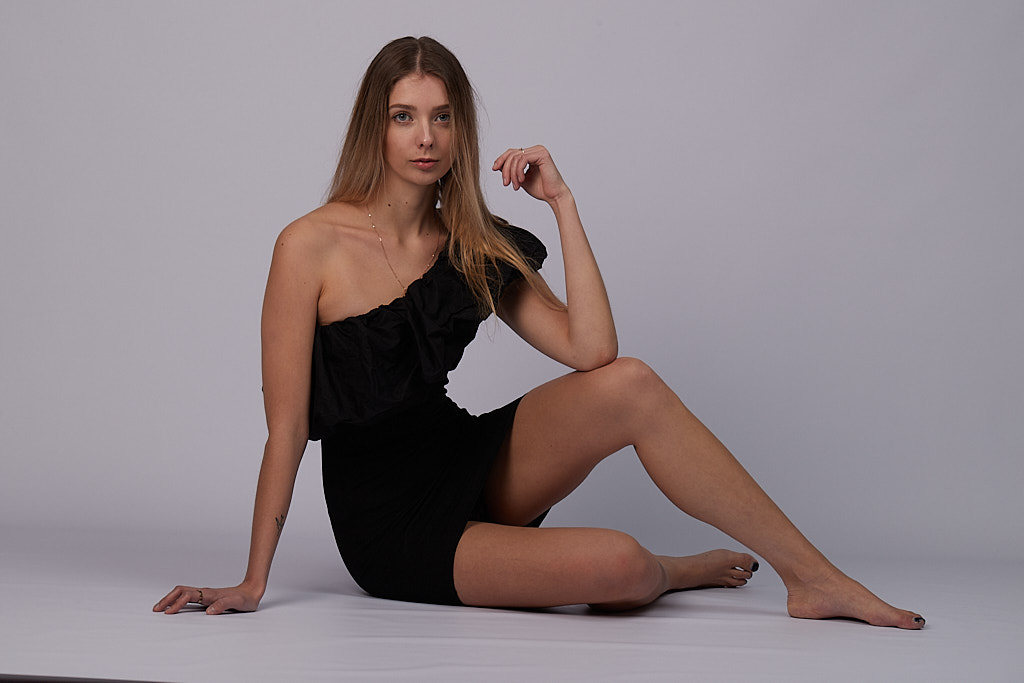
DPP 4 by default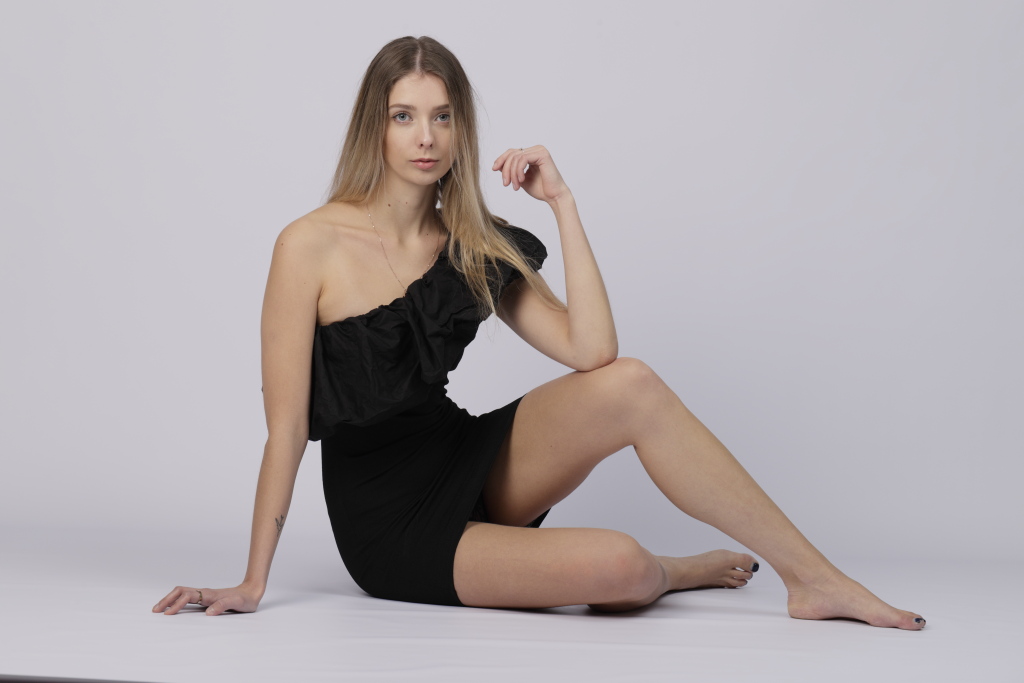
Interestingly this phenomenon isn't encounter with the 1DX mark 1
Capture one 20 :
DPP 4
We see here that developing a 1dx raw, C1 is doing a better job than DPP 4 !
With the 1dx 3 obviously that is not the case.
Is it really right the way C1 handles the 1dx raw files ? (precisely the cRAW files, compressed ones but I did the test with non compressed raw, it goes the same).
-

What settings do you have in the Base Characteristics tool for each of the cameras?
0 -
For the 1Dx 3 it is Profile ICC Canon EOS 1Dx Mk III Generic & Curve to Auto,
For the 1Dx 1 it is Profile ICC Canon EOS 1Dx Generic & Curve to Auto.
I tried for the 1Dx 3 to set the profile to 1Dx Generic instead of 1Dx Mk III Generic, there is no difference.0 -
OK.
Having established that as a baseline is there any possibility that either camera has some sort of additional default processing applied automatically?
If you set both to "Linear Response" how do they then compare?
Does the image look different (in relation to your concerns) when viewed at 100%?
0 -
Also, did you have any in-camera adjustment features active when taking the shot? Something that would be burned into the in-camera jpg and picked up and processed by DPP but would be unknown to Capture One?
0 -
 Permanently deleted user
Highlight Tone Priority enabled in the Mk III?
0 -
Good morning everybody,
Thanks for joining the discussion to help.Keith R, you nailed it !!! :)
Indeed my camera have Highlight priority set up on D+2. I made a test on this setup, D+ and Off.
Results: on D+2 it is rendering darker whereas on the other 2 it renders correctly. Tried in parallel with the 1Dx, with D+ and Off I get the normal rendering.
There is no difference in rendering on both cameras between D+ and Off actually.Note: on DPP4 is renders the same whatever the setup made on highlight priority.
So D+2 was the problem. Thanks Keith !
@SFA, I tested the linear curve setup as well. Result, it goes the same way as mentioned on the Highlight priority setup. Meaning with D+2 on the 1dx3, even in linear mode you get a darker image than with the setup on D+ or OFF or with 1dx either mode.
Test on a grey background: to achieve the same result between D+2 and the other settings, I need to push exposure exactly by 1 in C1 on the D+2 image.
By curiosity Is this rendering in C1 for D+2 supposed to be normal ?
As I also do weddings, I use this setup to always protect highlights on bride dress and yes pictures are rendered also darker. It looks like I have to abandon this habit, the correction is too strong in C1.0 -
Permanently deleted user
HTP underexposes files by about a stop - that was my clue - and the setting is only read by DPP, hence the darker images in Capture One.
0 -
To notice that it is only the new setting of HTP D+2 in the 1Dx3 (I don't know about the 1dx2) that is not read by C1, the setting D+ works.
I can only confirm your clue with my test, 1 stop down it is what it does.
That's the conclusion :)
Best0 -
Olivier,
As Keith R has already observed the HTP correction is burned into the exposure (just like back in analog days!) and then, presumably, reversed (either fully or in part) by internal JPG processing by the camera and, to match that, DPP.
I suspect that the 1DX3 has exceptionally good internal jpg processing.
When I ran some checks on what it could do based on sample images that were RAW + Jpg I found it quite a challenge to better (or even match in some cases) the JPG images from the camera. It occurred to me that if I became an owner and if I continued to shoot events (including weddings that I would always avoid - brave of you to make that your market!) I would seriously look at working with the jpgs for speed as well as appearance.
However, C1 tends to have some great options for either brightening an intentional under-exposure or reducing an over-exposure. Or, if necessary, providing for controlled exposure compression at both ends of the exposure.
Or you may find that adjusting HTP (if that is possible) or simply making embedded exposure adjustments that are less aggressive than HTP would provide a starting point closer to that which you would prefer.
Likewise the Auto curve selection in Base Characteristics might not be aligned to your preferences and something else - perhaps including Linear with your own created and saved default preferences applied for the camera when shooting weddings - might be a useful option.
0 -
Olivier,
"To notice that it is only the new setting of HTP D+2 in the 1Dx3 (I don't know about the 1dx2) that is not read by C1, the setting D+ works."
In this situation, you might want to bring your observation to the attention of the C1 technical team using the "Submit a request" function. Perhaps it is something that has been overlooked when the Mk3 support was introduced?
0 -
Hello SFA,
Nice remarks you are making here.
I think I reversed the logic, C1 reads the D+2 reading (but incorrectly or too strongly) as it underexposes the frame by one stop when on other settings it renders well or maybe not at all.
To submit a request to the C1 technical is a thing to do, I will follow your advice.
I just watched "Highlight Tone Priority : Ask David Bergman" video on youtube to dig a bit the subject.
My decision is as I shoot always raw, be it in studio or wedding (thanks for the compliment SFA), I want to be in control and I really do not especially need this setting in the camera. So I dialed it back to D+ only just for the sake of it, and all the rest with be taken under control in C1 for fine tuning. But at least now, I will have a good start :)0
Post is closed for comments.
Comments
11 comments