Auto adjust on layer only

Is it possible to have Auto Adjust applied to just one layer so it can be turned on/off for reference.
THX
-

— " so it can be turned on/off for reference."
Yes, it is possible, Colin.
- perform an Auto Adjust on the background
- create a new filled adjustment layer
- manually reproduce the same adjusted values from the BG to the said layer
- cancel the Auto Adjust on the background
Turning on/off the layer will display the unaltered background or
without the fuss of that layer, simply use the relatively new tool "show image
before adjustment" in split screen or in toggled views…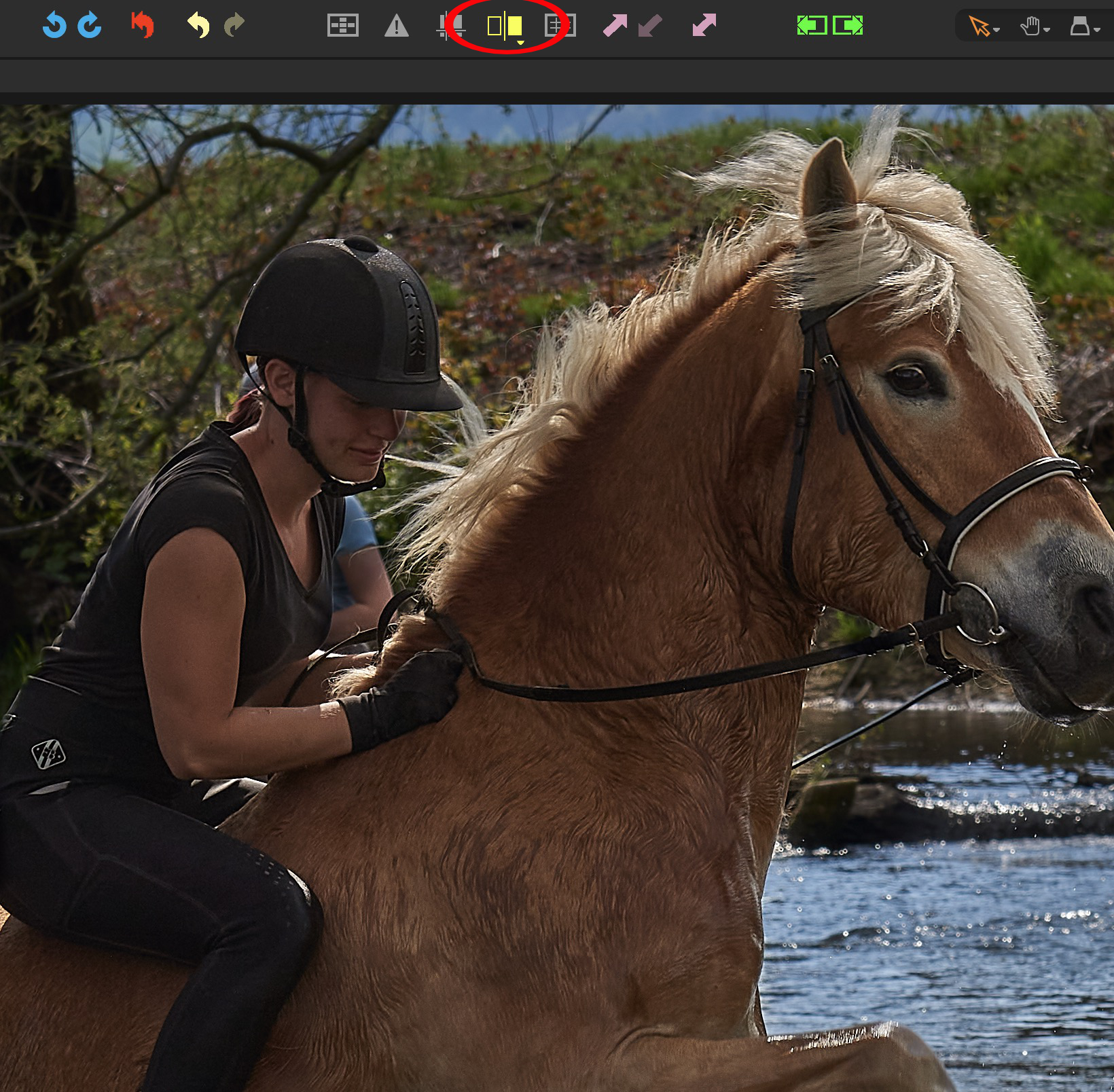 0
0 -

Colin
Whether this would work for you, I don't know but in addition to Nikon Shooter's suggestion, you can always simply create a virtual copy of your image before you do anything: Image > New Variant
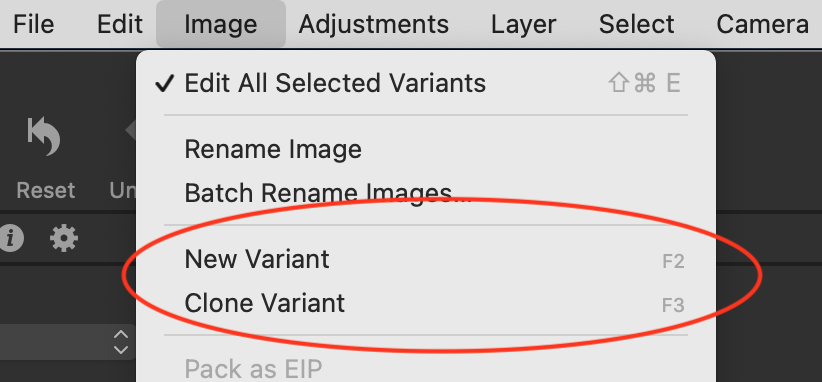
For that matter, you can add an unedited variant at any time by hitting F2.
0 -
Thanks @Nikon Shooter
Is there a quick way to know what adjustments Auto Adjust makes? I don't mean the checkmarks for categories, I mean the changes themselves in the inspector panel.
Cheers
0 -
ColinS,
some tools have their own auto adjustments which may all be applied to
the same layer in one move and then reset on the BG.
Shane's idea is an other good one!0
Post is closed for comments.
Comments
4 comments