Aplicar rotación como ajuste a muchas fotos

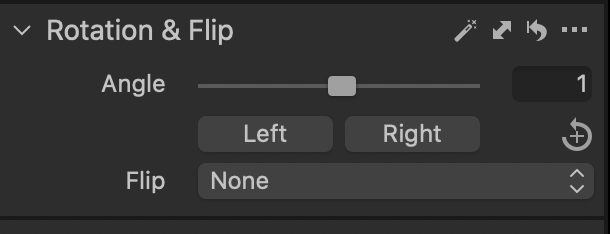
Hola, he rotado una imagen a la izquierda un valor 1 y necesito aplicarlo a un gran número de fotos. He intentado pegar el ajuste a otra foto y parece no funcionar.
¿Hay alguna forma de hacerlo en bloque?
Muchas gracias
-

Hola Jose.
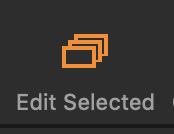
Make sure the 'Edit All Selected' icon is on (orange)
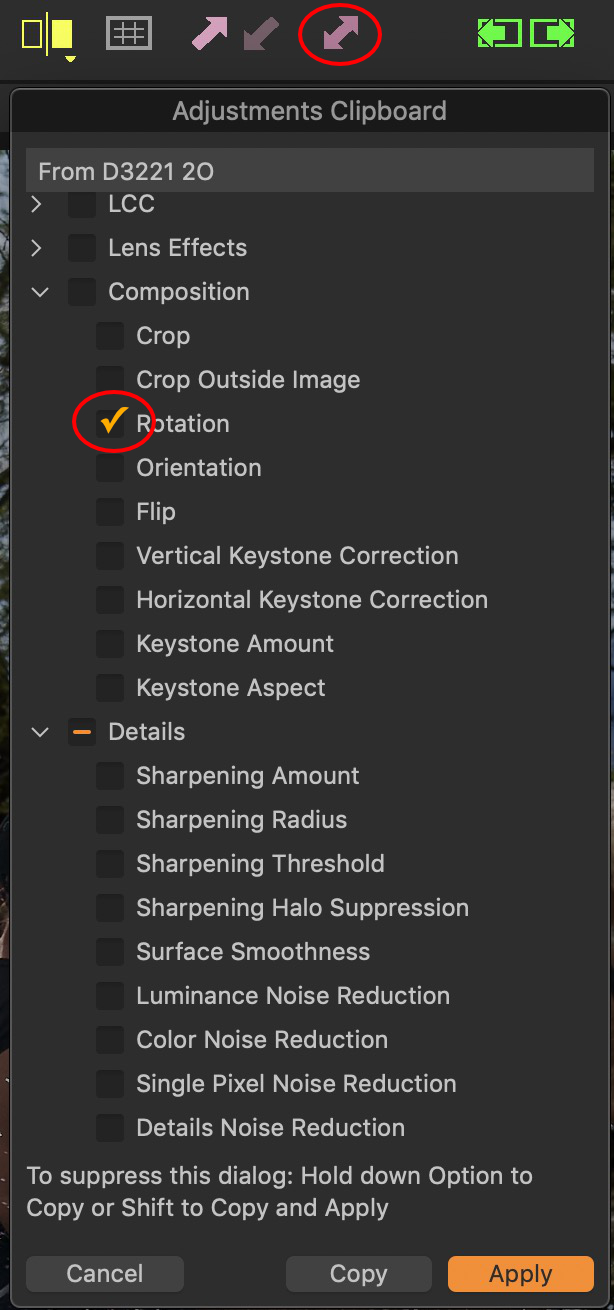
The double arrow key should allow you to copy and paste the setting to multiple images at once.

Also, check if you have the most recent version update. If your license key is valid for Capture One 20, then the the last update for that was version 13.1.4, which you can download here: https://www.captureone.com/en/account/download/previous
0 -

 0
0 -

If the Rotation adjustment is to be selected together with other adjustments from an image and copied to many others BUT the Rotation changes are not automatically selected for the Clipboard Tool, check the Adjustment Clipboard tool's value for "Autoselect".
"Composition" related adjustments can be excluded from the Auto selection. They will be copied anyway, but not automatically selected for use when pasting to another image. Whether it would help your needs to make them selected automatically is something only you can decide since there are several other possible adjustments that would also be auto-included as "Composition" that you may not want to apply to all selected images.
0
Post is closed for comments.
Comments
3 comments