Processing Recipe Message

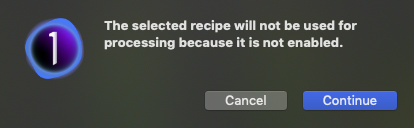
What does the message mean in the attached screen grab? I have been getting these every time I go to process a selected group of images since updating to C1 21.
Thanks
-
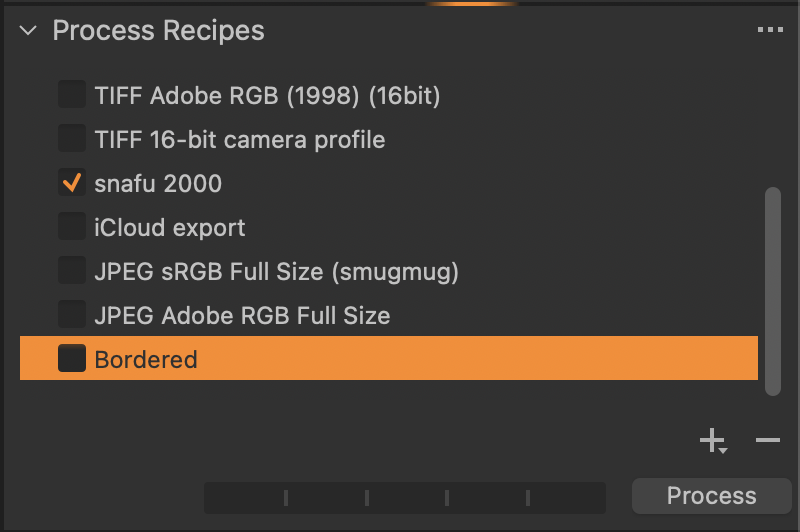
The message says you've selected a recipe -- the title is highlighted -- that will not be used because you have not clicked on the check box. The recipes to be used are checked. The recipe that can be edited is selected.
If you want the message to stop select a checked recipe or check the recipe you've selected. that that before hitting the process button. Which you choose depends upon your desired output.
0 -
HI Marco,
Thanks for trying to assist. I guess I need to ask a better question. Why am I getting this message when to my knowledge I have not selected any processing recipe, that I am aware of? In the tab, 'Process Recipe' I have different options set such as Output DPI, ICC Profile, Format etc but I did not realize that I needed to enable that. I just thought that you set those paramiters and click process and that is all that is necessary. Do I ned to enable that and if so where?
Thanks
0 -
There is always a selected recipe. The process recipe pane with its various tabs shows data from the selected recipe.
A selected recipe I clicked on:
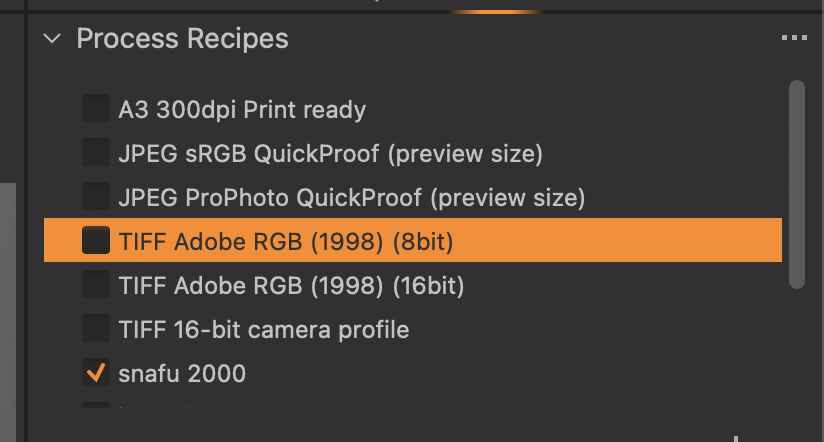
If I click away onto the browser or viewer window the orange goes away, but the recipe is still selected.
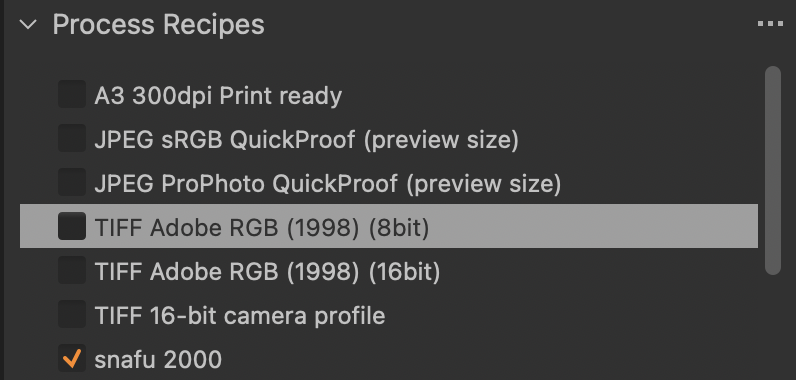
If you do not see a selected recipe it's likely because it has scrolled out of the Process Recipes list box.
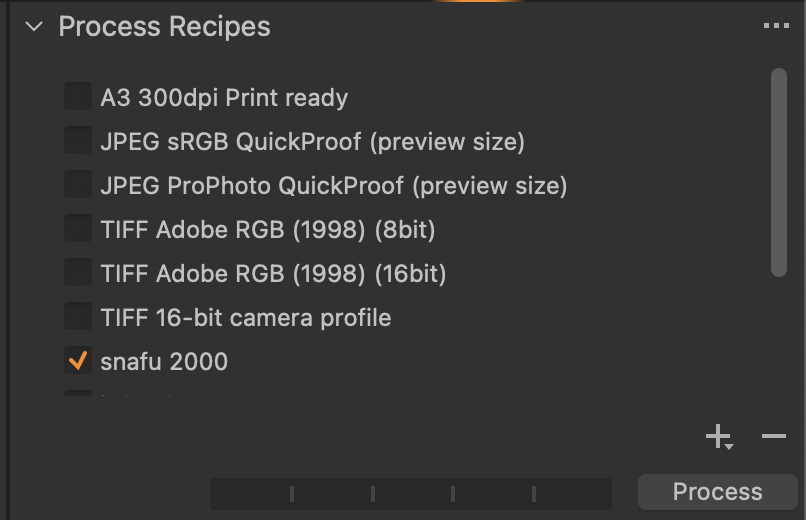
When I scroll down I see it.
 0
0 -
So in your case above, one Recipes is highlighted in Orange and a different one is checked. So which Recipe gets applied by C1 doing the export?
0 -
Only checked recipes get applied. All of them. You can have multiple recipes checked at the same time. Selection only picks which recipe can be edited. The warning is a reminder that the recipe you are looking at/editing is not checked and won't be applied.
0
Post is closed for comments.
Comments
5 comments