How to delete a style because it is imported repeatedly?

How to delete a style because it is imported repeatedly?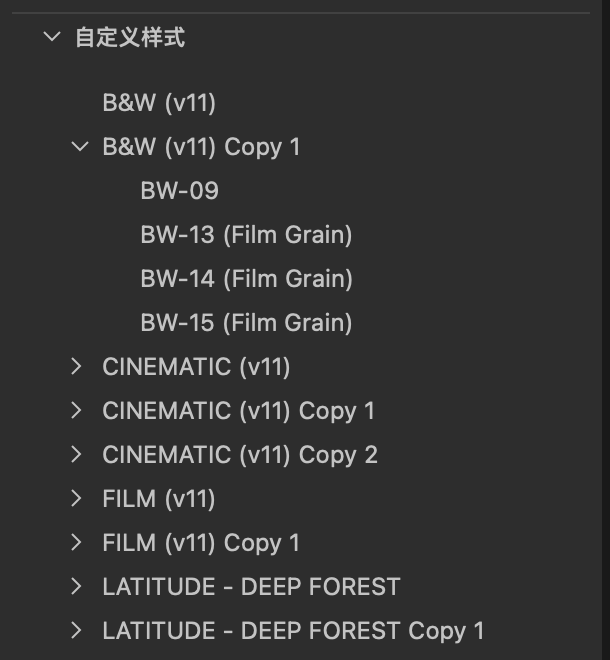
0
-

There are 2 ways. The easiest for you is probably to go into the Styles menu (the brush icon in your toolbar). "Delete Style" is the bottom option, and from there you can delete one style at a time.
If you're comfortable using the Finder, Quit Capture One and then go into your User Library—>Application Support—>Capture One—>Styles, and then delete and/or organize the styles as you wish.
BTW: if you explore the other folders in the C1 folder, you'll find that you can do the same for Workspaces, Process Recipes, Presets and so on. Just be careful because anything you do in those folders will be reflected in C1 the next time you launch it.
0
Post is closed for comments.
Comments
1 comment