Not able open multiple files in Photoshop

Hi
When i select multiple files and do open with/Edit with an option for photoshop.
It asks for to choose the default application and select photoshop and click open.It only opens the FIRST file. For other files, PSD files created but not opening in photoshop.
I tried multiple time the scenarios. The same thing happening.
I checked the Tick mark also, every time.
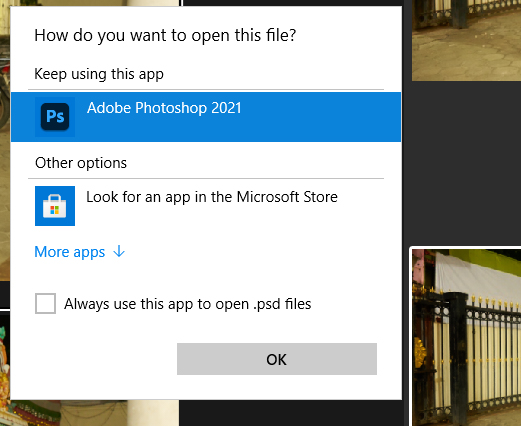
it's bit cumbersome to have top open files one by one.
Much appreciating your help
Thanks,
Bhagathkumar
-2
-

The same thing happens to me!
Thanks
Gianni
0 -
I solved. Uninstalling cyberlink powerdvd 21 everything is back to working properly!!
Gianni
0
Post is closed for comments.
Comments
2 comments