capture one introduces dust???

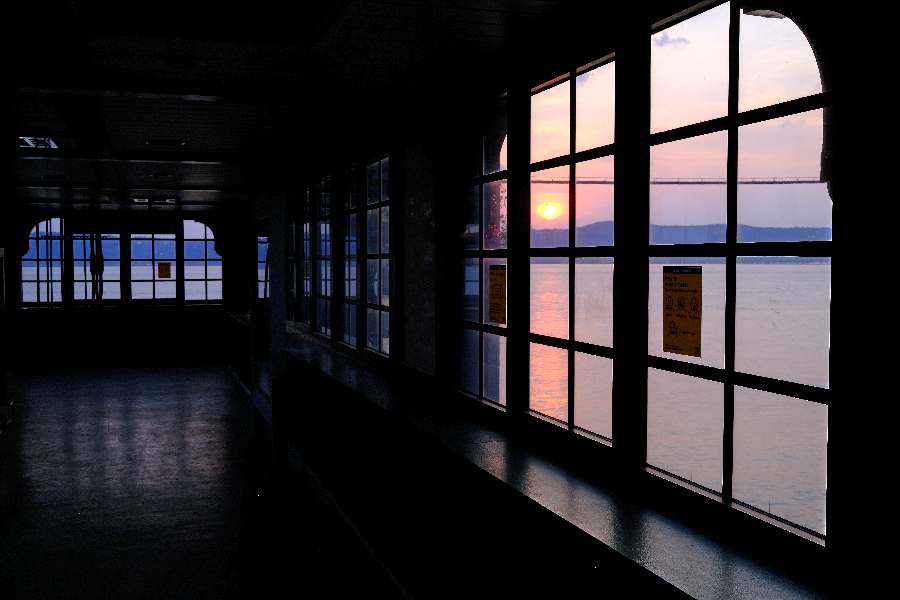
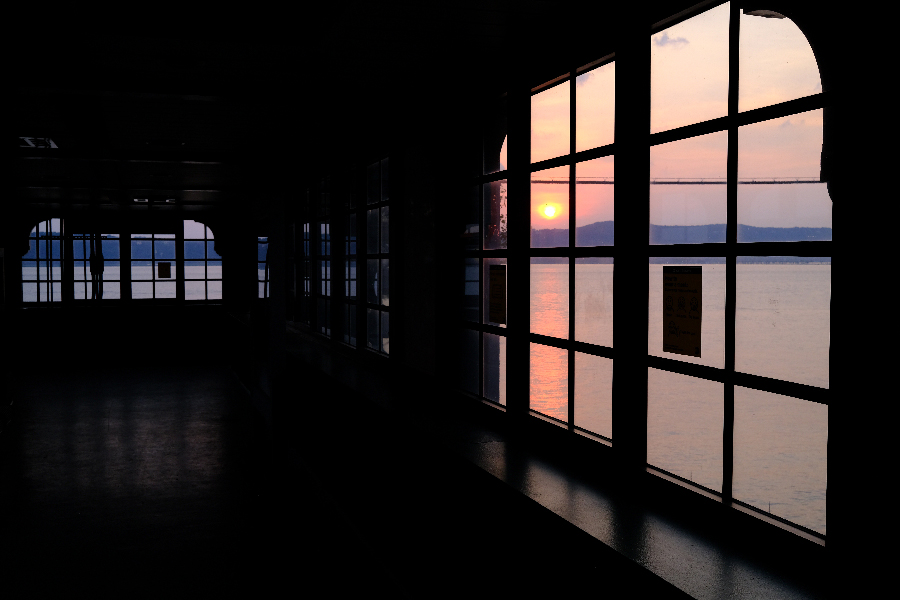
I've shot a hallway where there are large areas of black, maybe a hundred exposures. The dailies look fine. I imported my select into capture 1 and applied corrections, simple adjustments. I bring it into photoshop and I'm working very enlarged and I see white specs in the black areas that look like dust, sharp focus, pure white, irregular shaped little white flecks. What the hell, dust on the sensor? Yes, but they'd be black, right? I open the original in photoshop. No specs. The frames before and after, still in photoshop. No specs. I go back to the image still loaded in capture one and damn, there they are, lots! I open frames before and after in cap 1 and spots are there too, in different places this time!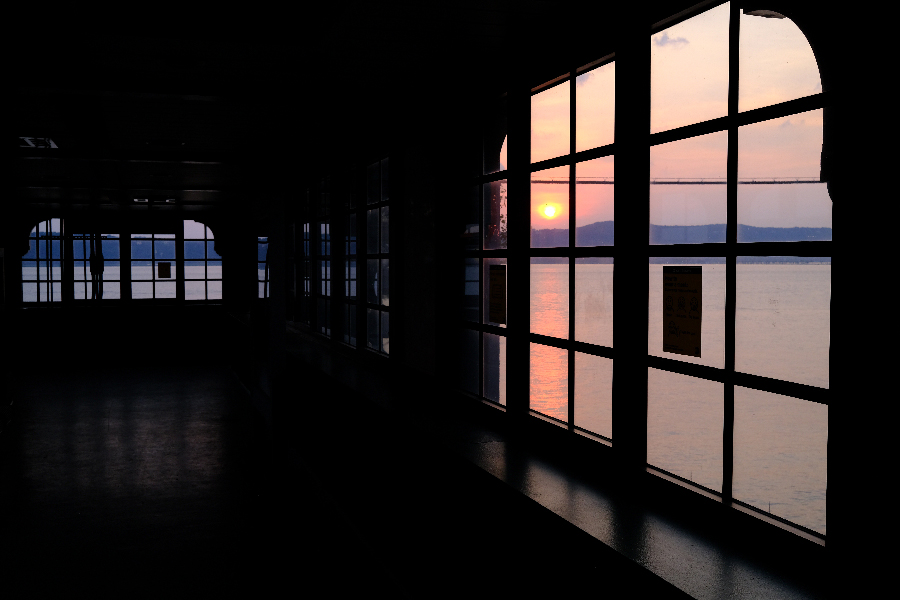
-
 Permanently deleted user
That's not dust, it's hot/dead pixels on the sensor. Make sure you have the "Single Pixel" slider activated in Capture One's Noise Reduction panel:
https://learn.captureone.com/blog-posts/how-to-fix-permanent-hot-pixels/
Note however, that opinions about its effectiveness vary:
0
Post is closed for comments.
Comments
1 comment