CaptureOne 21 asking to locate Capture One 12

Hello.
I have upgraded from Capture One 20 to Capture One 21 - everything is fine so far. But the app at startup asks me to locate Capture One 12 - see screenshot below. I just hit "Cancel" and then no problem, but I'd like to know how to disable it (I'm also a bit curious about the reason of the question).
Thanks.
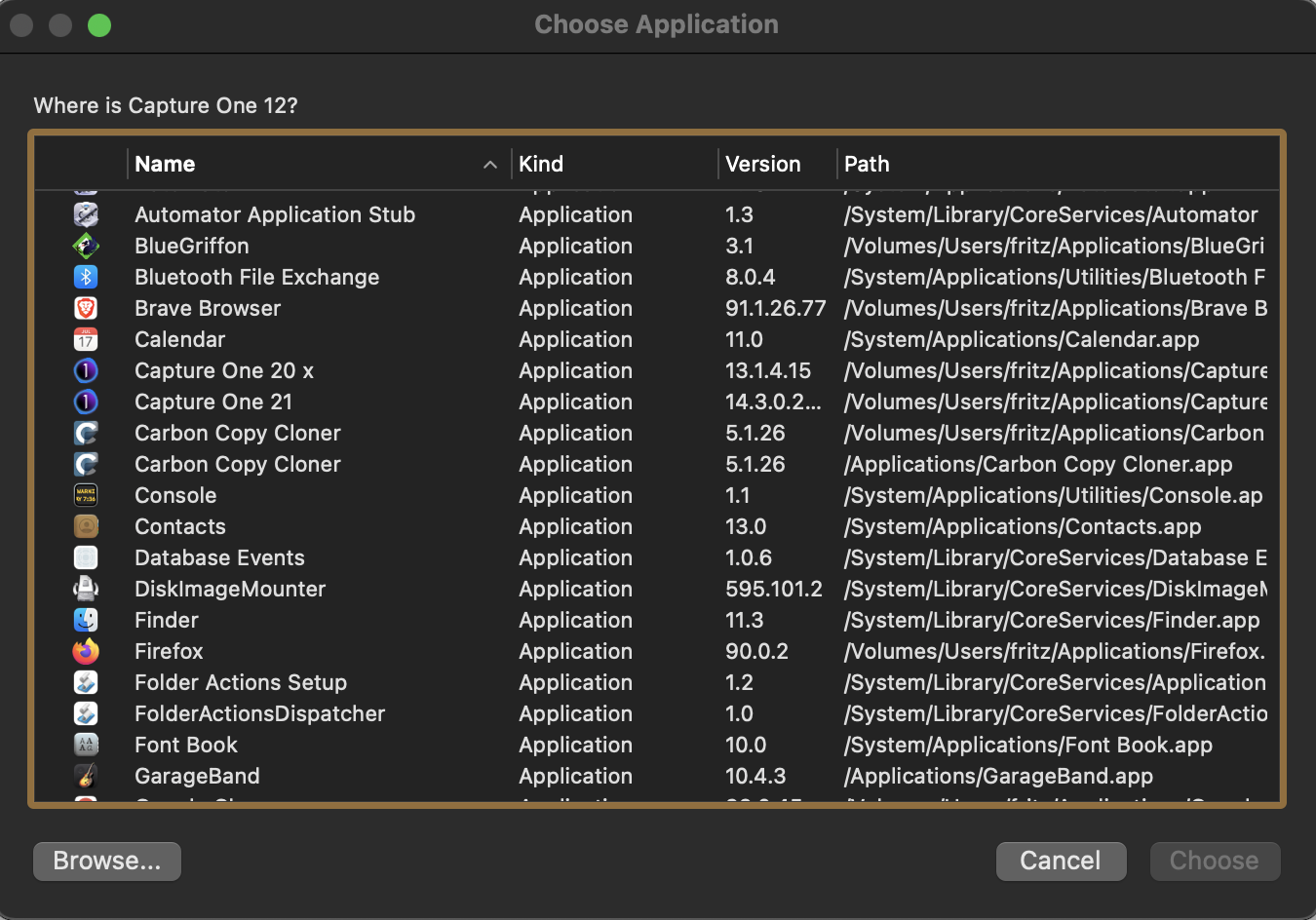
-

Are you, perhaps, using a "shortcut" to C1 that expects to find an old V12 installation?
0 -
- I usually run the app through a link on the dock, but it has been re-created from scratch;
- The problem reproduces even when I directly click on the application icon.
0 -

A link to Capture One Pro 21 or a link to a catalog or session? If the link is to a catalog or session Finder thinks that Capture One 12 is the appropriate app for that file type.
If that is the case right click on the catalog/session file and select Get Info. About 1/2 way down on the info window it will give the "Open with:" app. Change it to the current version. You may also want to click on the "Change All..." button.
If that is not your problem tell us more.
0 -
It's a link to the app.
0 -
In any case I've just checked the Get Info for the catalog, and Capture One 21 is selected.
0 -
If you double click on the catalog do you get the same "where is Capture One 12" message?
0 -
Yes, same dialog. But in this case I also see the "load in progress" and after a few seconds Capture One starts with my catalog, the "Where is Capture One 12?" dialog staying on top. As usual I can cancel it.
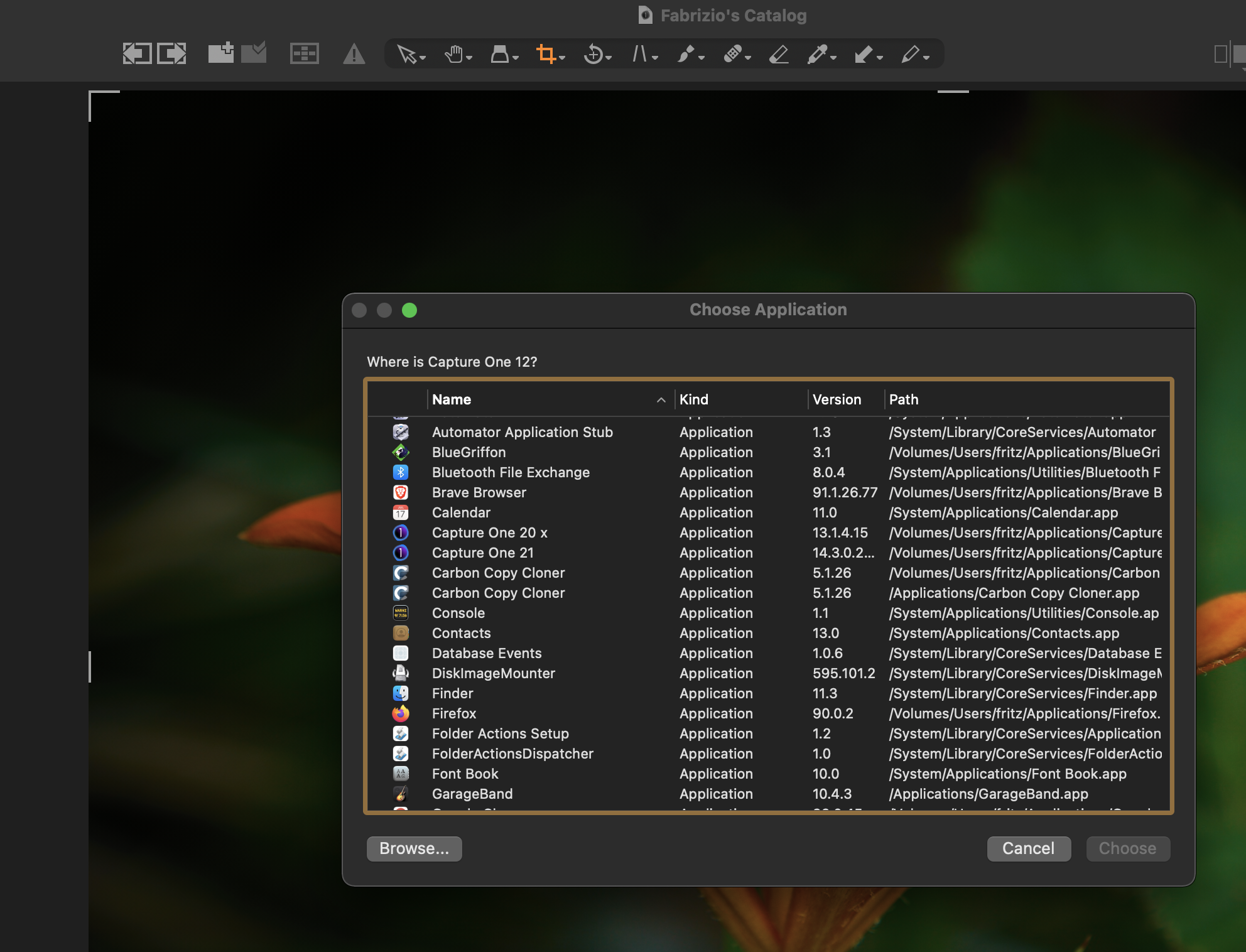 0
0 -
Ok, fixed it. In the custom scripts folder there was an obsolete AppleScript script of mine that contained "tell application 'Capture One 12'". It wasn't shown in the script menu and didn't cause problems with Capture One 20, so I just forgot it and didn't get rid of it. Once removed, everything is ok.
0
Post is closed for comments.
Comments
8 comments