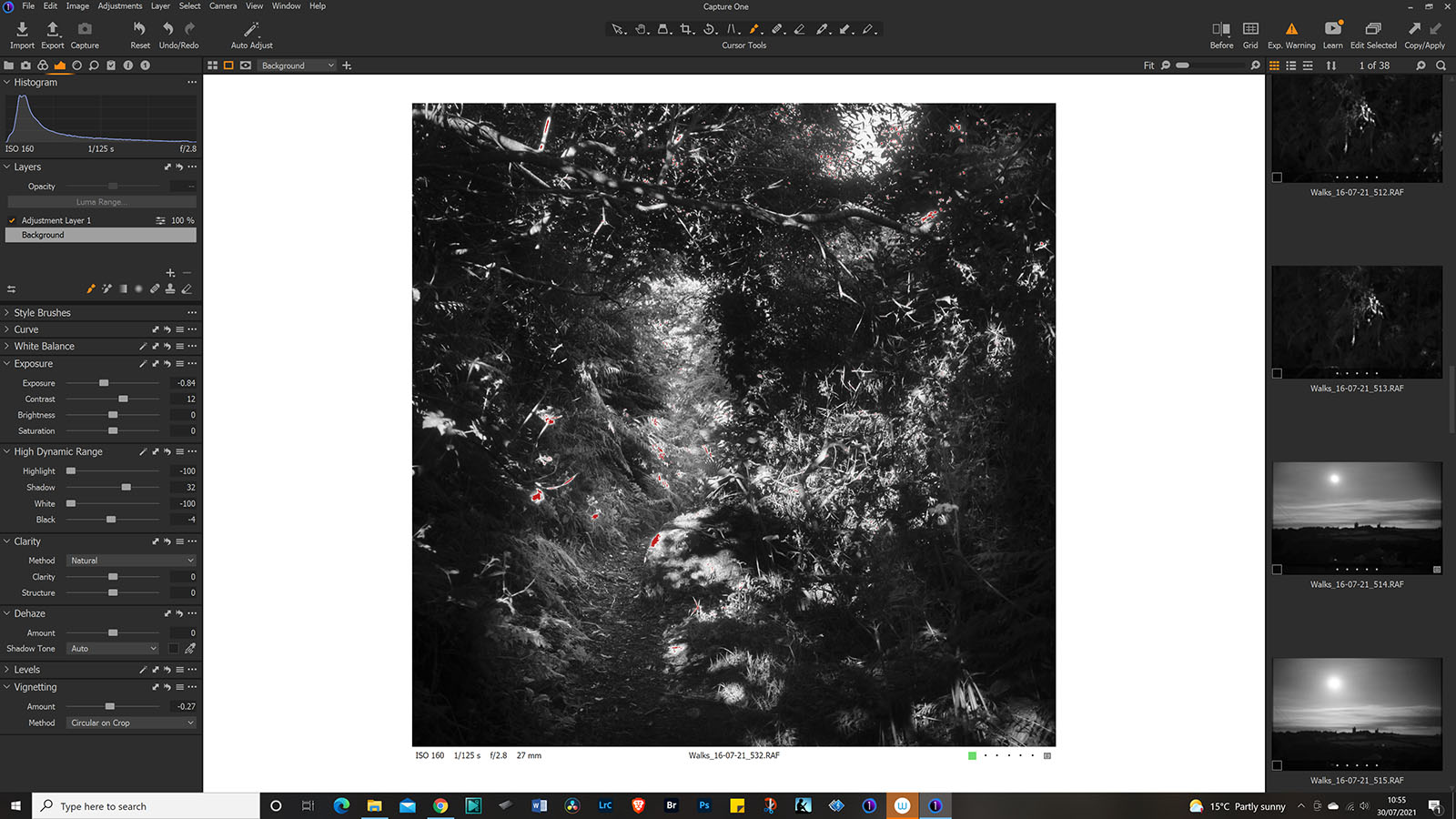
Since last upgrade when I export this is what I get (pic below) I was hoping the new upgrade would sort it but still the same


-
Sorry meant to say has anyone any ideas I am adding a screenshot of C1 before export Thanks for any help,
 0
0 -

In cases like this, the first check is to see if the use of Hardware Acceleration" is turned on in the Preferences.
If it is, turn it off and re-run the output.
If that solves the problem you could try getting C1 to rebuild the GPU driving kernels and if that makes no difference it may be time to investigate whether there is a better driver option for the GPU(s) C1 has identified in your system.
But first things first, turn off hardware acceleration to see if that changes the result in any way.
1 -
Thank you very much seems to have solved the problem
0 -
Chris,
If you are running a lot of batch output jobs with many images it would be worth trying to get a solution to make it work - probably check the GPU driver for any optional GPU you have installed.
If you only send output images in small batches and infrequently you probably would not notice much of a change in performance anyway if the GPU was working. In which case it may not be worth your time to chase a solution.
HOWEVER, in some situations C1 may decide it is time to try to activate Hardware Acceleration again (New versions, possibly major updates and so on ...) and so the problem has the potential to recur. So even if HW Acceleration is not important to your satisfaction with the processing it may be worth making a mental note to identify a solution when time permits.
I cannot be much more specific than that without some details about your system.
If the manufacture of your device offers automated checks and device driver support I would recommend running them to see if anything comes to light.
0 -
Will do thank you
0
Post is closed for comments.
Comments
5 comments