No Gear icon Capture 1 14.3.0

Will someone please tell me where the Gear icon on the new Capture 1 21. I'm on Mac Book Pro and there is no Gear icon? No even in the tool pallet really what is going on. Is this a bug? Does anyone know a fix for this as with out this there is really no export going on. You got my money so I need this work.
-

There is a new Export button next to the Import button - top left… If it’s not there then try customizing the toolbar to add it.
0 -
Yes, I see that it has a very small arrow of which i click on and it open the export page. But it didn't give me the necessary Gear icon to run the recipe that's what I need I'm still at square one. Thanks I try to get an image of what I'm miss and ad time.
0 -
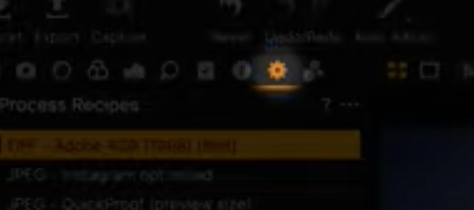 I need this icon to run the recipe where is it? is it hidden? do you know. 0
 -
Its a button bottom right hand corner (in Orange) 'Export 1 Image'
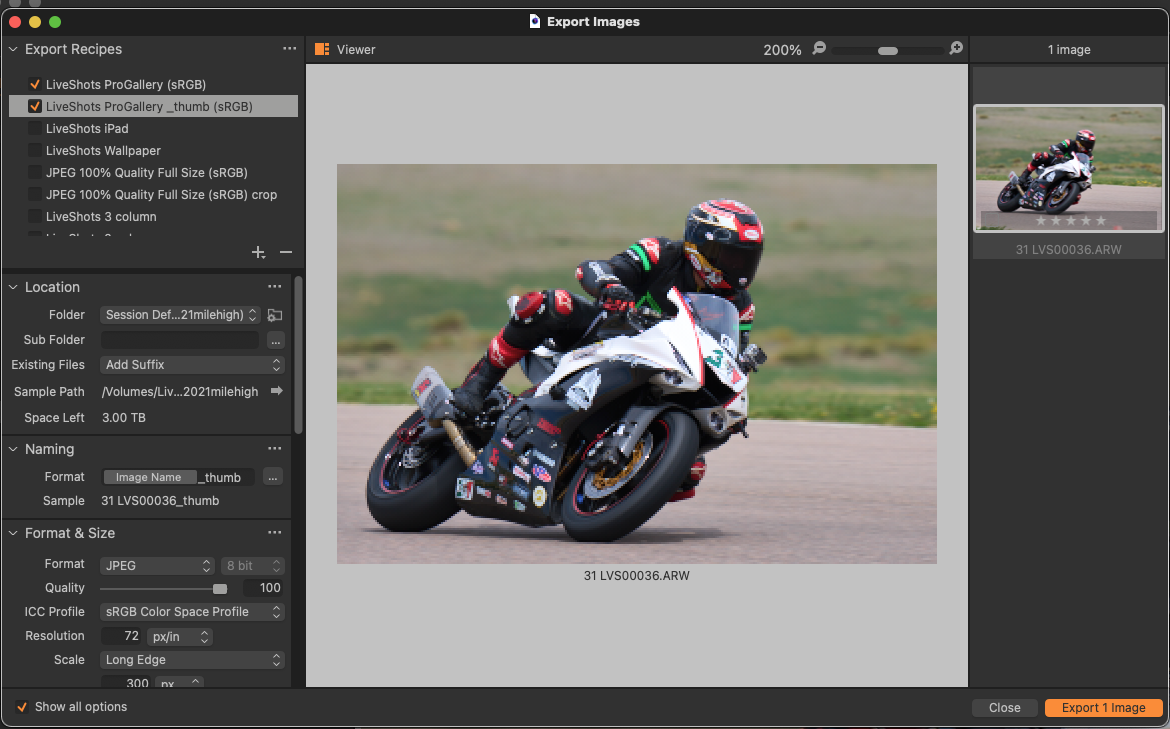 0
0 -
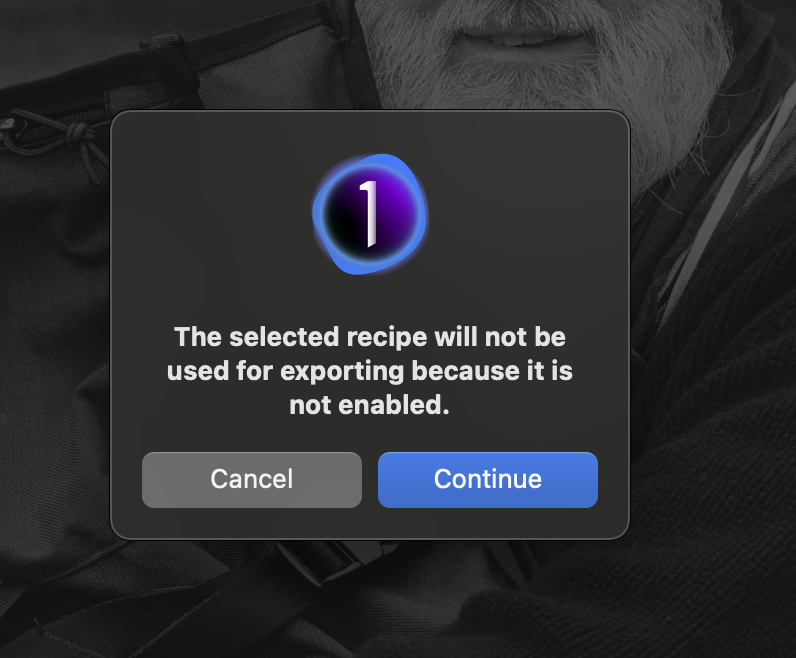
Yes, I see that very well but you have to run the recipe to export or I'm just to crazy to understand this is what I get when I click on that button I need the Gear icon to run the recpie then exit is there a video that show how to do this because everything I find shows the Gear icon do you have a Gear icon on your C 1 21?
 0
0 -

The gear icon used to show a set of recipes. The same set of recipes is now shown when you click the export button. You can edit the recipe when it is selected. But selecting a recipe does not mean the recipe will be used... it didn't mean that in the old process tab, either. You need to check the box in front of the recipe. Example:
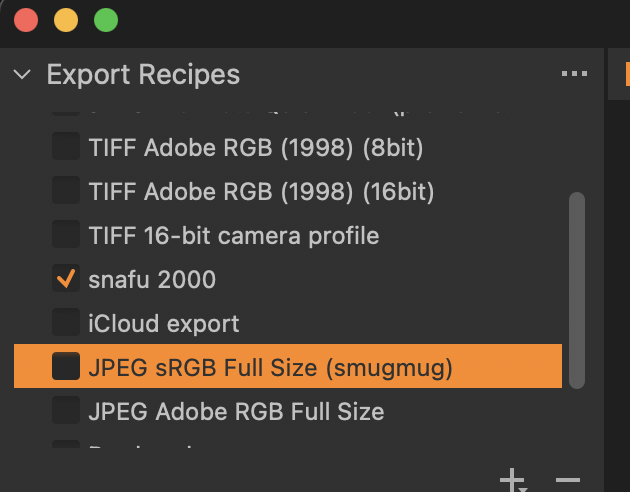
I'm looking at the details and/or editing the recipe named JPEG sRGB Full Size (smugmug). However, when I hit the export 1 image button the recipe that will be used is the one named snafu 2000 because that is the one that is checked. If multiple recipes are checked you'll get multiple exported versions of your image.
Edit: also, notice the list of recipes is scrollable. Sometimes the checked and/or selected and/or the recipe you are looking for has scrolled out of the viewport.
0 -
I was able to export but there is no panel on my app that allow me to run a recipe now I'm wondering if C1 has up updated this and is continuing to have keep these old video on line. Thank you so much for your in put and help you have been most kind. Again thank you.
0 -
The recipe has to be selected with a check mark, I have 2 recipes selected with my example (top left). When I hit the ‘Export 1 Image’ button then it runs both recipes.
video: https://learn.captureone.com/tutorials/exporting-photos/
0 -
I think that if you select the 3 dots on the recipe panel then you can show all recipes or just the active ones. Maybe check to see which option you have.
0 -
The link you have sent me is excellent I didn't see this one before you are to kind, thank you so much I will view in -depth in a few minute at lease it look current thank you for your time and patience with me omg. You have been a great help. And I so appreciate you for this.
1 -

LVS,
Presume this link ( https://learn.captureone.com/tutorials/exporting-photos/) is for version 14.3? It is clear and helpful, if so.
0
Post is closed for comments.
Comments
11 comments