Search images by name

Hello,
The challange:
A customers would like print 18 images by me and sent me the filenames. Now I would like find the images, link the 18 images to a collection, re-edit the images and export the images (write the invoice and get some money ;) ).
Editing and exporting is clear.
But I can't find the images. I don't know the year exactly. Alle images was took between 2017 and 2021.
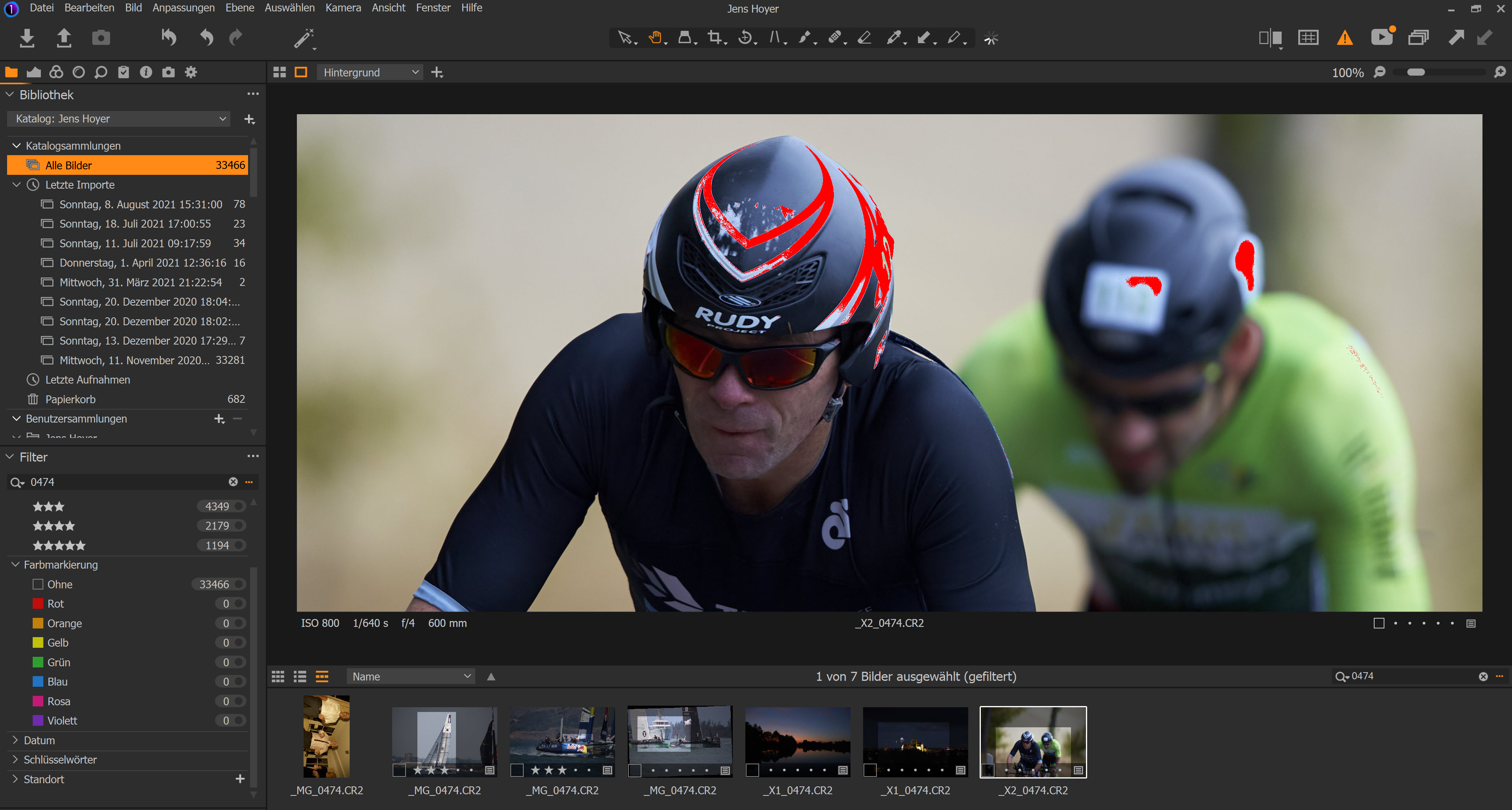
If I select "All images" and type one name (ex. 0474), so C1 will find the image after long standing minutes.
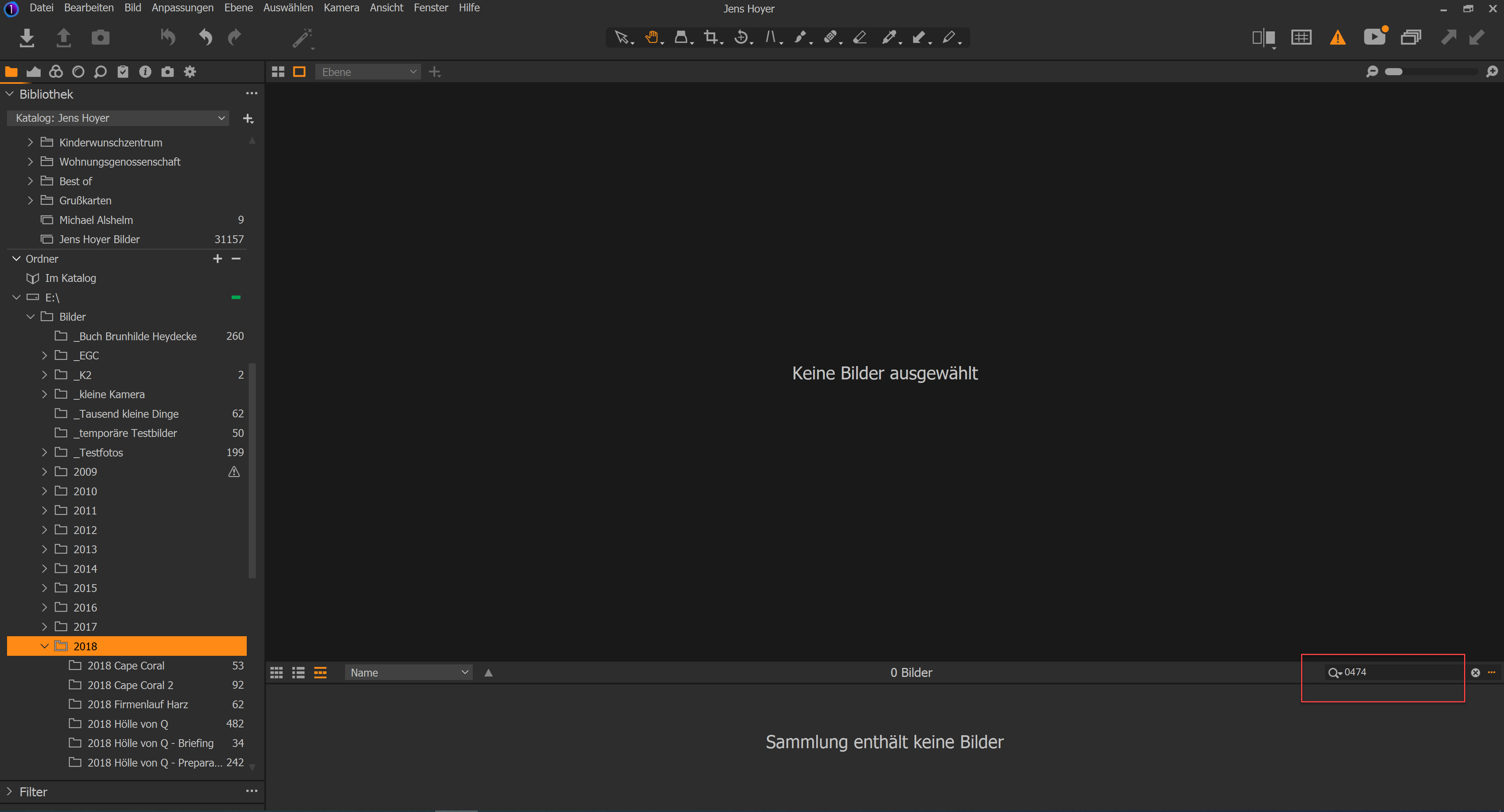
If I select the folder "2018", C1 find no image.
If I select the folder "2018\2018 xyz", C1 find the image.
I would like
- select the folder 2017, 2018, 2019, 2020 *and* 2021
- typ *all* names, separated by comma or semicolon
and hope C1 find the images anywhere.
What is wrong with my intuition?
Jens
-
Selct "All images" (I dont't know how to restrict to a list of years),
then copy the filenames into Main menu>Select>Select By>Filename list.
0 -
BeO, You're right, this works.
But: Selecting was not my problem. In this case it is thinkable, that Images have the same filename. So I select ALL files with this name, and this isn't exactly what I want.
But it helps, thanks.
0

Post is closed for comments.
Comments
2 comments