Verifying email & activating account

-
Login to your account. You'll find the license management and code there.
0 -
But maybe drink a coffee first :-)
cheers
BeO
0 -
When I go to Manage licenses, or Order history, all it tells me is that en email has been sent with instructions for accessing my account. No license info.
And having more coffee always helps! ;)
0 -
It should be somewhere under Manage licenses (not Order history). Maybe not visible at first, look out for a dropdown or something alike.
0 -
Thanks for your help.
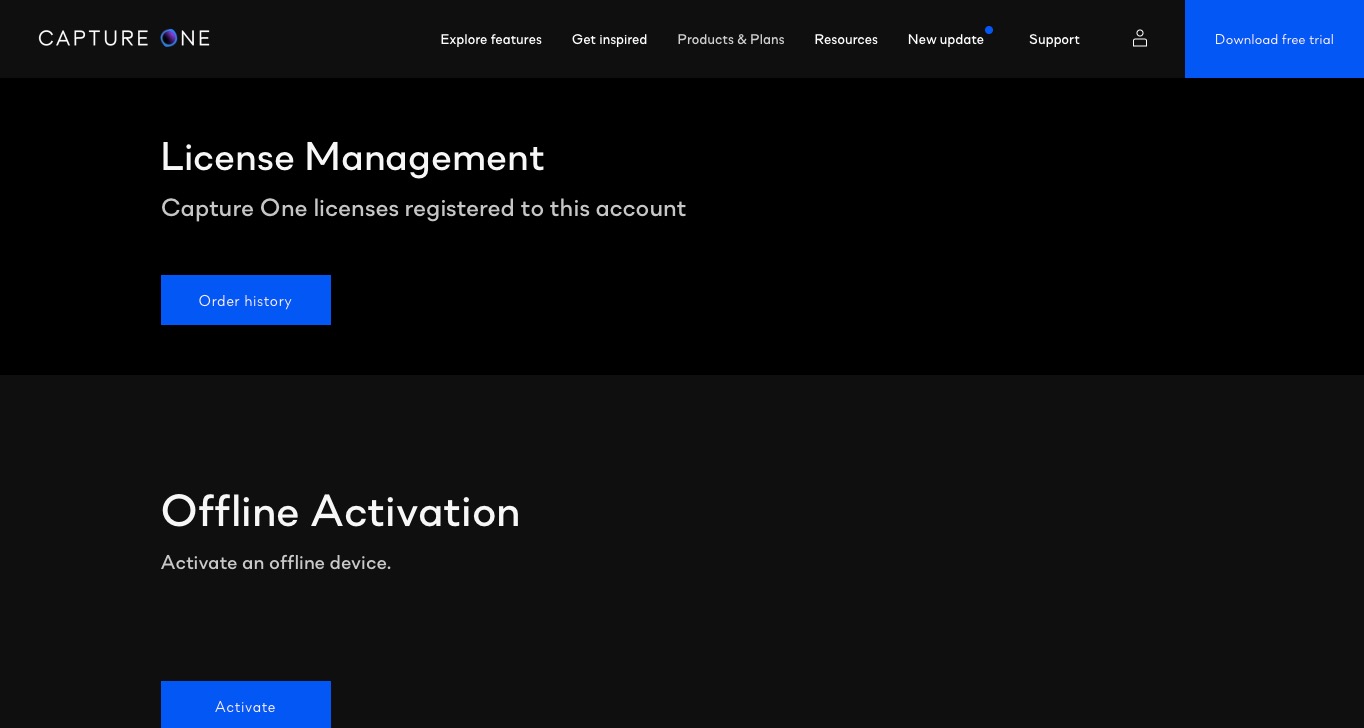
Under Manage licenses, there are 2 headings. License Management and Offline Activation. When I go to License management, the only option is a link to Order history. When I try Offline activation, it needs a license code.My impression of what is happening is that when I click the original link from the email to verify my email, the activation process isn’t being completed. Otherwise I should be getting an email with the license code, or I should be able to find the license code under the Manage License section of my account. I’ve tried several different devices too. Same thing happens on each one. I’m thinking this is a bug on the website/server side
0 -
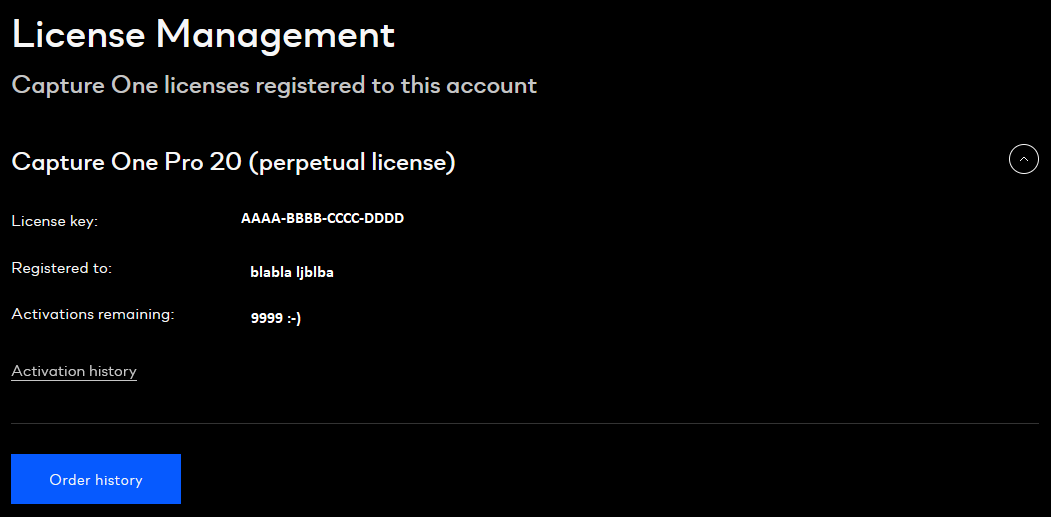
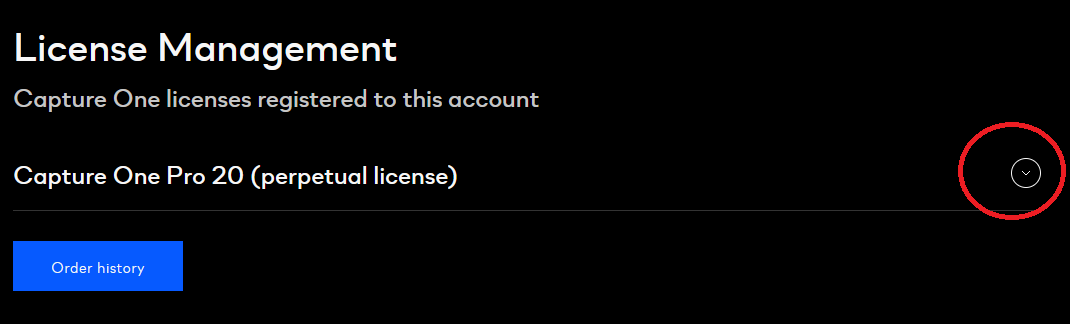
Do you have such a dropdown (see red circle in 2nd screenshot)? It opens up the 1st screenshot.
 0
0 -
I don’t have that option. Here’s what I see when I go to License management:
 0
0 -
Then I don't know. Try contacting Capture One support, e.g. via the link "submit a request" on top of this forum page.
0

Post is closed for comments.
Comments
8 comments