Can't Export File on Capture One 21 for Fujifilm 14.3.0.260

Hi There,
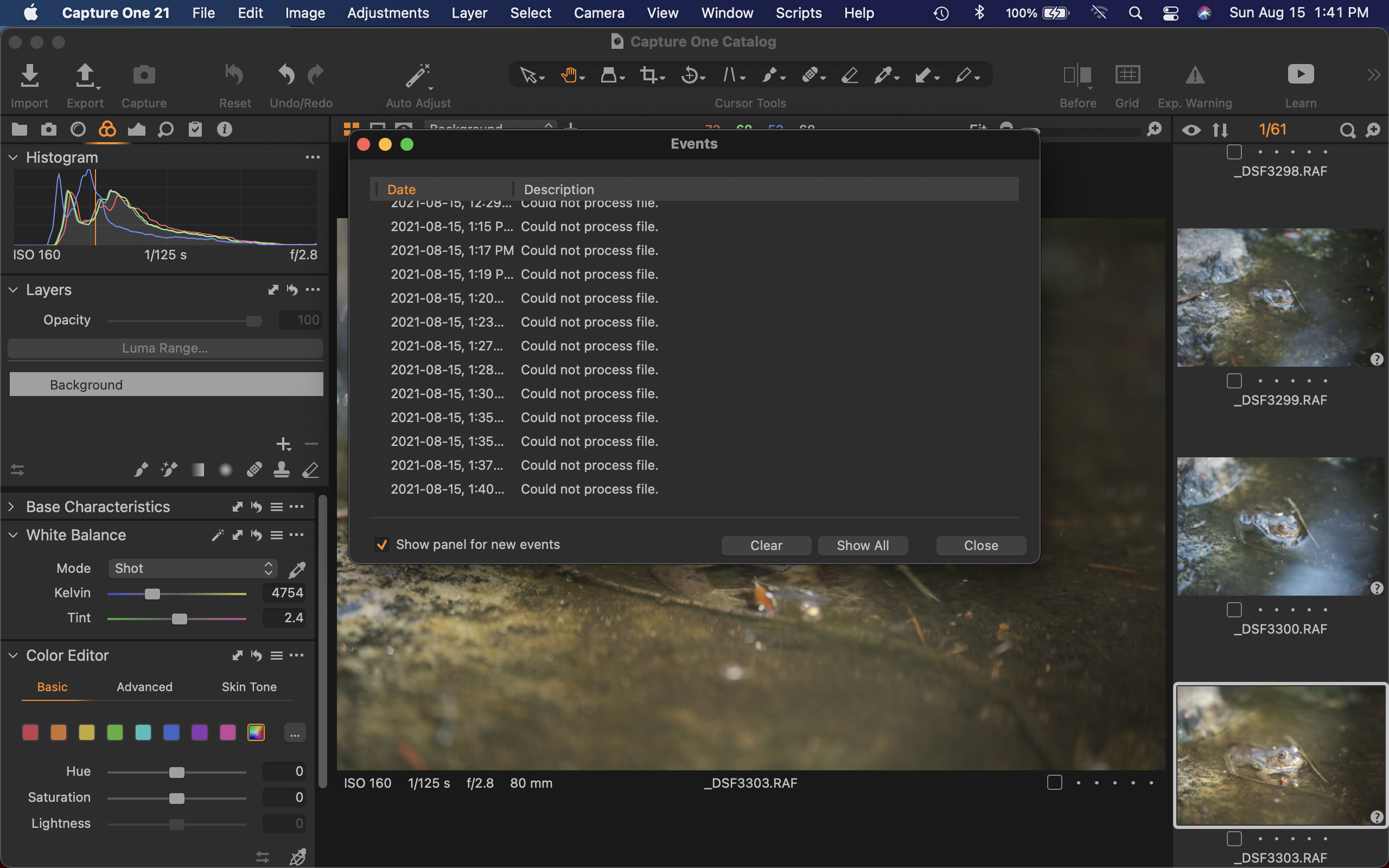
I just purchased Capture One 21 and now I can't export my files as JPGs. Every time I try, it comes up with the error message "could not process file." I could export with the free version, but now I can't do anything which is really frustrating. Please help!
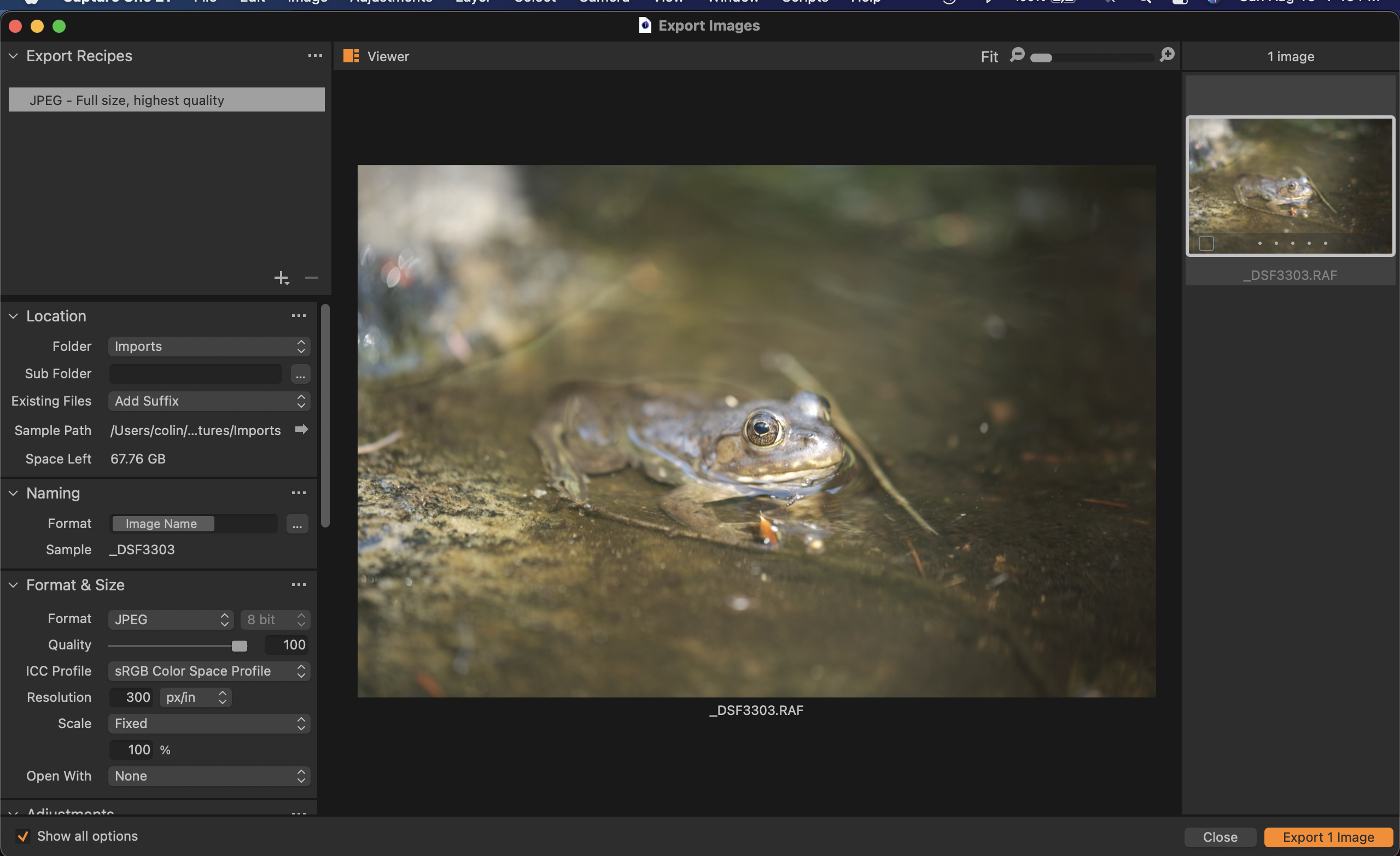
I've tried using the advice in previous posts but to no avail. Here are some images of my screen:
Right before I'm about to export:
And then this is what comes up.
-
Hard to say. I had this occasionally in lower versions but on Windows and never figured out the root cause, but the "standard" trouble shootings like restarting C1 or the OS fixed it, if I remember right. Otherwise try a reinstall or submit a request via the link top right.
0 -
I think I solved the problem! It appears that my image is being shown in Capture One 21, but it's listing it as "offline".
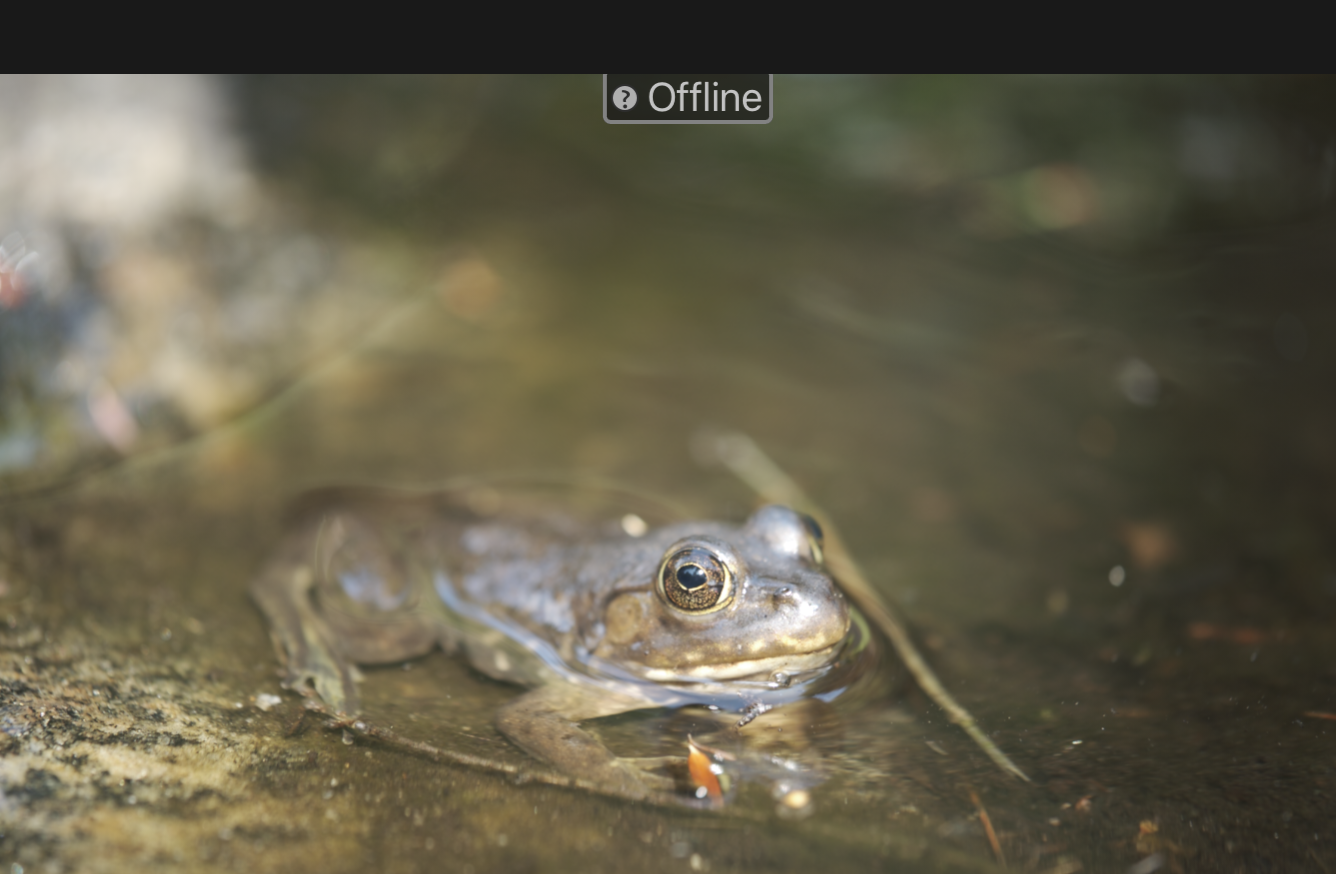
If I directly open the RAW file from my computer, I can make a JPG without any issue.
Looks like I need to better understand how to organize & work with my catalogue.
Thanks for the help!
0 -
0

Post is closed for comments.
Comments
3 comments