Heal Brush not sampling all layers...

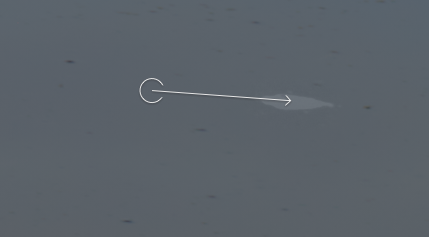
I used to be able to heal after having made adjustments in other layers above the heal layer, which I usually create first. Now it seems the heal doesn't sample from all layers and thus there is a ghost of the object I'm removing. See below for an example of the results with the layers turned on, then without.
My workflow usually involves doing a quick heal on some glaring issues first, then I go back in when I've determined it's ready to take further. I don't want to have to do all my healing before I've made adjustments.
This is a new problem with this version, it seems.
Photoshop has a box you check to "Sample All Layers" ... is there an equivalent in C1?
What do I do?
-
Try this short video, which may answer this problem.
Ian
0 -
That worked! Thank you. It seems an odd workaround that shouldn't be necessary, but it isn't too cumbersome.
Much appreciated.
0 -
I think you are right that it shouldn't be necessary, and it is a bug. Are you on the very latest version (14.3.1)? I thought they had fixed this one, but I may be mistaken.
Ian
0

Post is closed for comments.
Comments
3 comments