Selects folder shows all images from Capture folder

Since recent Capture One update, Build 14.3.1.14 (41280e6), running Windows 10 Version 21H1(OS Build 19043.1165), my Selects Folder appears to be not working.
I use Sessions rather than Catalogues. But today after the update, I imported some images to an existing session, created before the update, but "upgraded" by Capture One. Here's the "non-working" part:
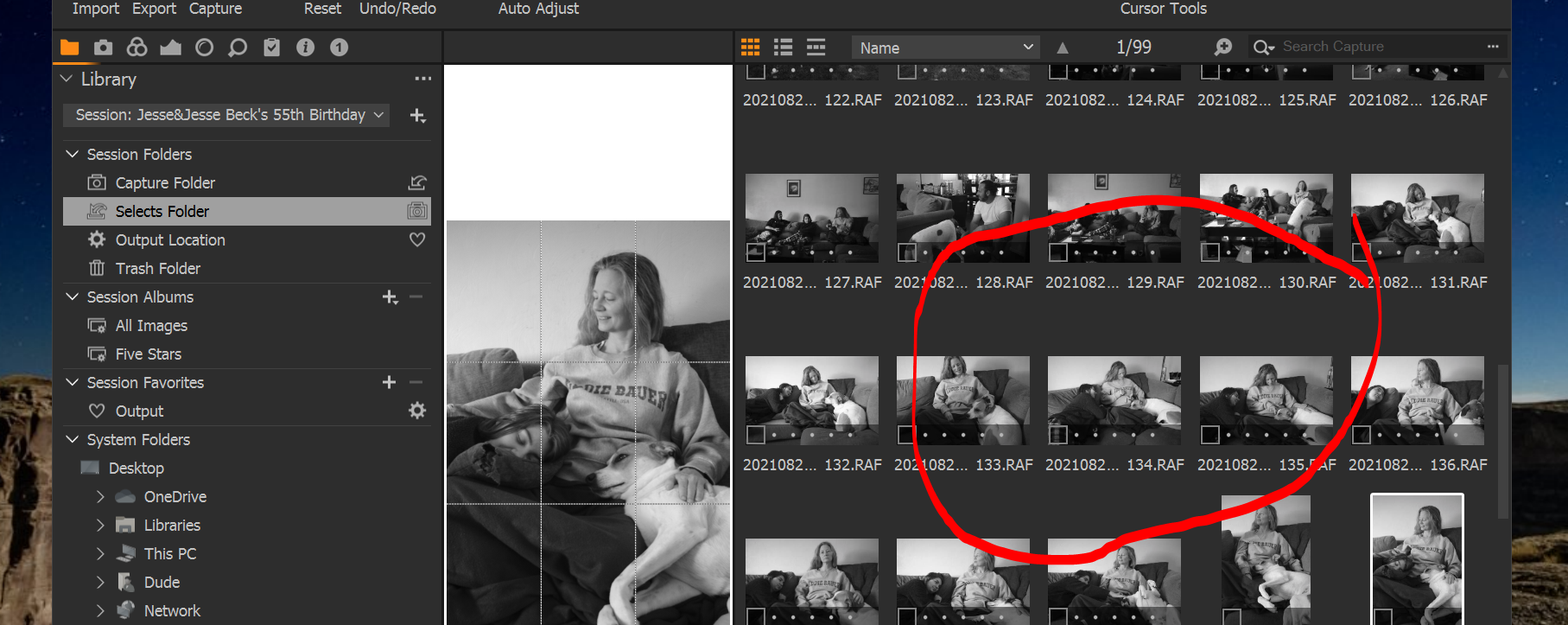
If I select the Capture Folder in the library pane, I see all the images I imported into that session. But when I select the Selects Folder, I see exactly the same files as those in the Capture Folder (!?)
I've tried moving an image to the Selects folder by ctrl-J, and by dragging and dropping. It appears this has no effect whatsoever. All images in Capture Folder are shown in the Selects Folder. There is no difference between these two folders in Capture One. However, when I go to windows explorer, that Selects Folder is empty.
I can move files to the Trash Folder no problem. When I do, only those that I moved to the trash are shown in the Trash Folder, as expected.
Any ideas what may be my issue? Here are a couple of screen grabs to show what I mean. Why does Capture One show files in the Selects Folder when Windows thinks that folder is empty?
Thanks!

-

> Dana Franz: Why does Capture One show files in the Selects Folder when Windows thinks that folder is empty?
You may be experiencing a bug, but there is at least one explanation that I can think of.
The four session folders (Capture, Output, Selects and Trash) are NOT folders on disk. They are just named links (or pointers if you prefer) to folders on disk. The normal/default is that the link named "Capture" links to a real folder Capture on disk. Likewise the link named "Selects" links to (points to) a real folder Selects on disk. That is the folder Windows would show you. The same logic applies to session folders "Output" and "Trash".
Now, if the link named "Selects" is modified to link to (point to) the real folder Capture on disk, then Capture One shall/must show images in the corresponding real folder (Capture). It is possible to have all 4 session folders link to a single real folder on disk. Messy, but...
The session user can navigate to any real folder on disk and tell Capture One to make that folder the sesion's "Seletcs" folder. Those 4 session folders are imaginary/virtual. The fact that there is a session folder link "Selects" and a disk folder Selects does not make them the same.
0 -
So following on from what OddS has said, you can navigate to the physical Selects folder in the System Folders section of the Library tool. If it doesn't have the icon for Selects by it, it isn't set as the Selects destination. (See screenshot.)
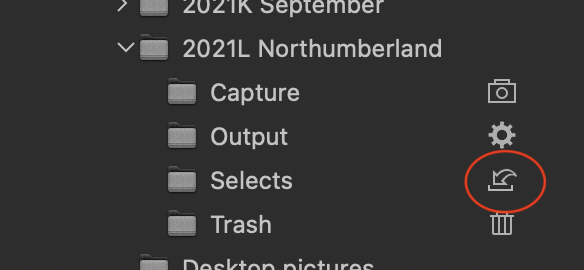
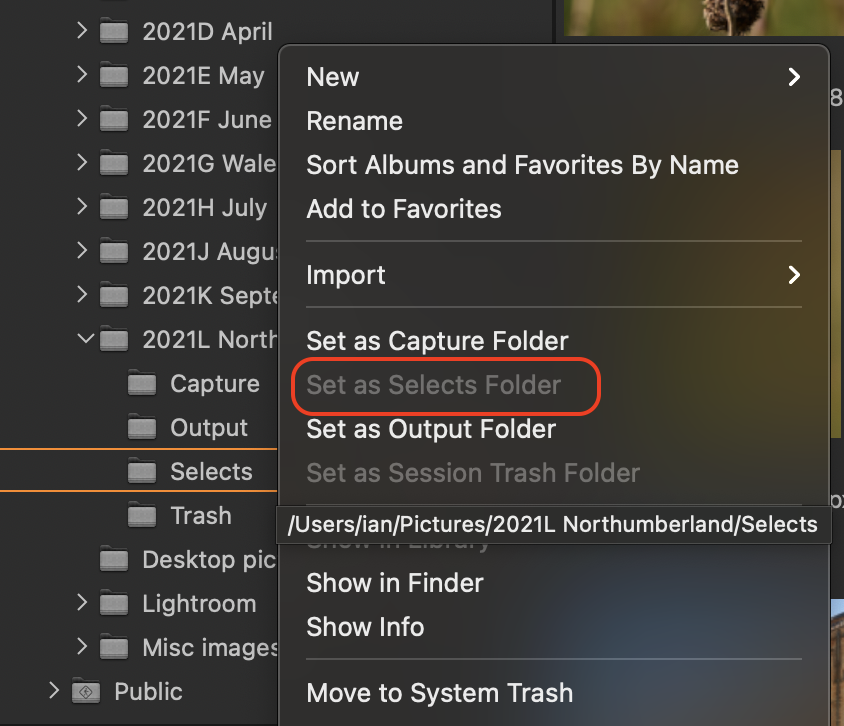
If it isn't set to that physical folder, right click it and choose Set as Selects Folder. (Greyed out in my screenshot below because mine already is set to that.)
 0
0 -

Dana,
Based on your screen shot it would appear that the pointers for Selects and Capture folders have become swapped.
How that has affected the population of the physical folders of the same name is something you may need to check.
If things were like that when you imported more images and you imported to the "Capture folder" that happened to be pointing to the Physical Selects folder it would explain what you are seeing.
How you got to that position is a different matter.
0

Post is closed for comments.
Comments
3 comments