Demosaicing texture on Raw files.

Hello all,
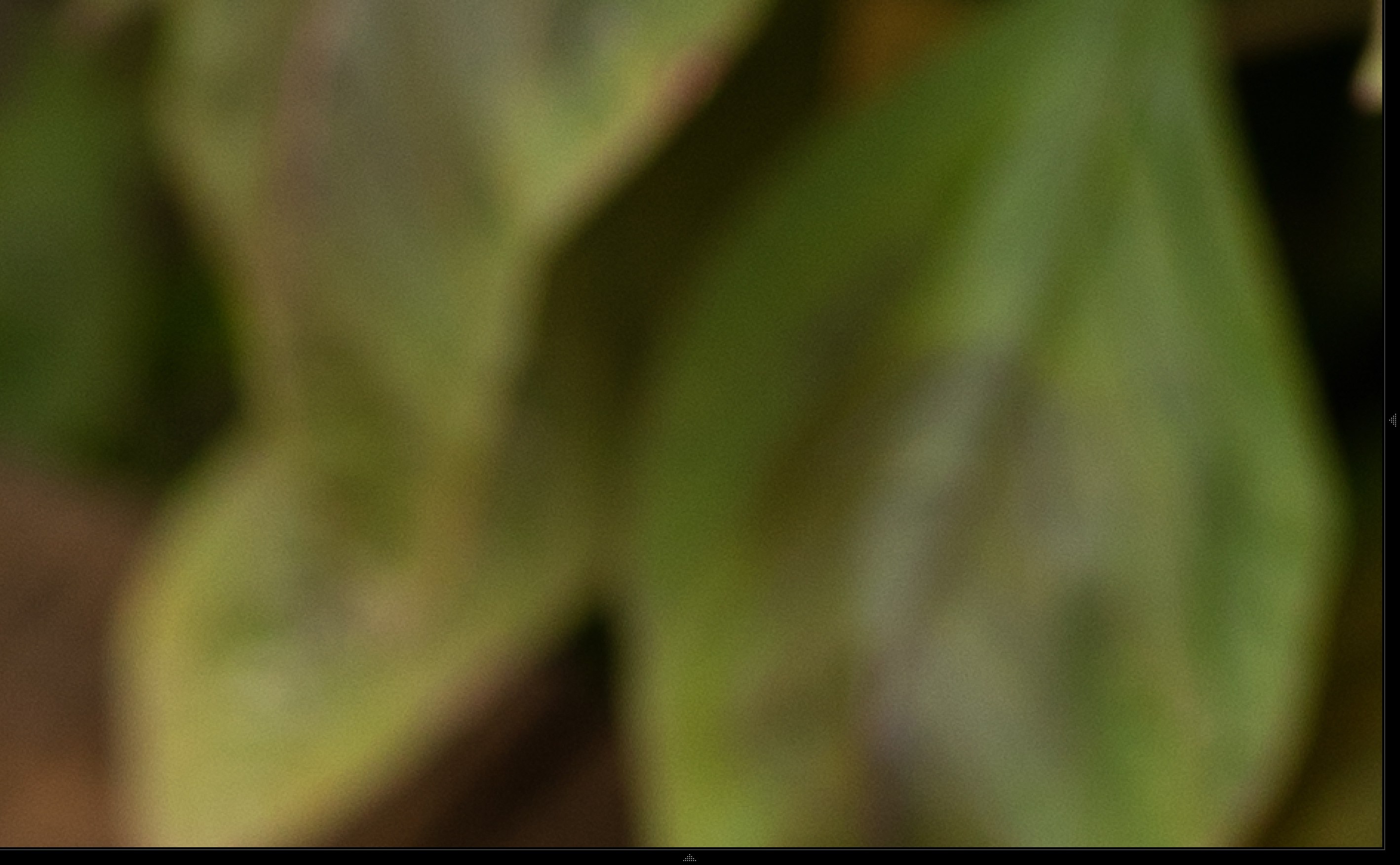
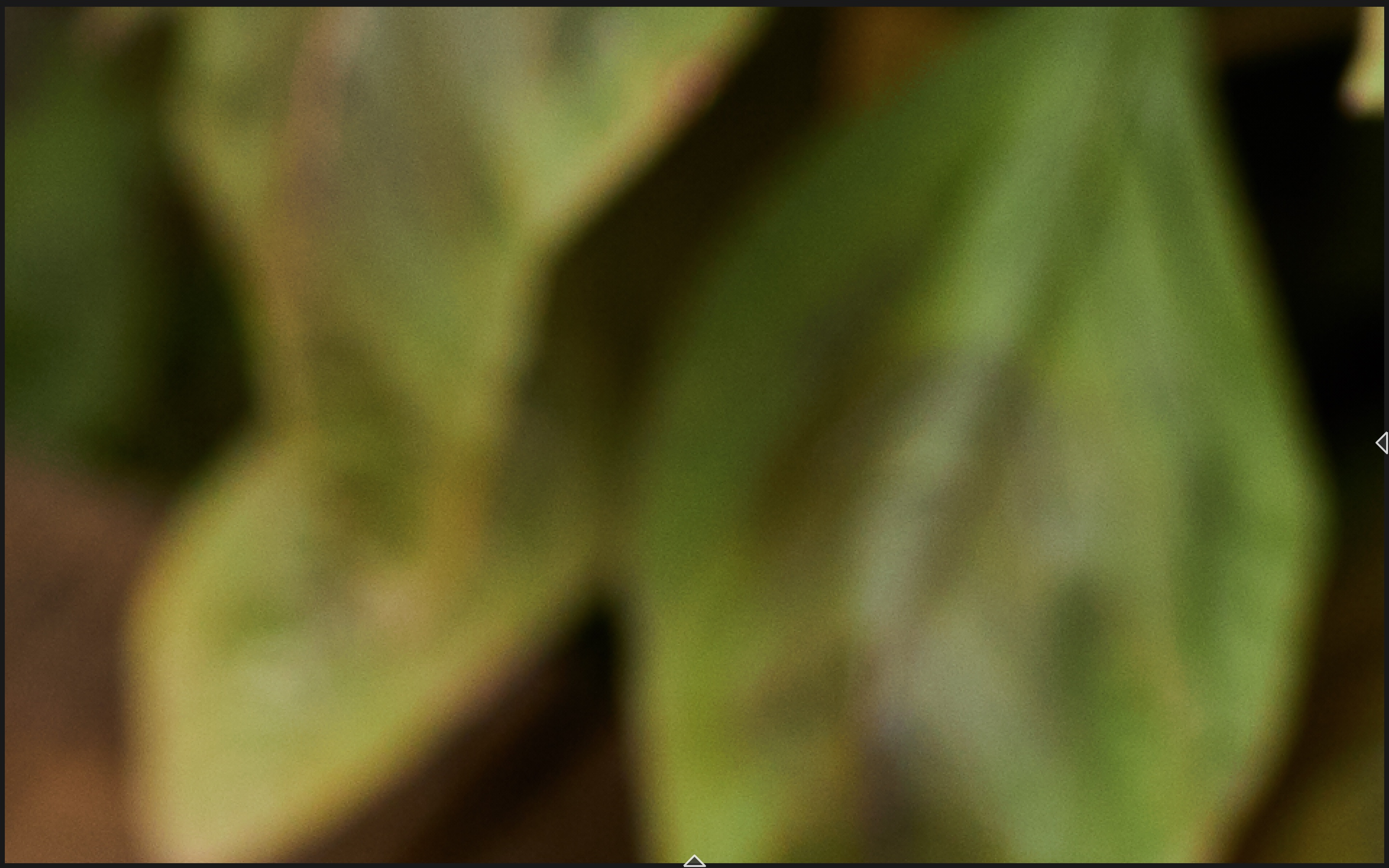
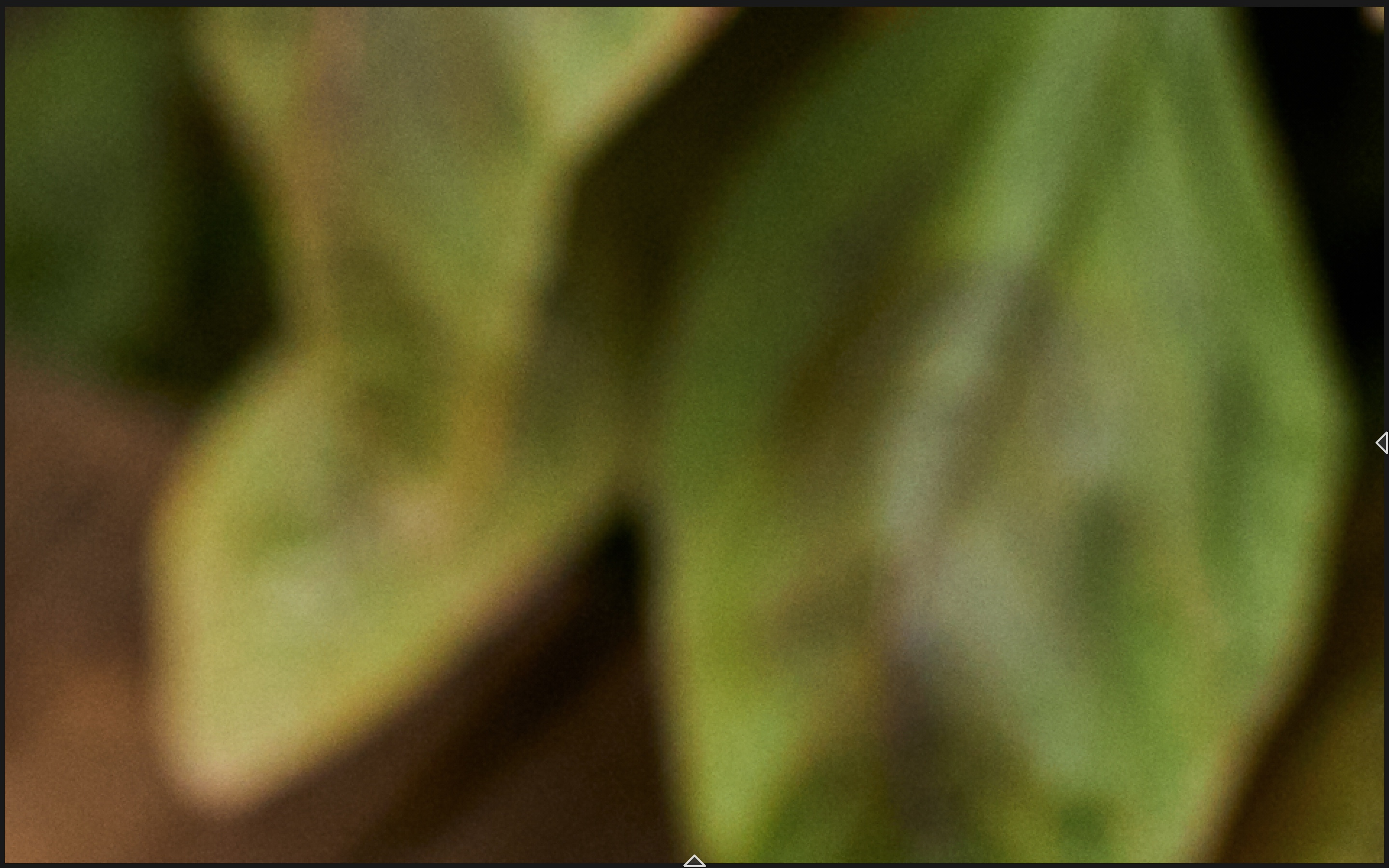
It has been a few months since I made the switch from Lightroom over to Capture One. The program is better in practically every way but the fine texture of the files is still not satisfying me compared to the Lightroom output. The files below show the difference in fine texture on 5D mark IV .CR2 files between LR and C1. I am noticing the same treatment on R5 .CR3 raw files. I have asked the question before on a Lightroom forum about the reproduction of the Lightroom Demosaicing and the recommended approach was to tweak the "Structure" Slider. This did not affect the look of the texture but rather increased the visibility of the "mushy" noise pattern. The most effective approach was to add a Soft Grain Layer (done in the third screenshot) but this adds to the already present grain. I am not looking to remove grain but I would like to recreate the uniform pattern that all the Lightroom processed files have. If anyone has recommendations I would be happy to hear and test them.
Thank you,
Marc
Lightroom:
Capture One:
Capture One +Grain:
-

Looking at your example images, what happens if you reduce Contrast in C1?
0 -
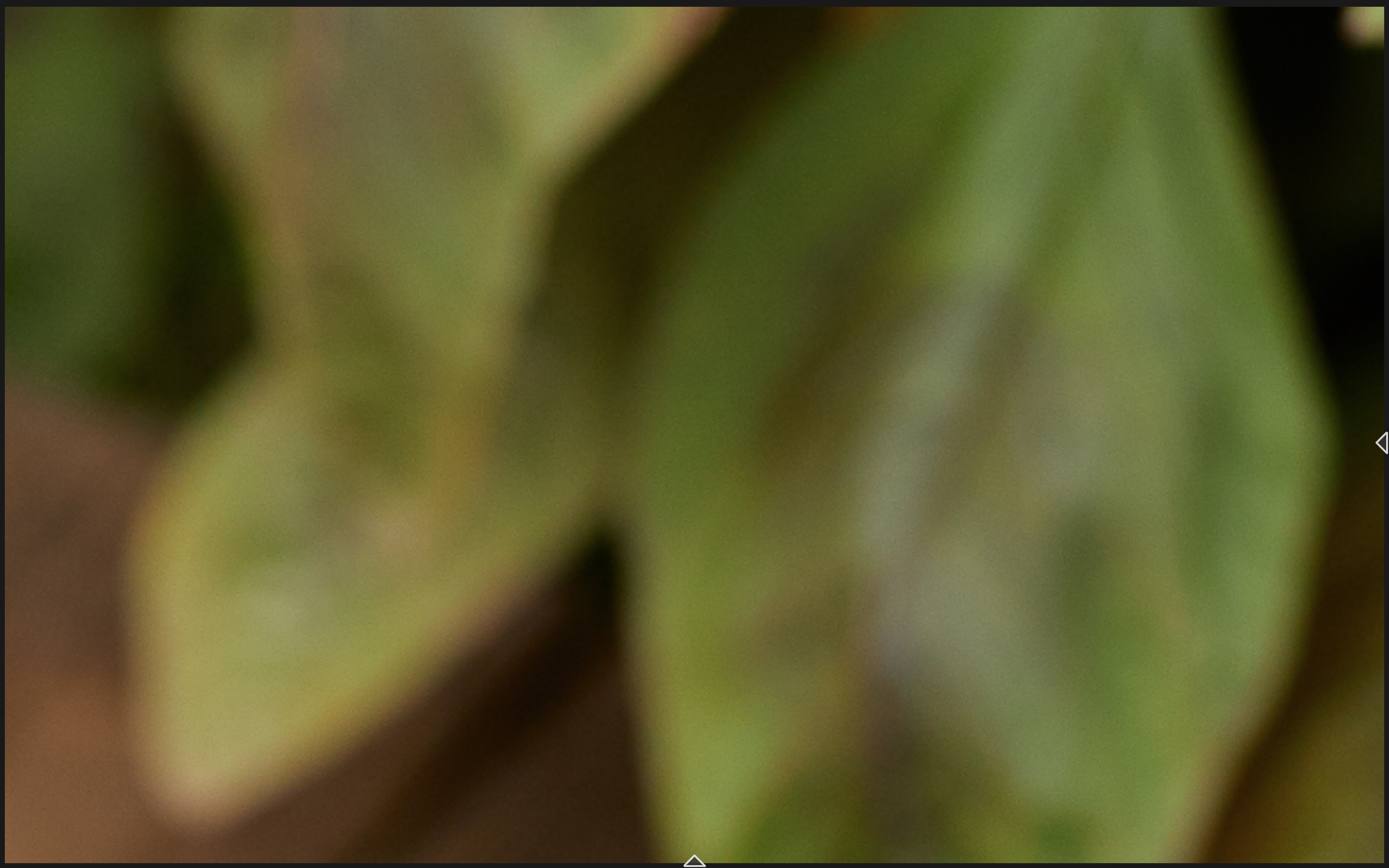
Reducing contrast doesn't change the look of the "Demosaicing" pattern but affects the tones of the raw files to match the Lightroom interpretation. I am liking the punch from the C1 interpretation so changing contrast levels doesn't solve it here... But thank you for the lead!
 0
0 -
Interesting.
The Punch is, I suspect, mostly influenced by the effects of "Contrast".
There are likely to be other approaches that can replace Contrast but I'm thinking they may simply produce a different way of delivering punch that appears to reduce the softness of the LR result.
That said I am tempted to suggest that Lr often looks like the Noise Reduction has simply blurred everything to remove "noise" without too much concern for real texture included in the original data.
This is not the sort of subject content that I work with enough to have any confident suggestions.
Perhaps someone can offer some ideas that are not too complicated (i.e. quick and easy to deploy) and maybe some suggestions that are more complex but offer a lot of fine control.
Much might depend on what tools you have already used (beyond any that you have mentioned) and whether you are making use of layers.
0 -

.....set USM threshold below 0,5 and turn luminance NR off than play with detail in the NR panel. maybe this gets you closer but a perfect match is for sure not possible.
0 -

My sense is that C1 dials up Clarity and Structure by default. I even have a preset for reducing both by minus-15 (though I don’t always use it). My recommendation is to experiment with those two sliders.
0 -
In my experience all the above mentioned tools have their stake in one or the other image, sharpening (reduce radius and threshold increase amount), luminance NR and detail (reduce both), clarity and structure, also contrast, play these sliders.
The most important probably is to look at the final product, print or web image (and note the output/export adjustments i.e. output sharpening), because that's what matters in the end.
0 -
c1 files look always a little roughed up maybe a heritage from the past when low res images benefited from such aggressive processing. on a core level I think c1 has the little nicer looking grain / noise compared to adobe but adobe has better tools for NR and sharpening and this can make a visible difference on screen but you would need to make very large prints to see a difference on paper. adobe demosaicing also holds a slight advantage over c1 when pixel peeping. the main reason for the less homogenic structure is the contradicting processing c1 applies on default in my view.
LR and C1 are totally exchangeable today when it comes to image quality the only real difference are the user which know more or less about each tool and how to get the best results from it.
0

Post is closed for comments.
Comments
7 comments