Import Tool not opening for Nikon Z6_2

Is anyone else having an issue where the Import Tool does not automatically open when you connect a Nikon Z6_2 camera? I have tried both USB-C (as on camera body) to USB-A and C cables without success. (Side note: I also have Adobe LR classic (current version) and LRc Import Tool works fine -meaning it automatically opens when camera is connected via USB- with Nikon Z6_2 camera.)
I know I can use a card reader, or even Nikon's Transfer Utility app but was hoping CP could simplify this process. If anyone has any other tips please let me know.
Nikon z 6_2 firmware: 1.21 / Capture One Pro version: 14.3.1.10
-

Hi there, Check your Preferences > General > Importing, maybe it makes a difference if you tick on the option 'Open importer when...'
0 -
Hello April,
Yes, I have tried unchecking that option and restarting CP then re-checking it and restarting CP and still nothing happens when the Z 6_2 is plugged into the Mac Mini (M1 version). I also found a tip suggesting that I first plug the Z 6_2 into the Mac and then start up CP and then power the camera on, that too did not work.
Thanks for your tip :)
0 -

May need to remove your current preferences and start again, its like a corrupt preferences file in the application support folder.
0 -
Hi James, Thanks for the idea. I tried removing just the individual pref file first and had no luck, then I uninstalled the app completely and re-installed still with no luck in having it open the Import dialog upon connection.
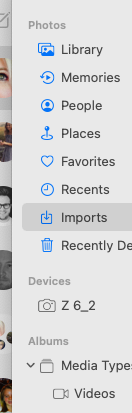
Strangely I noticed that it will mount itself as a "device" inside Apple's own Photos app. So it works everywhere BUT CP1.
 0
0 -
I was able to reproduce this problem on a second MacBook that has never had CP installed on it so I submitted a ticket for additional help.
Thank you all for your ideas and tips :)
0 -
Have the same problem wiht my nikon 7500 and C1 (both 21 & 22)
Did you get any reply from the tech dpmt?
0 -
I wonder if this a specific OS issue? rather than C1?
0 -
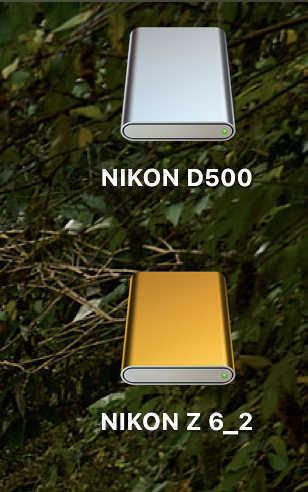
I'm sure it is an OS issue. My Macs see an XQD card from my D500 differently from a CFExpress card from my Z6ii - see screenshot. The D500 XQD card is recognised as a memory card, but the Z6ii CFExpress card is seen as a drive. I seem to remember reading in another forum that Lightroom users find the same thing happens.
Ian
0 -
Wonder why Photos does the job on my os (Catalina). As fas as I see all necessary security points are checked, also for C1 ...
0 -
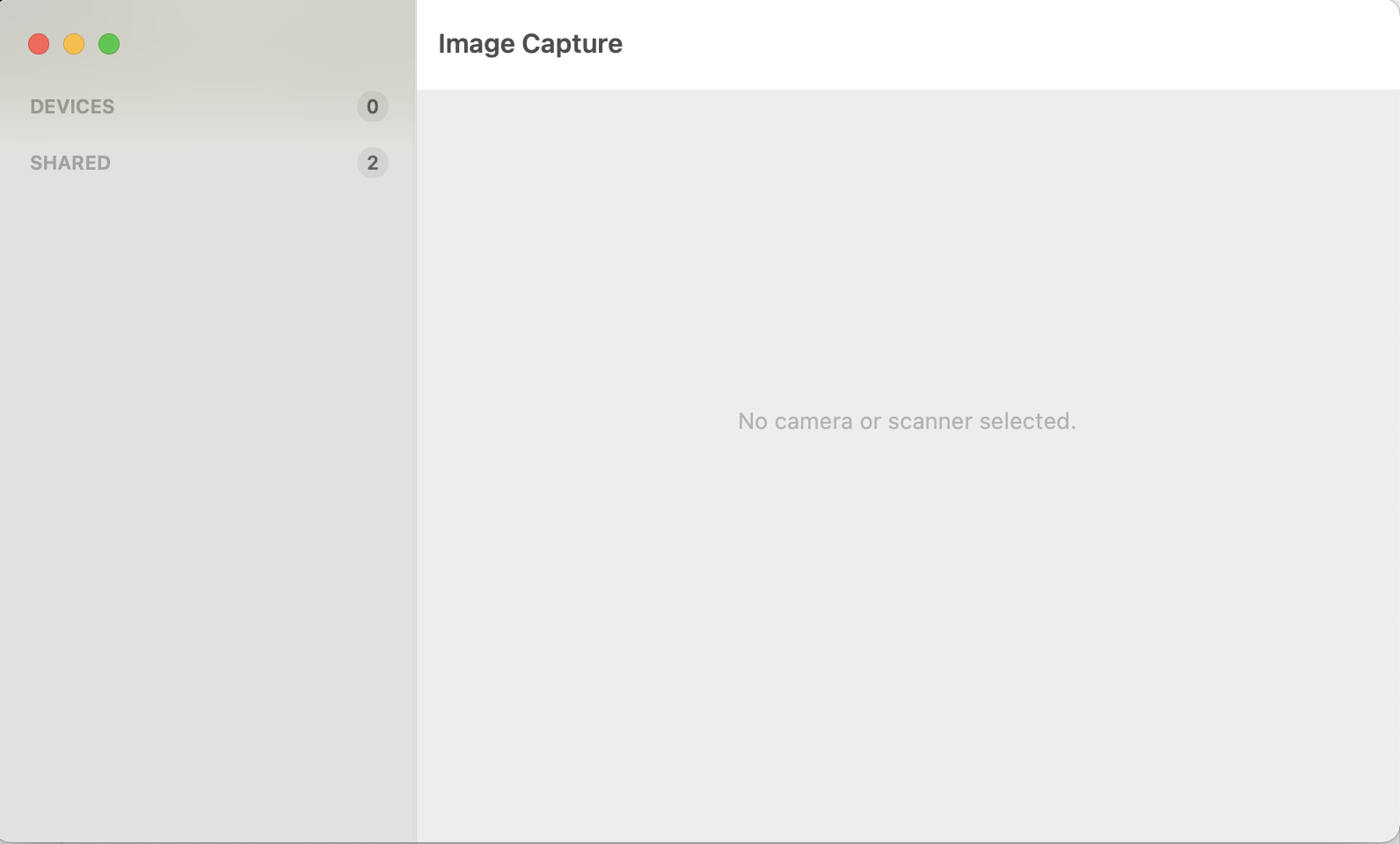
If I plug in the reader with my CFExpress card in it, Nikon Z 6_2 shows on the desktop as shown in my previous screenshot. But if I open Image Capture, it says that no camera or scanner is selected, and it doesn't show there.
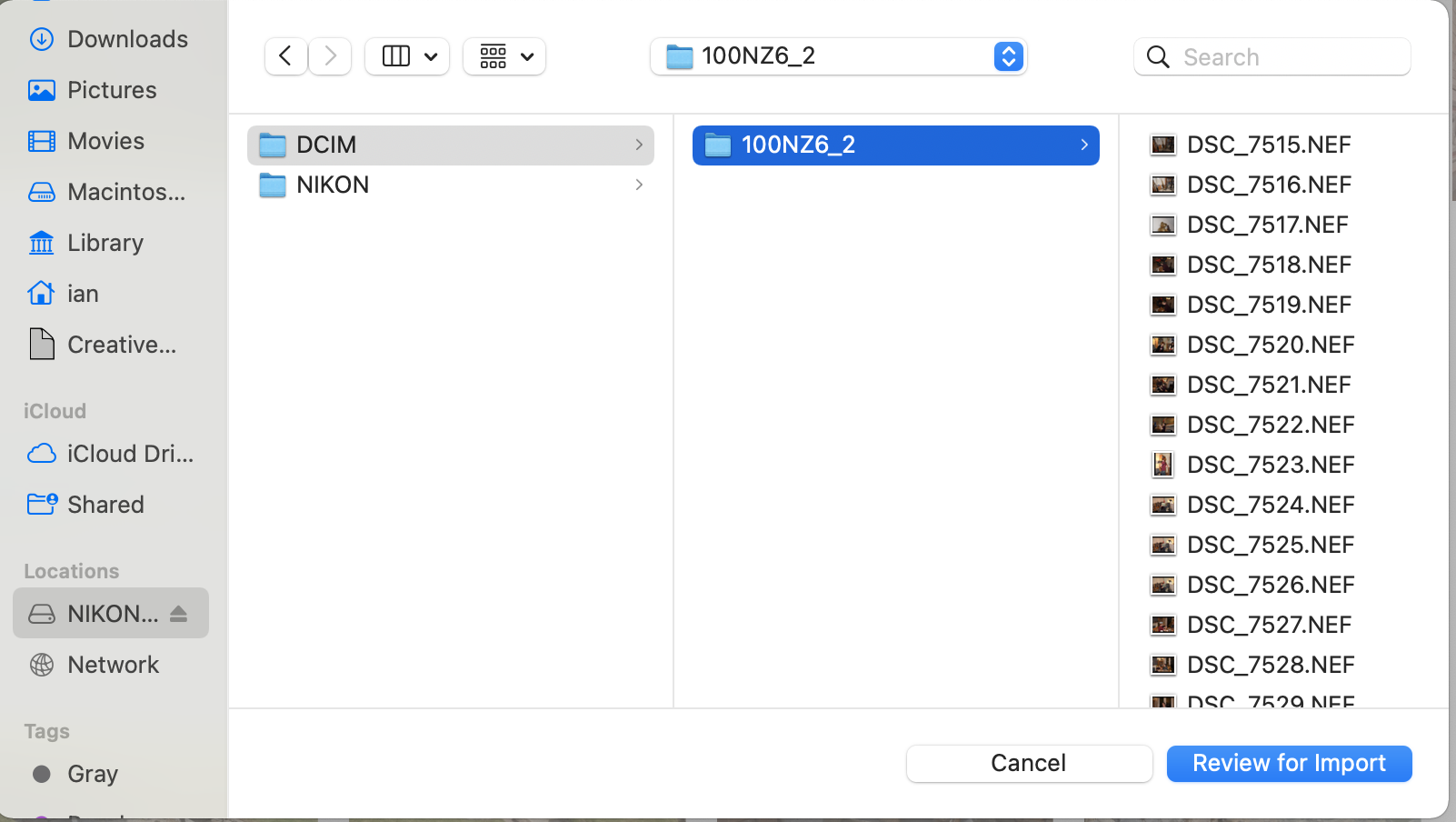
If I open Photos (which I don't actually want to import to) nothing particularly happens. If I go to File>Import, I can navigate to the card, but it is shown as a "Location" like this.
If I put an SD card from the Z6ii into the card reader, then Capture One automatically opens the Import dialog. And in Photos it shows as a Device, rather than as a location. (But Finder still shows it as a "Location"!) And on the desktop it has a silver coloured icon (like the D500 had in my last reply).
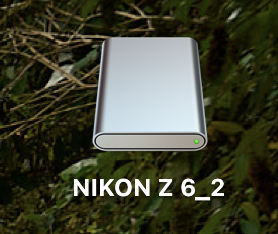
So I am fairly convinced that it is not something to do with which camera it came from (SD is OK, and I suspect XQD would be OK, though I have never used an XQD card in the Z6ii) but CFExpress is not OK. So it is a MacOS issue.
You can still import from it of course, you but have to open the Import dialog manually with the button or the File menu. I agree it is a nuisance!
Ian
0 -
"You can still import from it of course, you but have to open the Import dialog manually with the button or the File menu."
Unfortunatelly not. When I use the USB Cable & open the Import Dialog, there is no location or card visible.
Only way to import is to take out the SD and put it in the SD Slot of my PowerBook...
Then it works as described by Ian
0

Post is closed for comments.
Comments
11 comments