Images display out of focus / not fully rendered

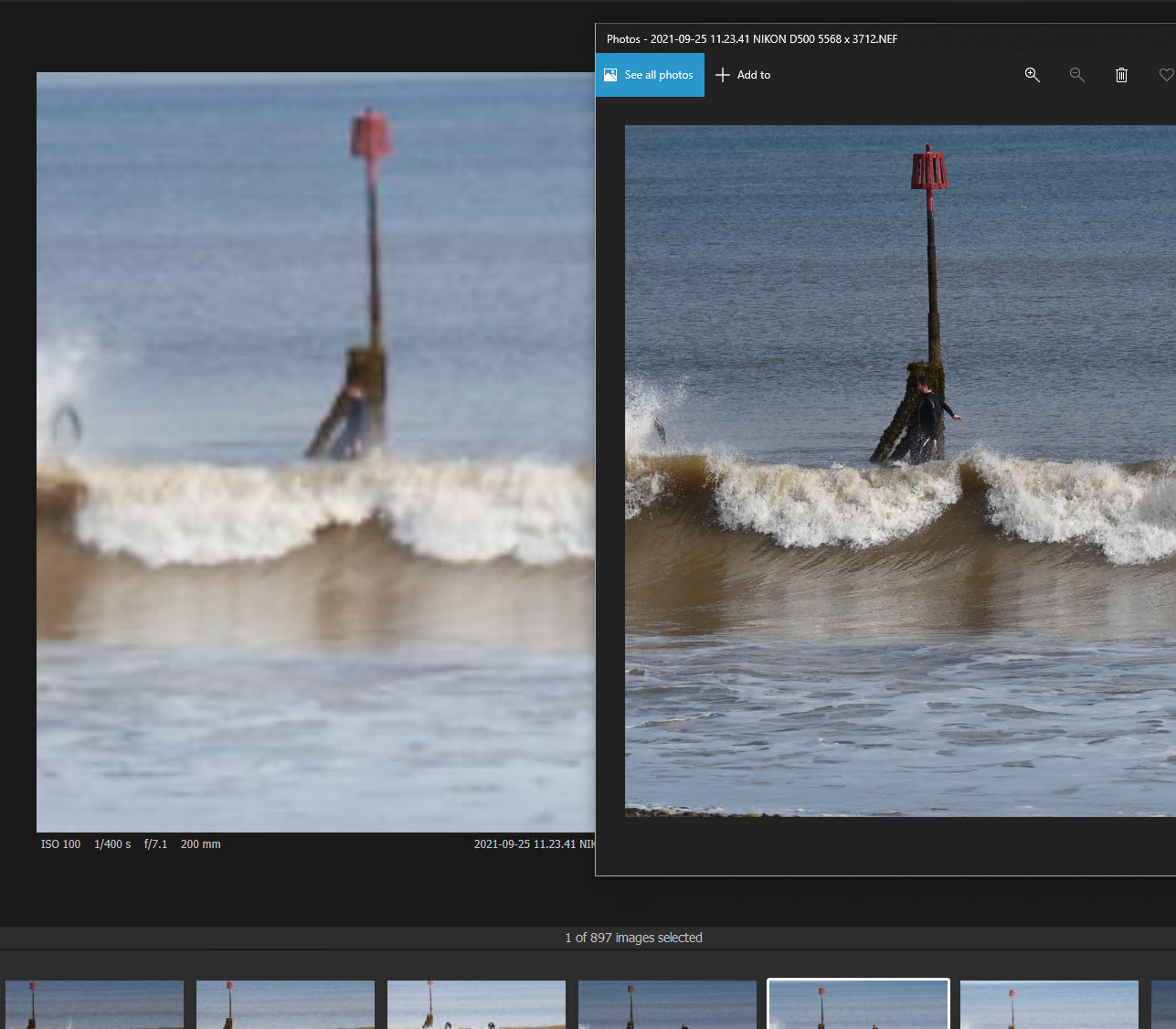
When I load up a session and select an image it doesn't render in focus. See the image below showing Capture One on the left and the same image in Windows Photos on the right. I've tried closing Capture One and rebooting. It will then usually show one or two images correctly and then no more and if I return to the ones that did show correctly, they no longer do.
Running Windows 10 64 bit on and Intel i7 with 32 Gb RAM. 140Gb space free on a 500Gb M.2 internal drive.
-

I very much doubt this observation is especially pertinent to your question but it should be pointed out that the samples are not of the same image.
If you go into the preferences (General Tab) and turn OFF "Use hardware acceleration" does it make any difference to what you see?
If it does it might suggest that any GPU your system has may be part of the problem and that area of functionality could be worth investigating.
If it makes no difference it will probably be necessary to look elsewhere.
0 -
Well that seems to have fixed it. Thanks
0 -
Hi Oliver,
OK, that suggests that either the "kernel" build that C1 creates to make optimal use of the GPU device(s) it finds is not resulting in an "always good" "kernel" for some reason (it relies on multiple pieces of code from various sources) or there is simply a problem with one or more of the device drivers.
Being a Windows user you at least have some options to try to rectify that by finding some updated (or in some cases, down dated) drivers.
There are some support documents in the Community FAQs that may help or User experiences can be called upon. However, before diving in to describe some potential approaches to improving your GPU experience - how comfortable do you feel about digging around on the internet to find and install supporting programs?
Also, are all of your computer manufacturer product support updates (if any are provided ) up to date and which level of Windows do you currently have installed, and is that "up-to-date"?
0
Post is closed for comments.
Comments
3 comments