Export Tool on C1 14.4.0.101 to enhance quickly

Hej,
Just installed the brand new version of C1 14.4.0.101.
The Export Tool is a lot more complete and provides happiness at first sight, but... awfully more complicated and not efficient.
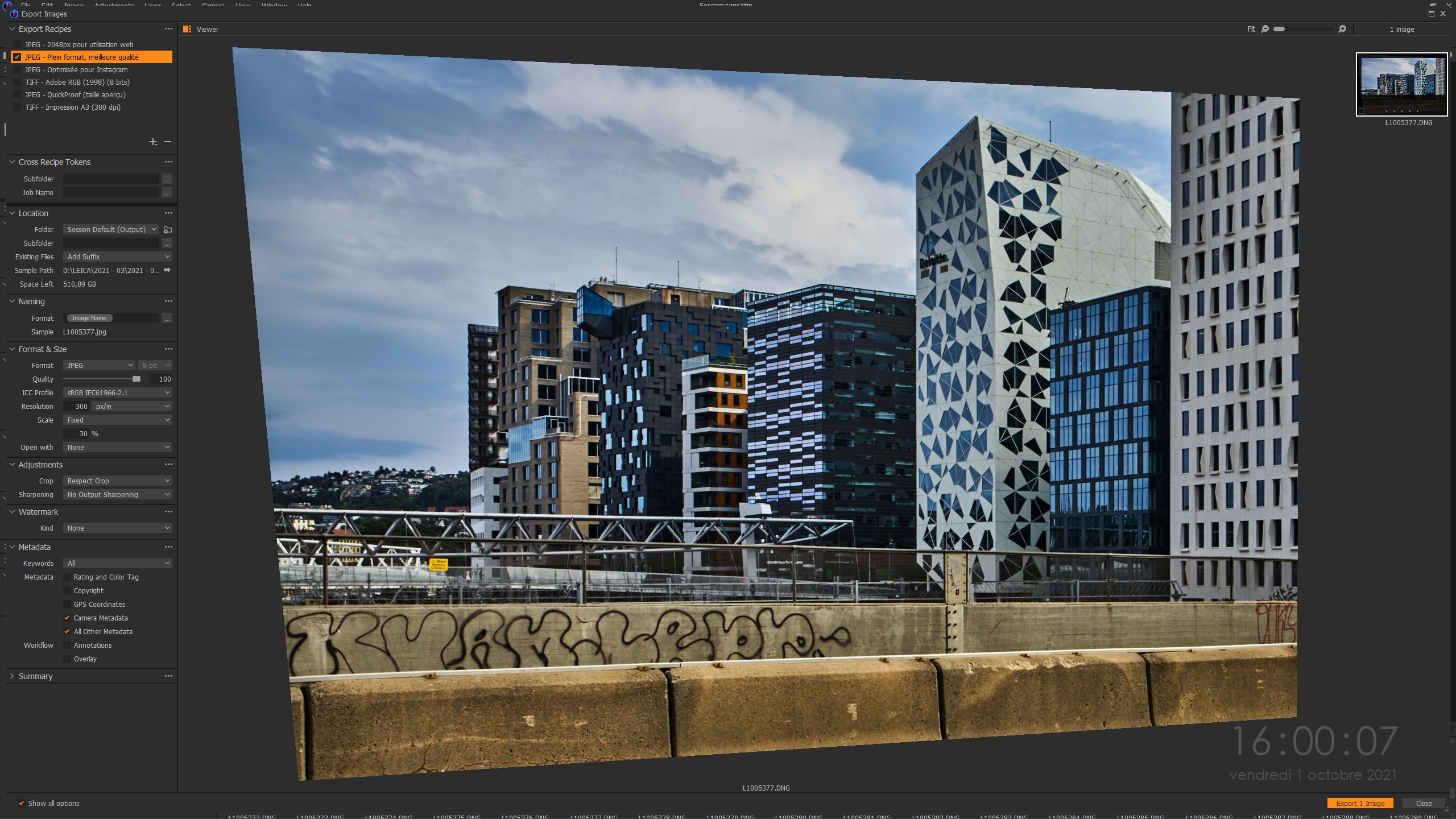
In the Viewer of Export Tool :
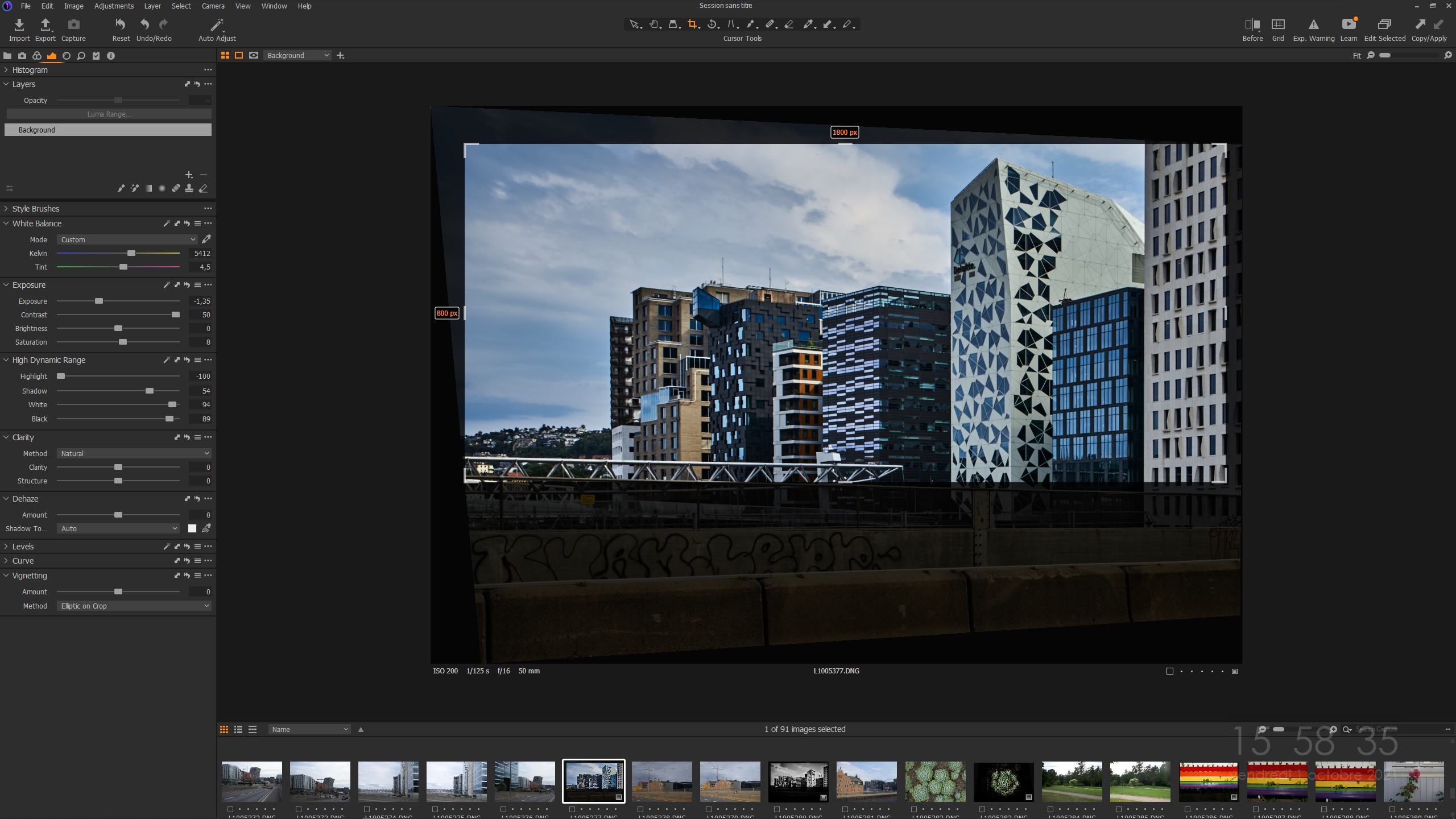
It doesn't take note of the resizing
It doesn't take note of the new keystone framing
It doesn't show up the labels for size of the new file, really needed for printing...
The small vignette upright corner shows the resizing, but not the viewer !!!
That's really bad :(
Something I missed ?
Anyway, here comes the good point : the process for releasing a new export file is a lot faster, whether if some mentions (Export Recipes) are shown in french instead of the english choosen laguage :)))
I have also noticed that the shortcut command for Export is still available, and this is an excellent way to avoid the Export Tool : File menu, Export, Ctrl+Shit+D...
Two screencopies attached.
Mvh.
-
Ctrl Shit D is good ;-)
0 -

You can add the old Export Tab back by right clicking the Tools Tabs bar and selecting it.
You might have to add tools to it manually.0 -
Turning proofing on before opening the new stand alone export window seems to help.
0
Post is closed for comments.
Comments
3 comments