REQ: options to remove all UI from viewer window

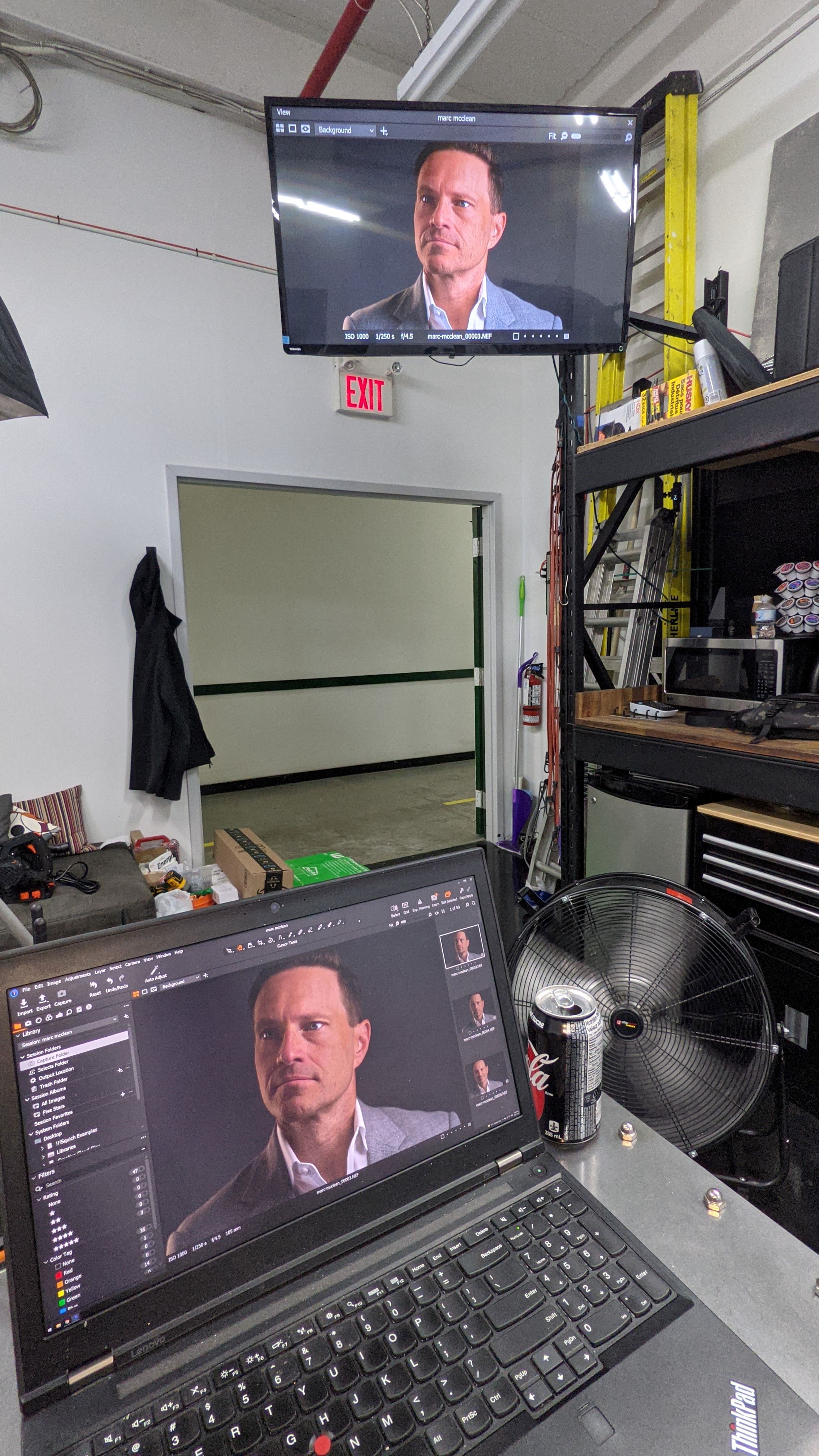
I use the Viewer Window (F10) all the time in my workflow displaying it on an external screen. I find the UI elements take up too much room on the screen when they are not needed.
We already can remove the toolbar but I would like to see the ability to remove all UI elements from the display. At least be able to turn off the top bar.
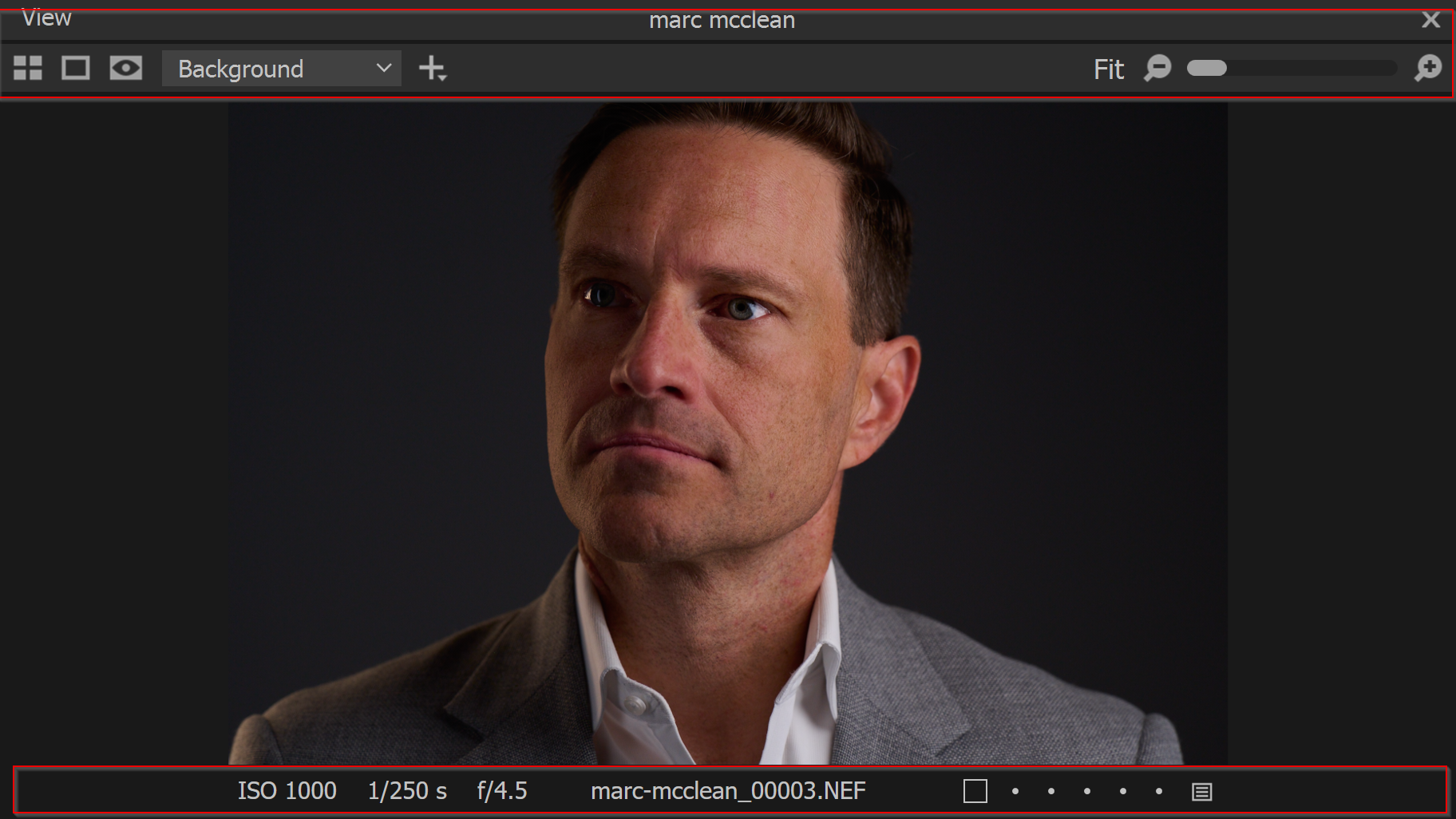
[Remove all the stuff in red]
1
-
The problem is turning off the toolbar turns off the toolbar for both viewers. The one on the main screen and the viewer window.
I've managed to map a keyboard shortcut to turn stuff off and on but I'd prefer an easy way to just make the viewer window clean and keep it that way.
0
Post is closed for comments.
Comments
1 comment