Since update 14.4.0.135 the option EDIT WITH PHOTOSHOP did not work!

-

It does work, and there are several posts about this already, firstly have you get Edit With enabled in preferences? secondly if you have you may need to delete the preferences file and restart C1. I can help if you are a little more specific.
0 -
solucionado! al actualizar se ha desmarcado la aplicación photoshop desde las preferencias de C1-plugin.
gracias
1 -

I am experiencing the same problem with C1 & Affinity Photo. It seems clear to me that the release of 14.4 broke the "Edit with" command.
When I select "Edit with", C1 creates a Tiff file but AP fails to open. If I then select the Tiff file and choose "Open with", C1 opens AP and I am able to work on the image and save my changes in C1.
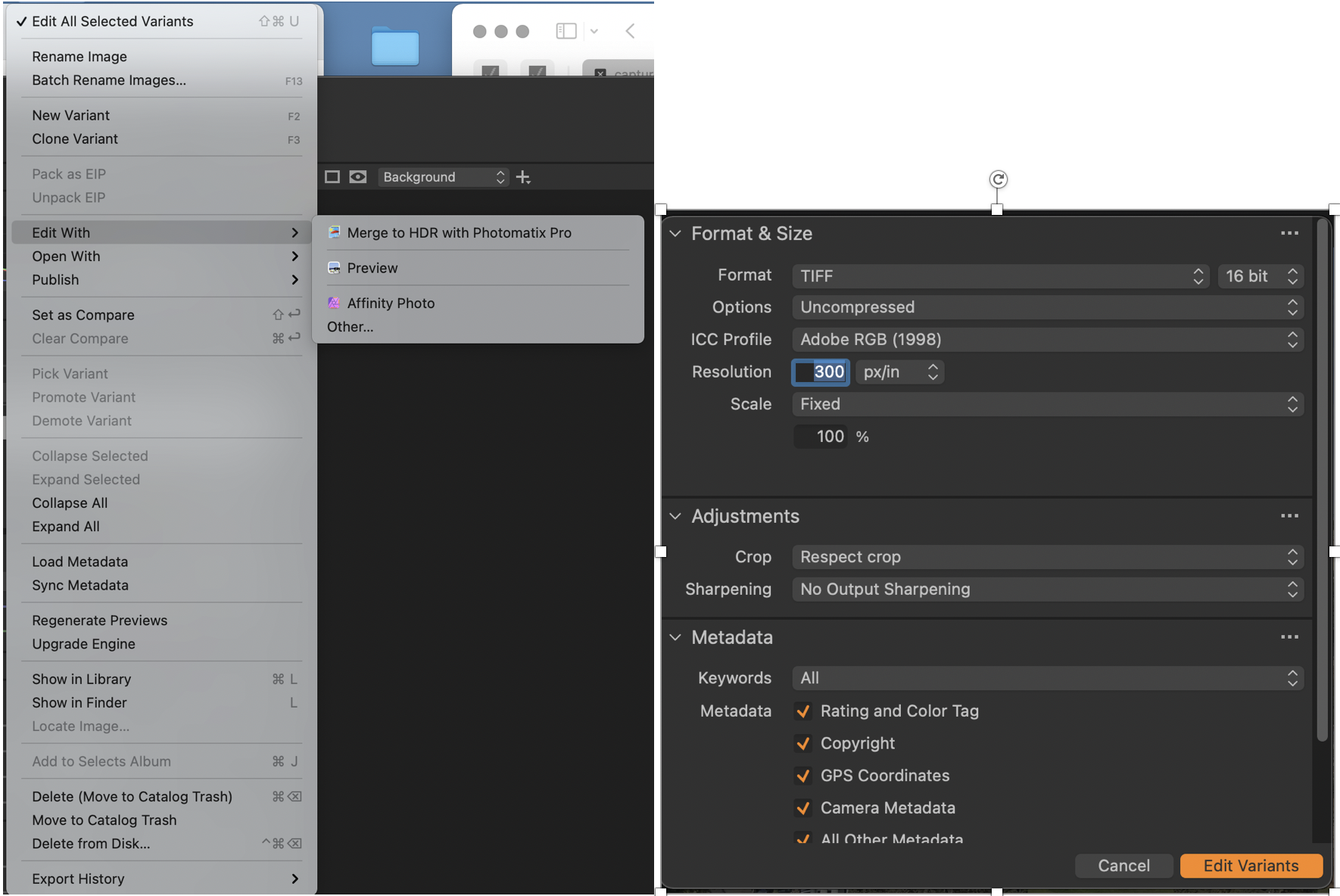
I emailed this issue to Tech Support on 10/10, I received an acknowledgment of the problem, but nothing after that.
0
Post is closed for comments.
Comments
3 comments