Glitched out previews

I was photographing tethered and some of my images popped up like this. I can export them and see them in PS but I can't work on the RAW image and see the work I'm trying to do. Does anyone know how to fix this issue here?
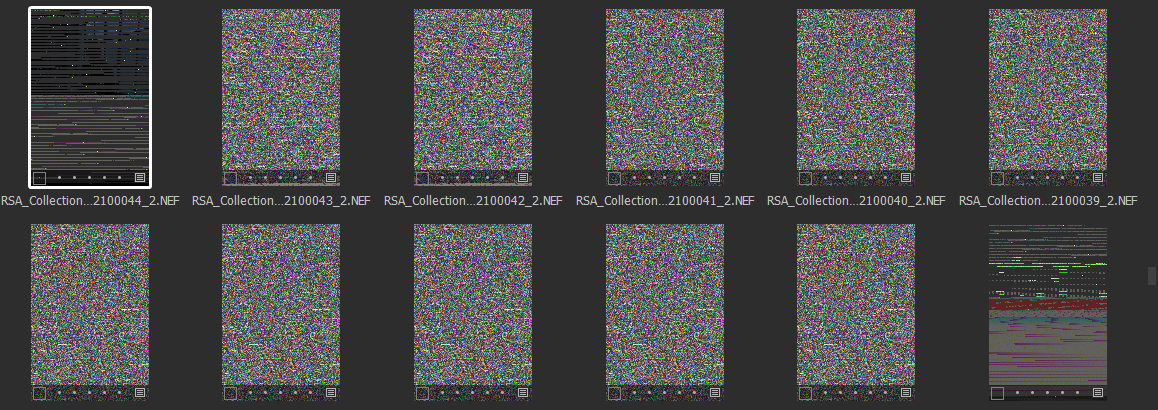
-

> Skydome: how to fix this issue
Hardware acceleration off, regenerate previews?
0 -

Also try clearing the ImageCore cache by deleting the ImageCore folder (then restart Capture One).
C:\Users\User_Name\AppData\Local\CaptureOne\ImageCore
If you want to regenerate the previews note that only
images that are selected in the C1 browser will be regenerated.0 -
... and if turning off hardware acceleration fixes the issue, you could look into whether you can update your graphics card driver, and then try again with it turned back on.
Ian
0 -
I tired all three but it looks like the error was a 'clone layer' that was there and I'm unsure how it made it there, my digitech was handling it but thank you all for your help, I def tried all three options.
0

Post is closed for comments.
Comments
4 comments