[C1v21] Browser Mode as Film Stripe

How can I save that the browser will be set to film stripe mode if it is aligned at the bottom and an image in developer mode?
Each time I start C1 and switch to developer mode the browser is set in grid mode: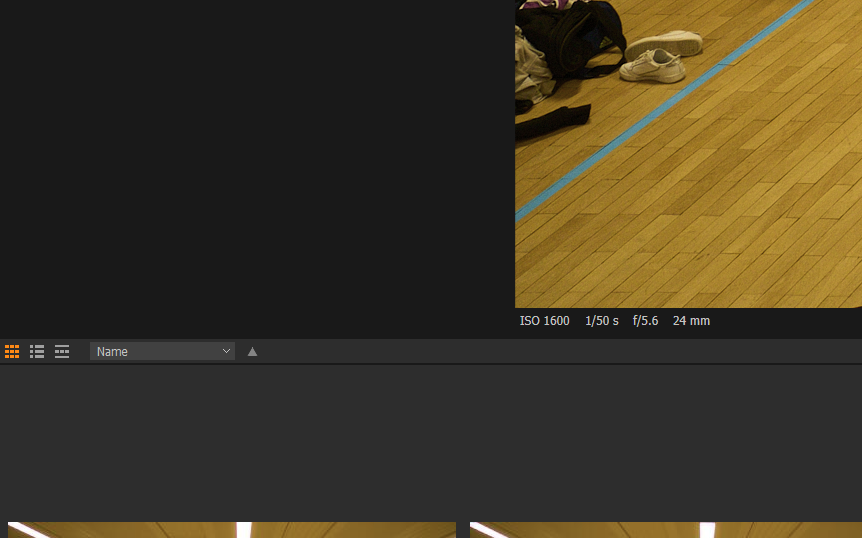
I want the browser is set to film stripe mode by default: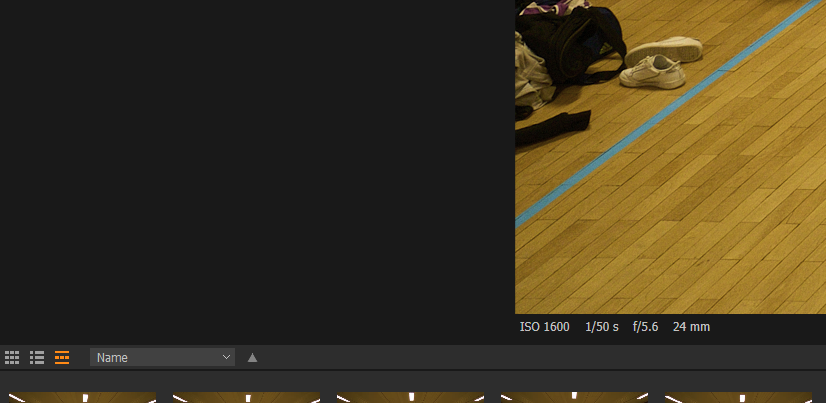
I tried to save it as a workspace but it does not matter.
Has anyone a solution?
-

What do you mean by "Developer Mode"?
0 -
If I edit an image, adjust settings.
0 -
OK,
So presumably that means you would have the Tools panel, the Browser panel and the Viewer panel all visible?
Each panel can be turned on and off via a menu option or a keyboard shortcut. They can also be resized and the Tool panel can be positioned left or right with the Browser panel also left or right (opposite whatever the Tools position is) or below the viewer.
The Browser has 3 display mode possibilities.
The Workspace options should set the values as you wish them to be but you will need to save the workspace with your own name for it in order to be sure it will not be overwritten by system updates of Default workspaces.
However, the view you see can also be influenced by the dynamic User Configuration settings as they change during your working activities. The intention is to record the "as last used" settings for a Session (or Catalog) that has been previously used. If the session is re-opened, the user config settings will attempt to open it in its "last used" state.
So much might depend on how you work with the system that I do not think a detailed list of suggestions could be compiled for you to try at this point.
A simple test would be to open a session, set the screen the way you want it to be, save the Workspace with your own unique naming convention and then close the session using the "File > Close Window" method.
Once the close activity is complete, re-open the session and see how it compares with the way it was when you closed it. If it is very different and nowhere near what you expect to see, further suggestions could follow.
0
Post is closed for comments.
Comments
3 comments