Capture One 21 (14.4.1) - MAC OS WATERMARK CUMBERSOME AT BEST

Capture One 21 (14.4.1) - MAC OS
What is up with the cumbersome watermark feature?! I cannot seem to add it to the export window to preview what it will look like. I have to keep opening and closing the export window. The choices are for "floating tool" which does not work with the export window open or "add tool" which takes away valuable real estate and can only be added to places that I use for shooting, not processing.
-

If you want to see what your image looks like with export/processing recipe adjustments -- including the watermark -- applied click on the proofing button.

If the button is not on your toolbar you can use the menu: View -> Recipe Proofing. I think there is a standard hotkey you can use, too.
0 -
Thank you Marco.
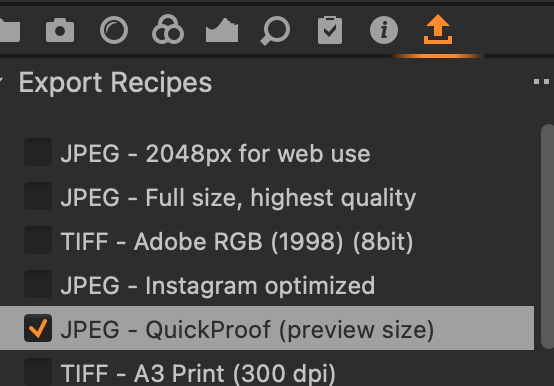
After exploring I figured out how to add an export button. If the proof button would be accessible in the same place that would help a lot.
 ?0
?0 -
Right click on the toolbar. Select Customize Toolbar... Drag and drop the icons to/from the dropdown list of items to the toolbar. Re-arrange to suit your needs. Most Mac programs work this way.
Capture One specific... when done use Window -> Workspace -> Save Workspace... to save your layout. In the future if your toolbar/layout gets messed up you can re load the saved workspace to get things back to the way you like.
0
Post is closed for comments.
Comments
3 comments