Can't pre-upgrade to Capture One 22

Hi,
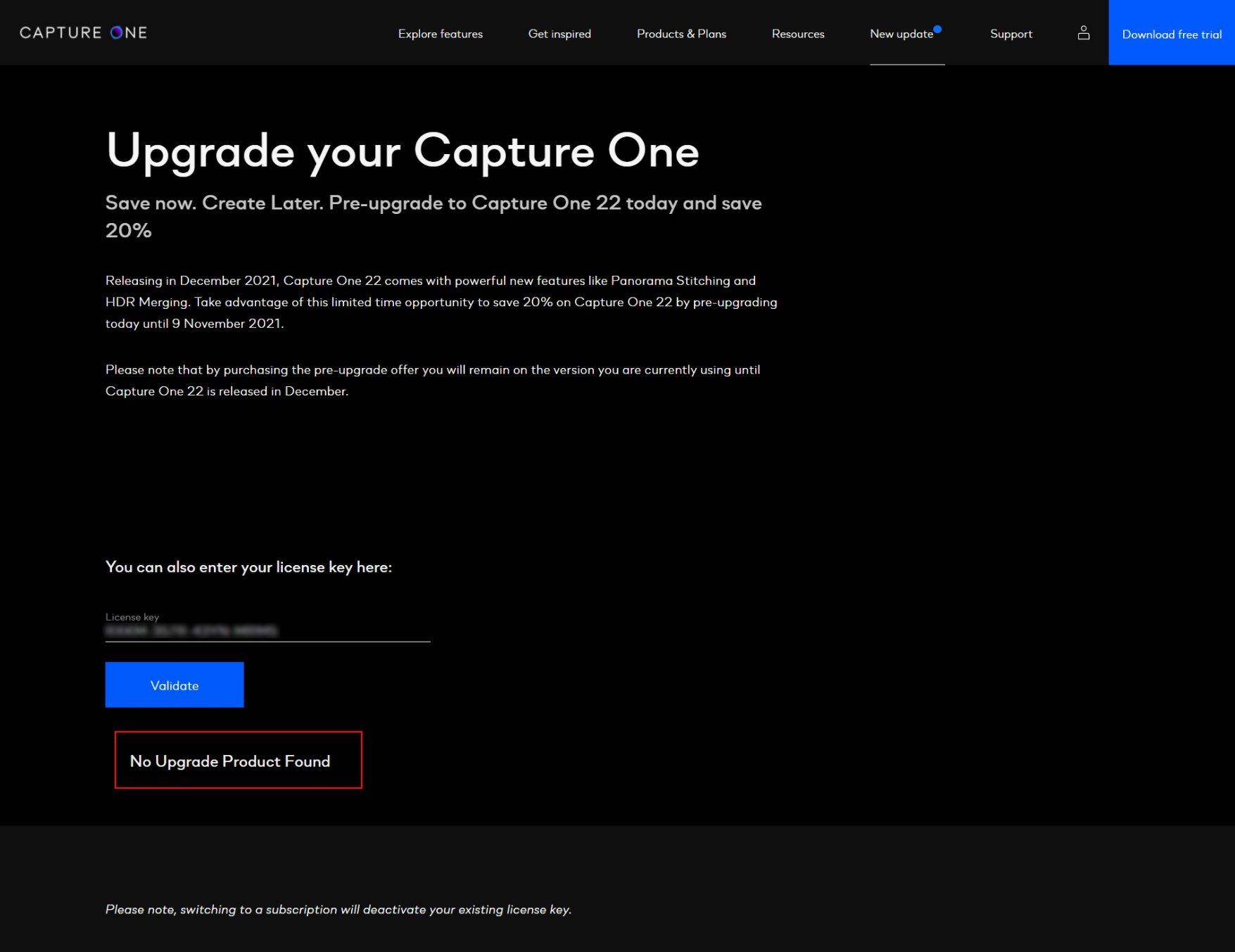
I have a Capture One Pro 21 (Perpetual License) and can't pre-upgrade to version 22. After I enter my license key it says "No Upgrade Product Found",
If I go to the Help -> License screen in C21 I see this: 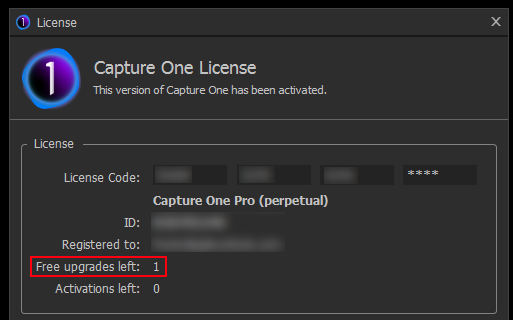
Does this mean my license is upgraded?
I tried contacting support and as usual, there's already a week passed and still no reply.
-
I have same issue on my iMac, looks like Capure one promise a lot but not proof
0 -
If you want to purchase a pre-upgrade to version 22, you won't find it there, because there is no existing upgrade product (version 22 isn't out yet). But you can go to your account on the website where you will find an upgrade product button.
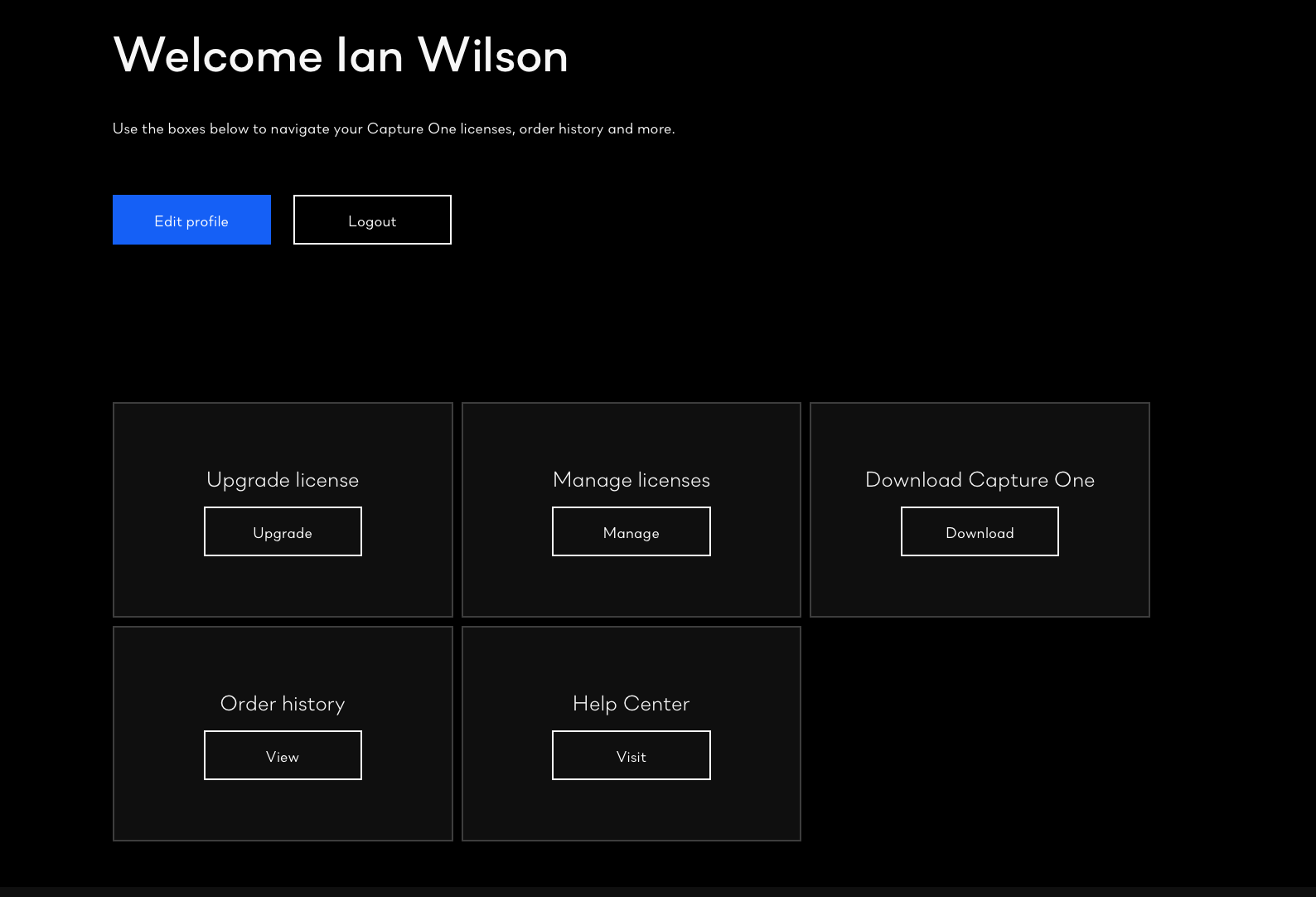
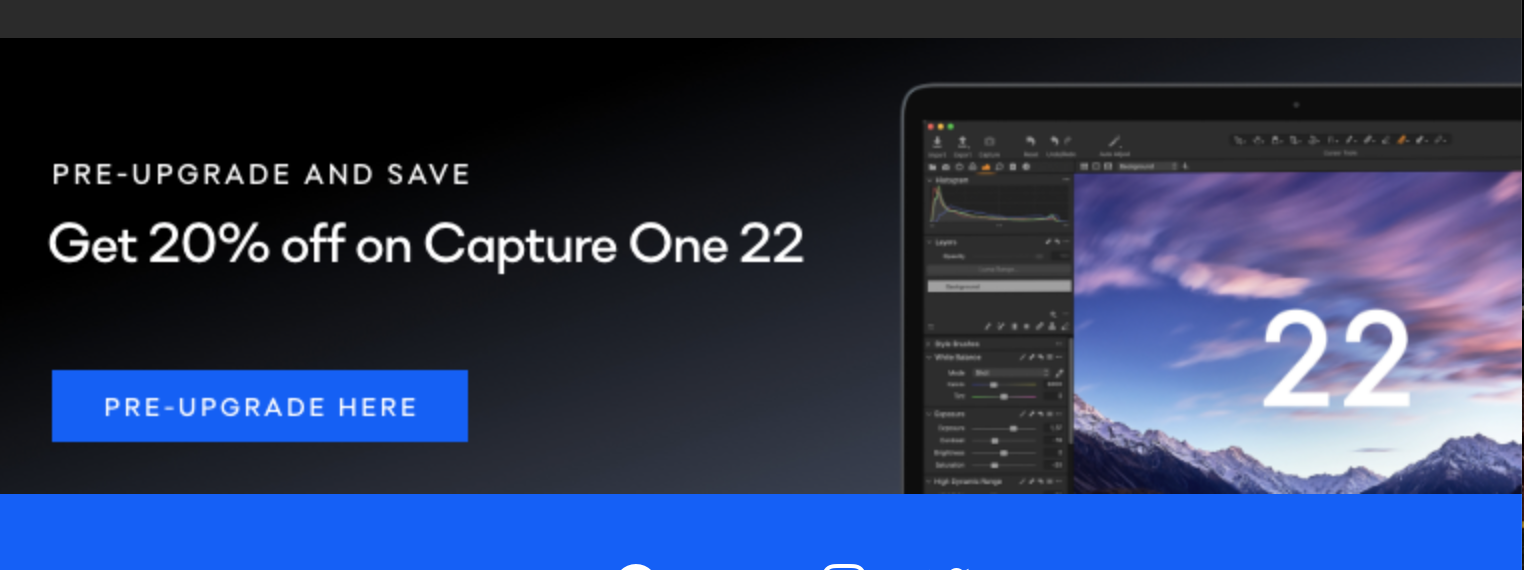
Or you can follow the button the emails you may have had from Capture One offering the opportunity to pre-upgrade.
Ian
0 -
I went to https://www.captureone.com/en/account/upgrade and entered my license key. Here is the message.
I suppose there is another screen after this where I can enter discount codes and complete the order? I just can't start the order.
 0
0 -

Hi Frederik,
did you buy Capture One 21 recently? If that's the case you have a free Upgrade to Capture One 22. You can see it in your first screenshot: Free Upgrades left: 1
Here is this listing: https://support.captureone.com/hc/en-us/community/posts/4408348614545-Free-upgrade-to-Capture-One-22
I think you don't need to buy an upgrade.
0 -
Well I tried contacting Capture One with a ticket and still no answer (8 days). The offer has now expired. I guess I'll take my money elsewhere to a company that actually provides support for their products.
0

Post is closed for comments.
Comments
5 comments