Wierd black box on my pics when exporting on windows

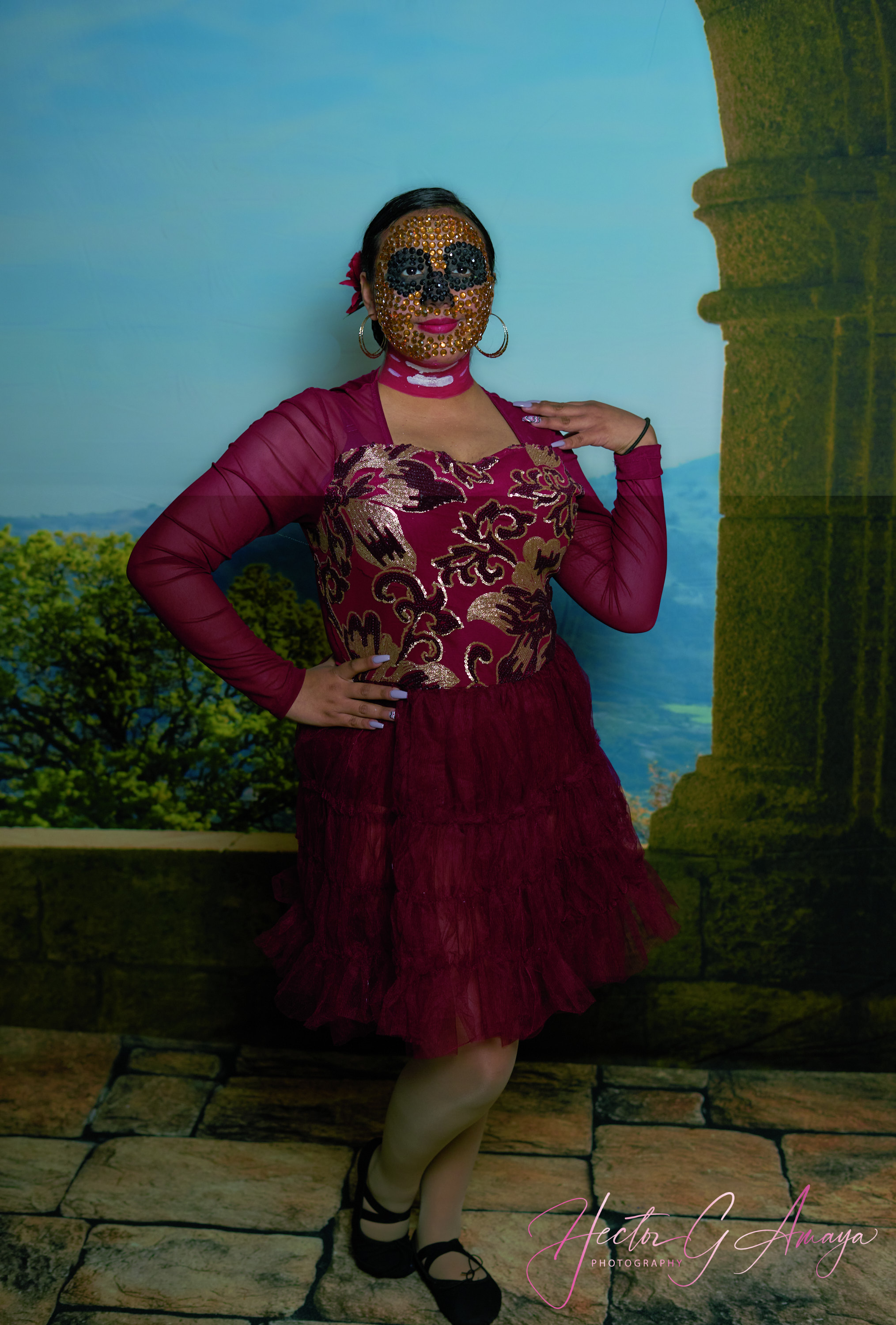
I have to process about 500 images of the recital and discontinue many, but i was happy with 303 pics and i started the process with recipe process in my windows laptop, at the end of the process JPEG 300 long edge for web the weird black box happen in several pic. so i have to exit the program , capture one 21 ver 1.4.1.6.1, then turn my computer off and reset, then started and problem persist, so i find more mistakes in the process such distorted images , is every time that i have this images should i restart? the process its kind of annoying! anybody has any feed back i will like to find answers
-
It's possible that this is something to do with hardware acceleration. Try turning it off (General tab of Preferences) and see whether you still get the problem.
(It would be preferable to be able to use hardware acceleration, but this is a quick test to carry out and it will help you to narrow down where the problem stems from. If the issue goes away, you could try new graphic drivers, then try again. If turning it off doesn't cure the problem, you may as well turn it back on again and look for a different cause of the problem. But this is worth trying - it will only take 5-10 minutes.)
Ian
0 -

Hello, I had a very similar problem and it has been solved by disabling hardware acceleration, but this originated a little over a week ago.
But it is not good that it does not work with the hardware acceleration that for more than two years had not been a problem.
0

Post is closed for comments.
Comments
2 comments