Captureone shows a cropped in version of the photo I took.

There must be a setting I hit mistakenly. But each time I take a photo, it shows a specific ratio that appears cropped in on the screen and dark around the rest of the photo. On the viewer on the right bottom you can see a crop like box around the photo, how do I get rid of that, so that it does not automatically do this each time I take the image?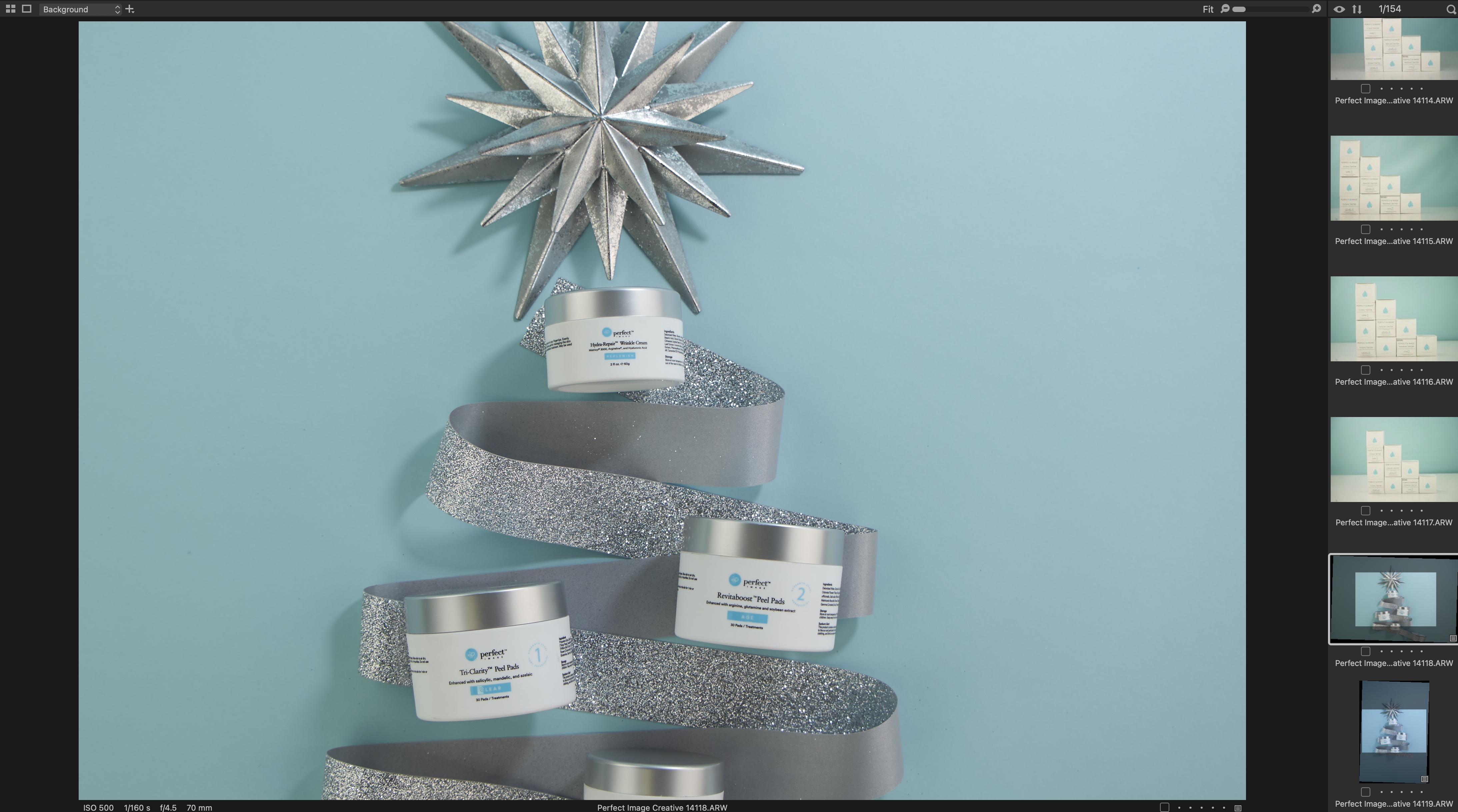
-

Does your camera have a digital zoom feature? Was the feature enabled for that photo? Or did you apply a style to that photo that includes a crop?
0 -

David,
Are you shooting tethered?
At what point in your process are the edits being applied? The top 4 images are not indicating that they have been edited. The lower 2 images are. What is different in the image capture process for those images?
0
Post is closed for comments.
Comments
2 comments