export not working

the export function doesn't seem to work at all for me; I just see an icon appear on the file I am trying to export once I attempt to export my photo, but nothing happens at all. Even after waiting several minutes, there is no exported image.
Running on windows, C21 (latest build 14.x)
Is there any solution for this?
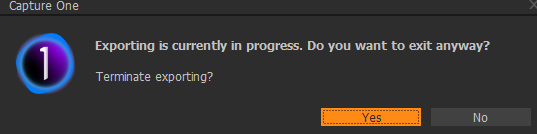
When I try closing the application, I get the following message:
-
Having exactly same issue on C20 (build 13.1.4), running on windows 10. Any solution for it?
0 -

Try adding the Export Queue tool to a tab if you don’t already have it showing:
From the three dots at top right of the tool select clear queue and clear history.Also try turning off OpenCL processing in Preferences.
1 -
@gb - Thanks for that; turning off OpenCL did the trick!
0
Post is closed for comments.
Comments
3 comments