Sessions Not Opening

I have always shot all of my studio sessions into an external hard drive. I then import the images I would like into Lightroom for cataloging purposes.
For some reason as of 11/30/21 none of the sub-folders that normally appear along w the ".cosessiondb" are appearing. "Capture" "Output" "Selects" "Trash" Only the cosession file is appearing and in one instance even that has disappeared. These were all there when I initially shot the session.
I have gone into all four sessions. Two had nothing, no cosession, no sub folders, nothing. The other and one I'm most concerned about as the client is now looking for images, has a cosession but I'm receiving the error messages:
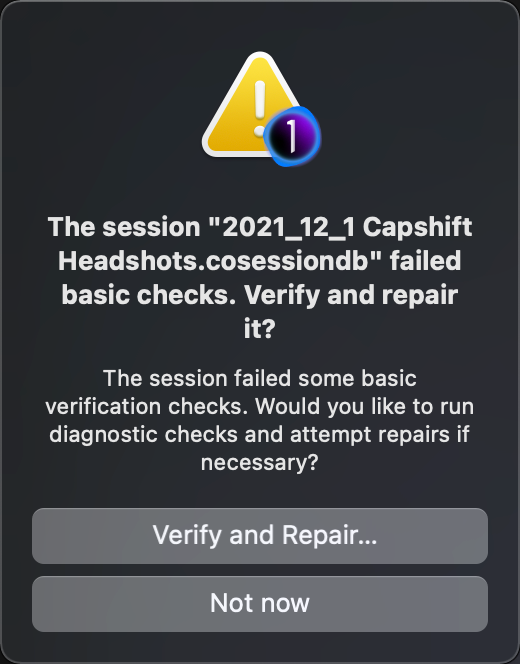
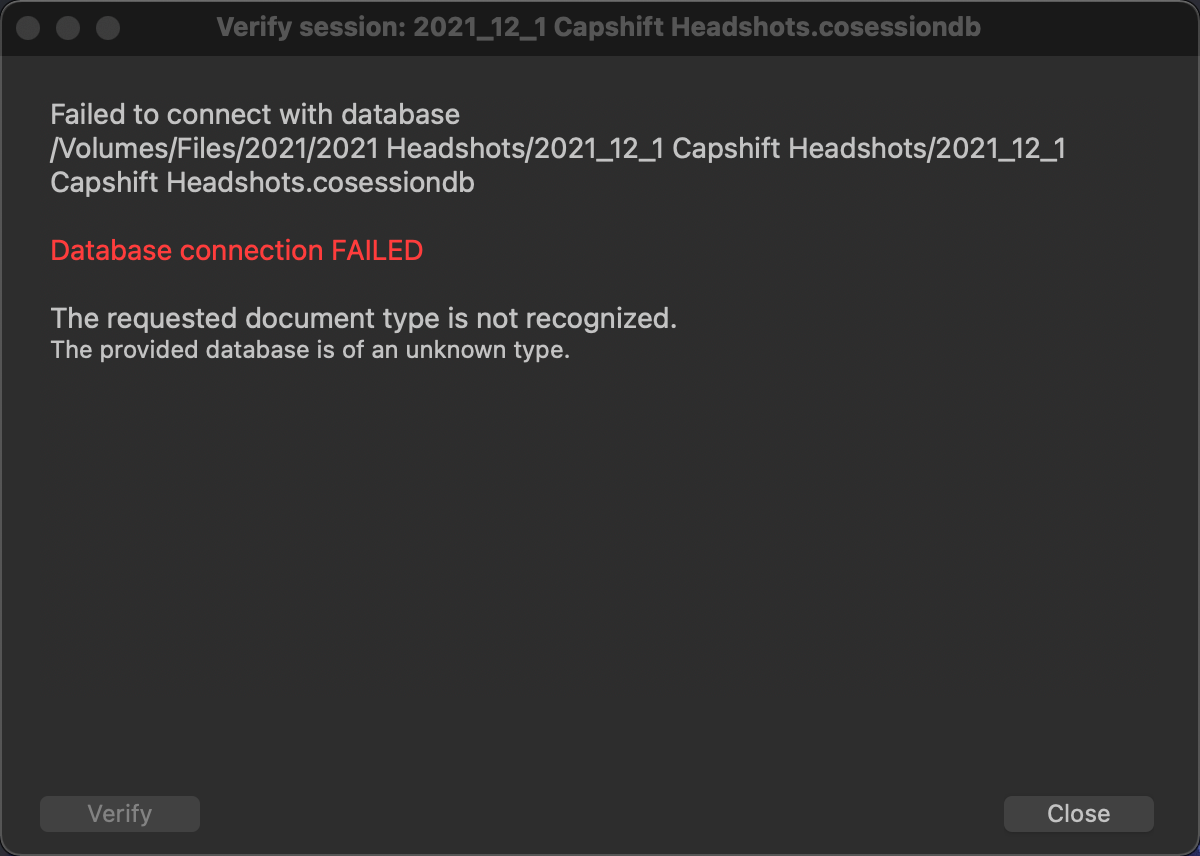
I can't open this. How can I get in to see the images here and what has happened to all of the folders and cosessions in the other two? I am able to open other folders on this external hard drive as well as on my Synology back up to everything.
Do I need to remove Capture One 21 and re-install?
I am running Mac OS Big Sur 11.6.1
How can I access these images for client?
PLEASE HELP!
-

The cosessiondb-files do not contain any photos, they are not important at all.
The images you took while shooting tethered are usually stores inside the "Capture" folder, as are the settings for the images.
So you could simply copy/paste a differente cosessiondb-file in the directory and work with that or just open a different session and simply browse to the folder containing the photos.
However it sounds like your folders are gone as well (at least with the sessions you mentioned) - so you should check and see where you stored them or whether you (accidentally) deleted them. Perhaps there's a chance for you to restore them.
Removing or re-installing CaptureOne won't change anything I'm afraid.
Good luck!
0
Post is closed for comments.
Comments
1 comment