Colour issue

Hi,
I've got an issue with the colours of pictures, when photo is outzoomed or zoomed to 50% few pictures have different coloration than when I zoomed it by 67% or more. I want same colours when pics are outzoomed and zoom in because when i export photos, they've coloration exactly from the zooomed view.
Attached some screenshots there
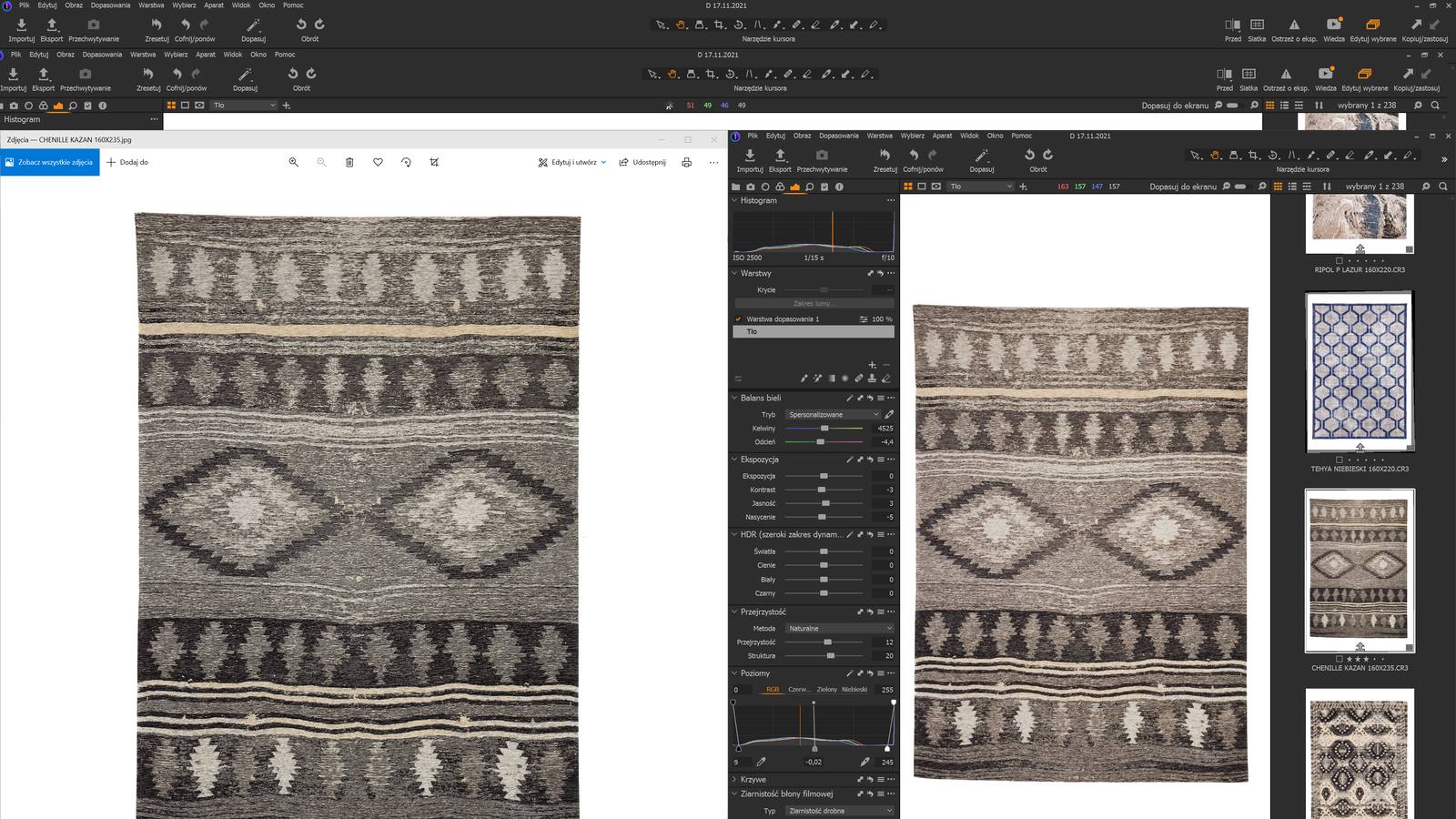
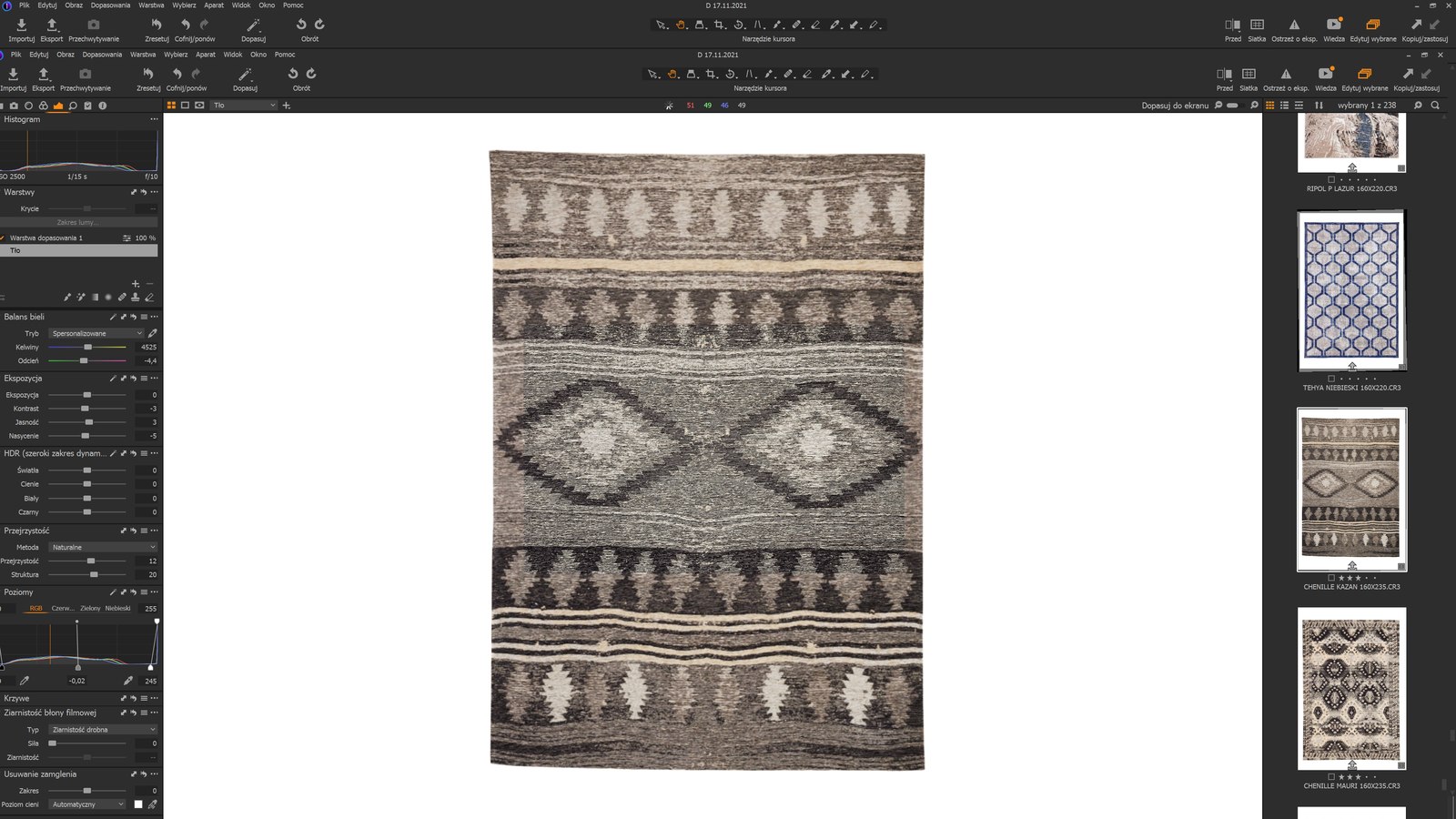
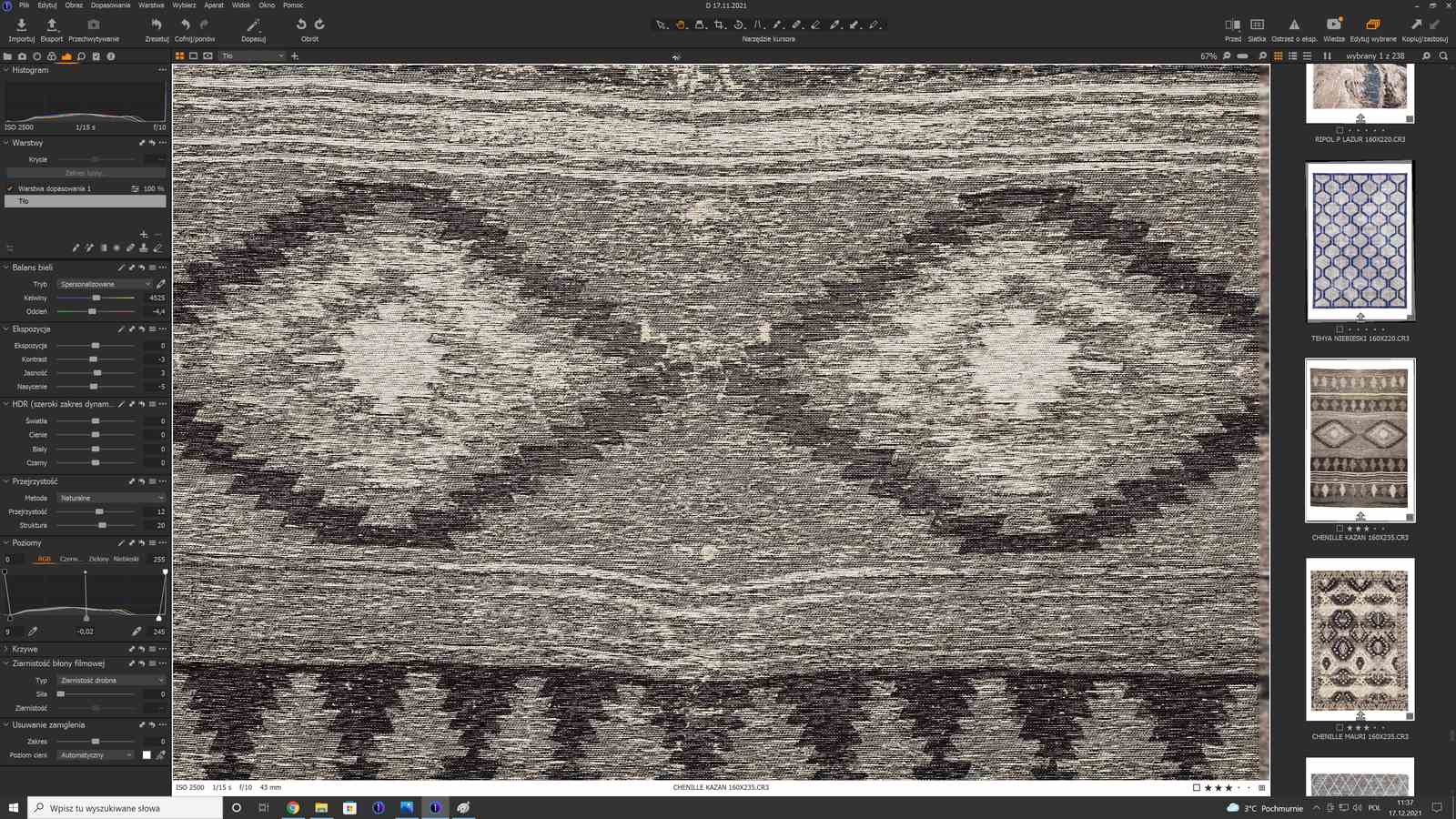
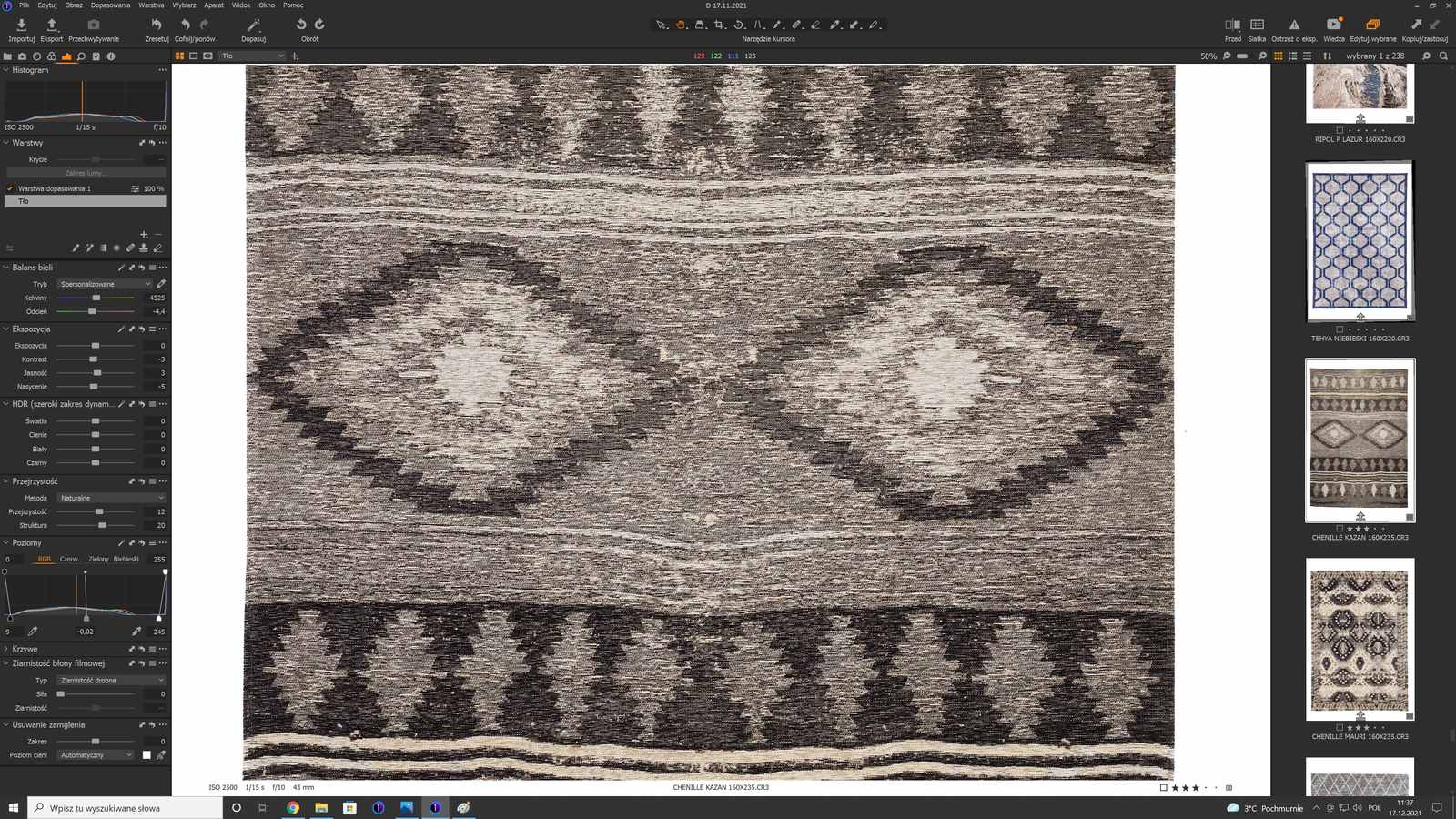
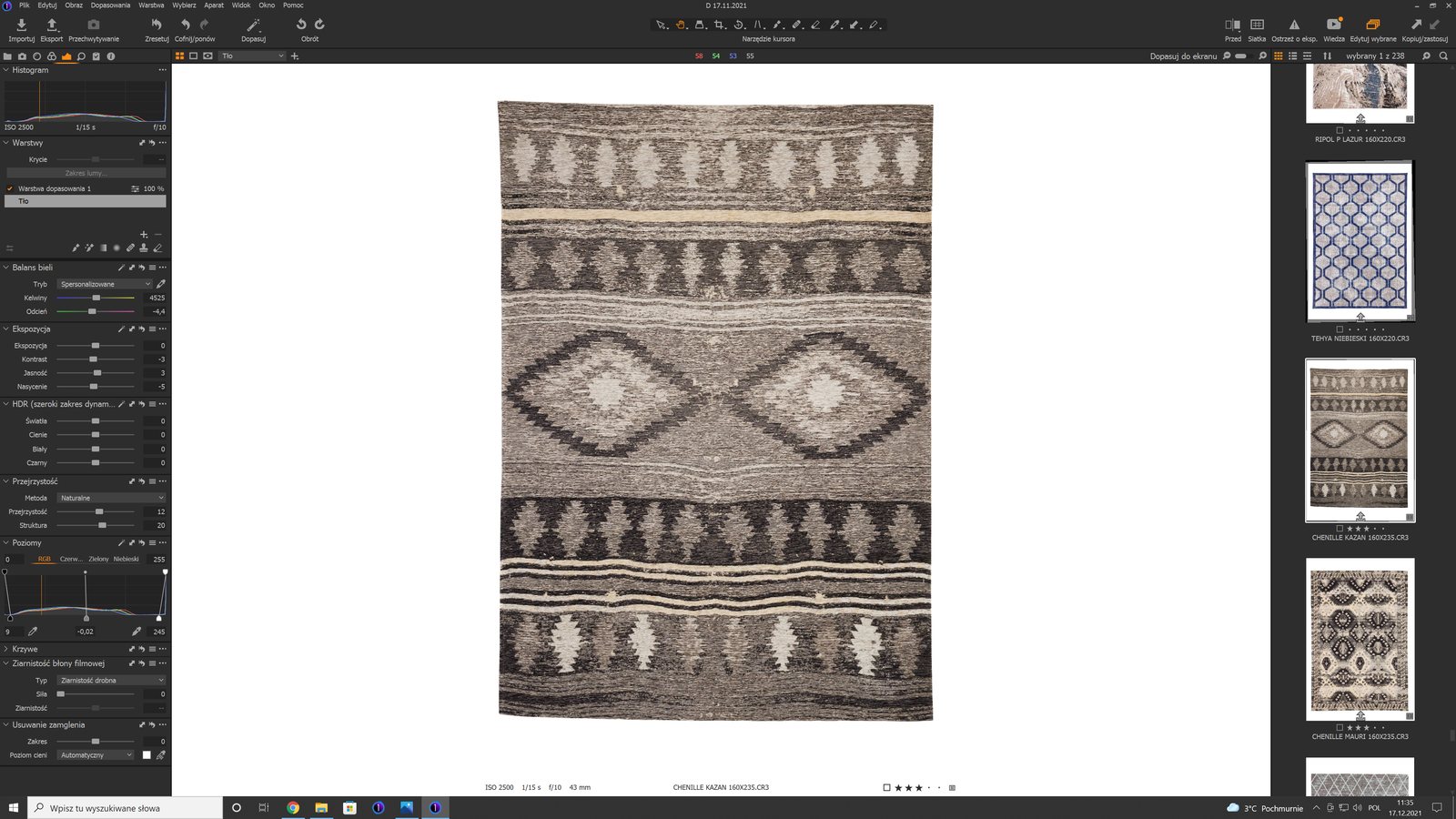
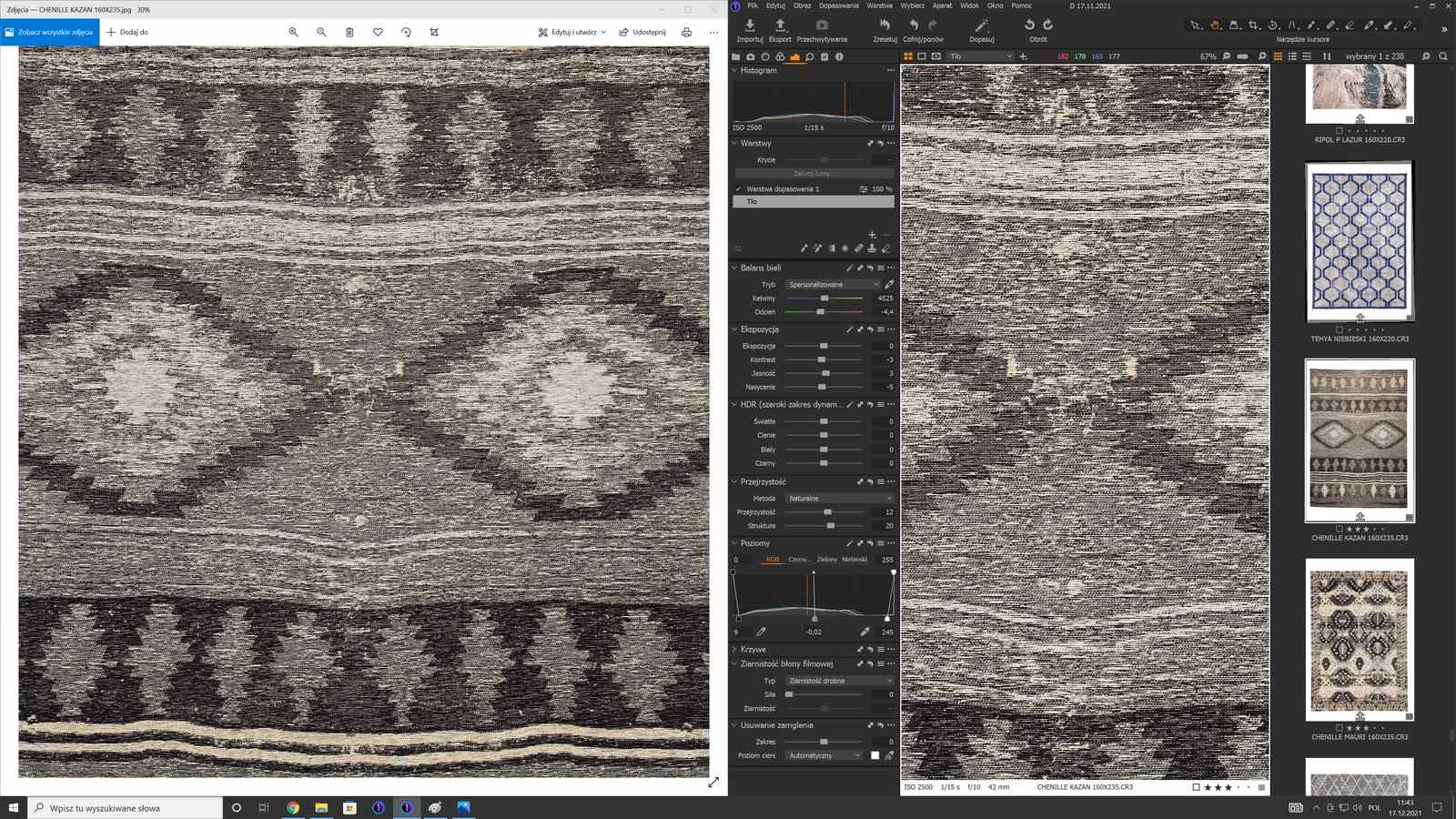
-

Krystian,
For fully accurate colours, especially for relatively complex images in colour terms, you should really use the 67% size or, much better, 100%. That way you are using all of the available pixels rather than the subset that is required when images are compressed to scale down by dropping some of the pixels from the screen.
This effect is more obvious with some colors than others and where you have a lot of details, as in your example, rather than large areas of more or less the same colour - a blue sky in a Landscape image for example.
The C1 recommendation is to always work at 100% if possible when undertaking fine colour adjustment work. And proofing, of course.
0 -
Sooo, Is there no way to check the right colours at outzoomed file/photo before export?
0 -
Proofing?
Also good application of the Export recipes.
0 -

Krystian, try turning OpenCL hardware acceleration off in C1 Preferences,
close C1, delete the C1 ImageCore folder located at
C:\Users\User_Name\AppData\Local\CaptureOne\ImageCore and then restart C1.
If you still have the problem try Selecting a problem image (with OpenCL still off)
and regenerate it's Preview via Menu - Image - Regenerate Previews.1 -
It helped little bit ;). Now i've good colours at 33% of zoomed image, but still they are different at outzoomed photo, maybe its just about SFA was talking earlier "[...] images are compressed to scale down by dropping some of the pixels from the screen".
If you have more tips how to fix this I will be grateful,
thanks already for your help :)
0 -
I've never noticed a color shift with zoom level in C1.
Maybe there is but it must be very small.
What you are showing is pretty dramatic.
Would you have a download link to a RAW version of one of your problem images?0 -
Take it: https://drive.google.com/file/d/1dgUax9y-AMlc0phqW9R5XdC1ifh05TUX/view?usp=sharing
as you talk, differences in colours are only at singles images. Usually, the job is going pretty well
0 -
Would be good if you could share an export as EIB, as then we would have your adjustments too.
In general, not all tools are activated at all zoom levels in the viewer (probably for performance reasons), this is especially visible if you have a high color noise image. Those tools which under "normal" conditions not visible at lower zoom levels.
(Take DXO for example, they deactivate the sharpness tool already at 75%.)
In your case, if I bump up Moiré slider to 100, I see quite different colors depending on zoom level especially between 33% (EDIT: 50%) vs. higher zoom (but I don't know if the exact zoom level to deactivate tools possbile depend on other factors, maybe screen resolution etc.). When I reduce the slider to 0 the colors are much closer together, if not identical.
The 100% zoom should reflect the actual output.
EDIT: correction for above: between 50% (reddish) and 67% (greenish) on my computer.
0 -
how export file as eip? know that i should rightclick at image and packed it to eip, whats later?
0 -
BeO, you are right, outzoomed pic is reddish but zoomed is greenish (closer to reality).
I have to be really precise with the color, thats why i drill down the topic
0 -
https://drive.google.com/file/d/1Bwxlaqd5AY13Giu5IGej8I7ww85baVE0/view?usp=sharing
dont know if you can open it? i just pulled eip file at desktop :D:D:D
0 -
With the RAW opened in C1 with default settings I'm not seeing much color change:
Fit to screen:
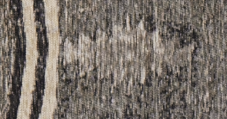
33%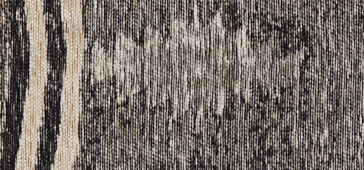
50%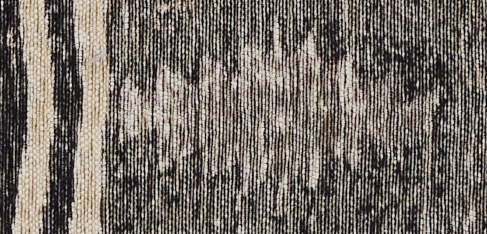
67%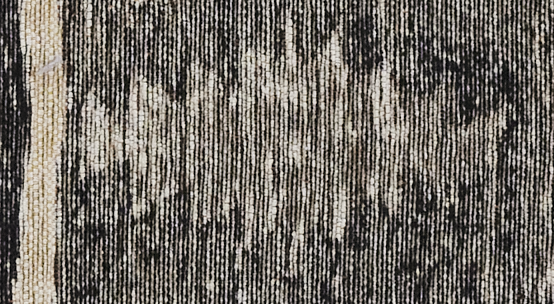
100%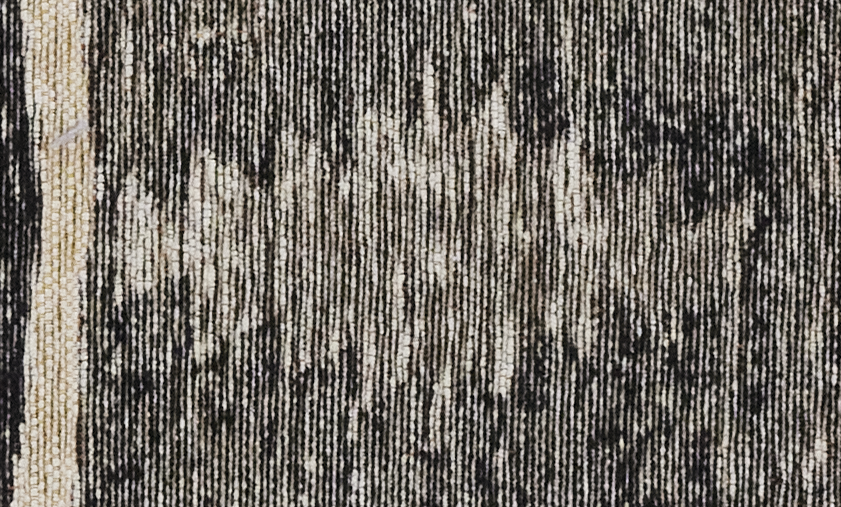 0
0 -
Ive got the same, from the EIP file, when i reopened it in CO, There isn't colour diffrences but..
when i open from cr3 or cr2 file (raw), retouch it and zooming, problem returns
I'm doing uncompressed pictures from Canon R5 (earlier on Canon 5dm3). Sometimes i saw these issue
0 -
Are you using any Moire reduction?
That gave me a bit of color shift with zoom.0 -
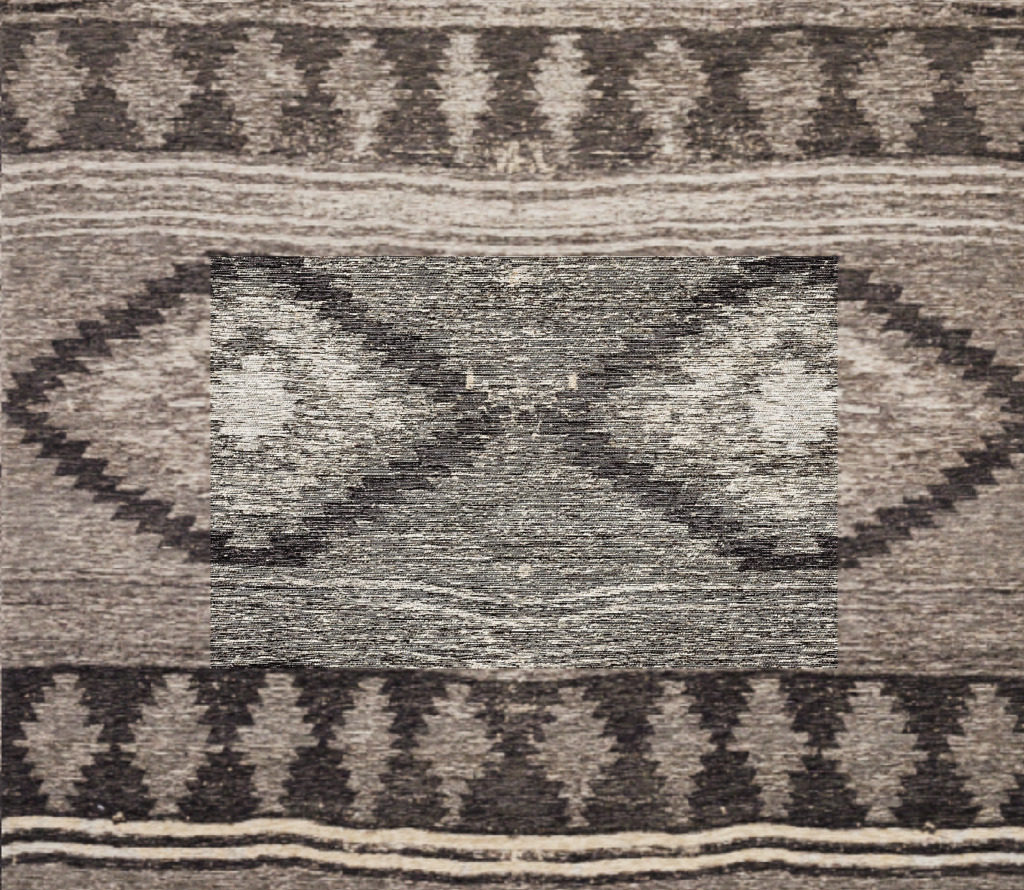
EDIT: I reopened EIP file, difference is huge still. Its not about moire and sharpness, checked that.
 0
0 -
So you are showing default settings verses your processed version above?
0 -
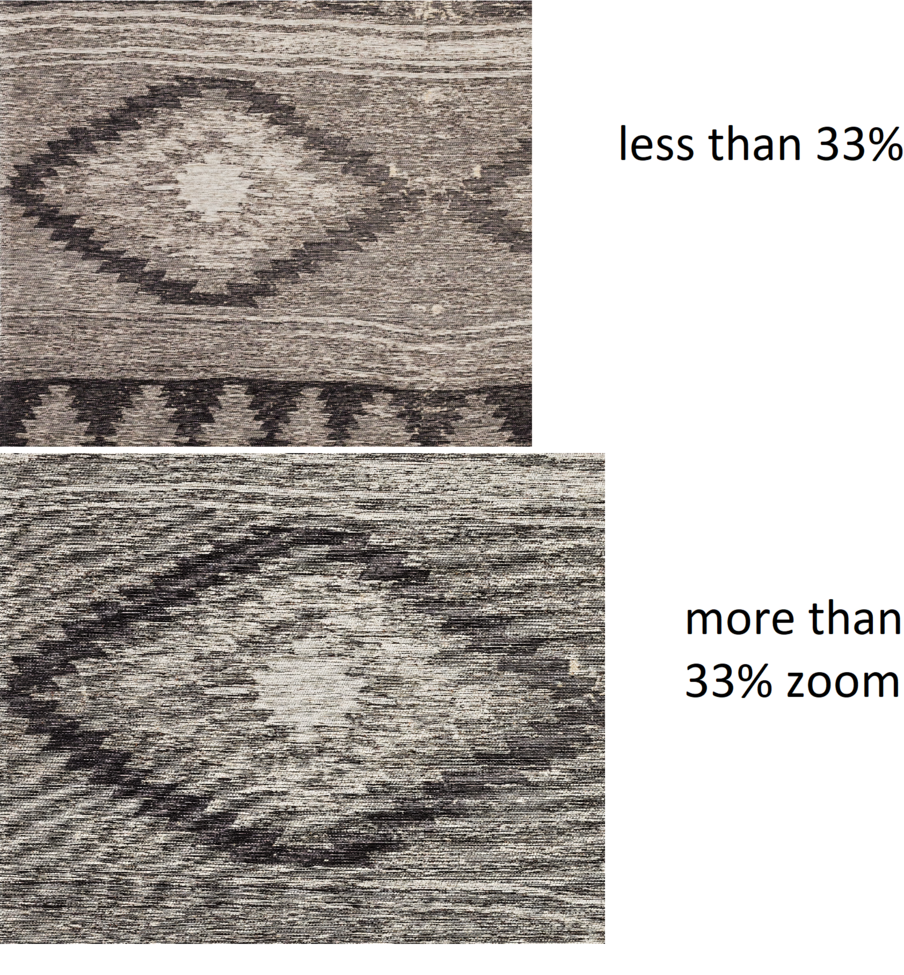 0
0 -
Just did an auto adjust on the RAW and yes there is then an abrupt
color change between 50% and 67% zoom.I thought the color change might be an optical illusion as you zoom in and out, resulting from the pointillist nature of the material but had a look at the RAW in Affinity Photo and the color there is the same at any zoom level.
0 -
This is the same photo, processed.
i dont show clear raw, but i checked this problem with pure, untouchable raw file, and there is problem also.
GB can you screenshot your preferences menu? Maybe i did something wrong there
0 -
In affinity photo I didn't see difference like you said.
Thats weird.
0 -
Maybe someone can check that in adobe lightroom?
I do not have adobe package
0 -
I have unpacked the eip file. My C1 is on version 13 (so my C1 might behave different than yours) but I changed the version number in your .cos file so that I can see your adjustments in C1.
I noticed that the change from slightly reddish to slightly greenish and a tad darker occurs when switching from 25% to 33%. My preview size is 1920x which is the same as my monitor resolution.
I then changed the preview size to 5k and regenerated the preview. I cannot see the color switching anymore between the 25 and 33, but I notice a change between 50% and 67%.
Anyway, it seems that C1 is showing the pre-generated preview file (which will be used on lower zoom levels) differently from the on-demand preview (rendered on demand when pre-generated preview file is too small for the higher zoom level).
I increased the saturation to +20 to better see the differences.
Exporting the file to sRGB and openening it in Affinity shows that the 5k preview file in C1 (left) is reddisch whereas the exported file (right) is greenish:
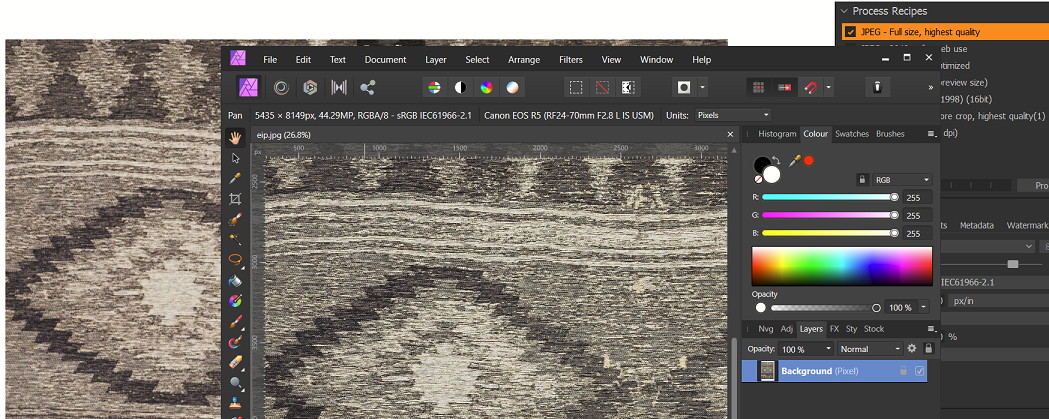
So, preview file is wrongly generated or wrongly displayed?
Unfortunately, when trying to check this with a reduced preview size of 640px (and regenerating), it did still show the cast change between 25% and 33%.
1 -
"..preview file is wrongly generated or wrongly displayed?"
Only PhaseOne knows, so it's probably unfixable at the moment.
Little bit helped: OpenCL-off and change preview size as your monitor resolution you have.
0 -
Have you reported this directly to C1?
https://support.captureone.com/hc/en-us/requests/newStrange how this particular image shows such an obvious change.
0 -
Yes, I have.
Thanks guys for your time and Merry Christmas!
0 -

this kind of color shift plagued c1 for a very long time but they improved it in the last years. so I'm really surprised to see such a great shift again. zoomed out previews are processed differently (probably for speed ) than 100% views, in the past it was most visible with grainy high iso shots. what you see with your subject is probably the combined effect of the c1 sharpening which brightens the fine texture and color NR after a certain zoom level and it is amplified by the nature of your subject.
0

Post is closed for comments.
Comments
26 comments