Exporting HEIF source images

I'm using Capture One 21 Pro (build 14.4.0.135) on macOS 12.1 (on an Intel MacBook Pro, in case that's relevant), and trying to export some images using a variety of recipes, including both JPG and TIFF. This works fine for Fujifilm raw (RAF), DNG, JPG and some old Panasonic raw (RW2) files. However, when I try to export a HEIF (/HEIC extension) file created on my iPhone, it is unsuccessful – the events window appears, saying:
Description: “There was an error during the processing of the output file.”
Domain: com.captureone.captureone
Code: 1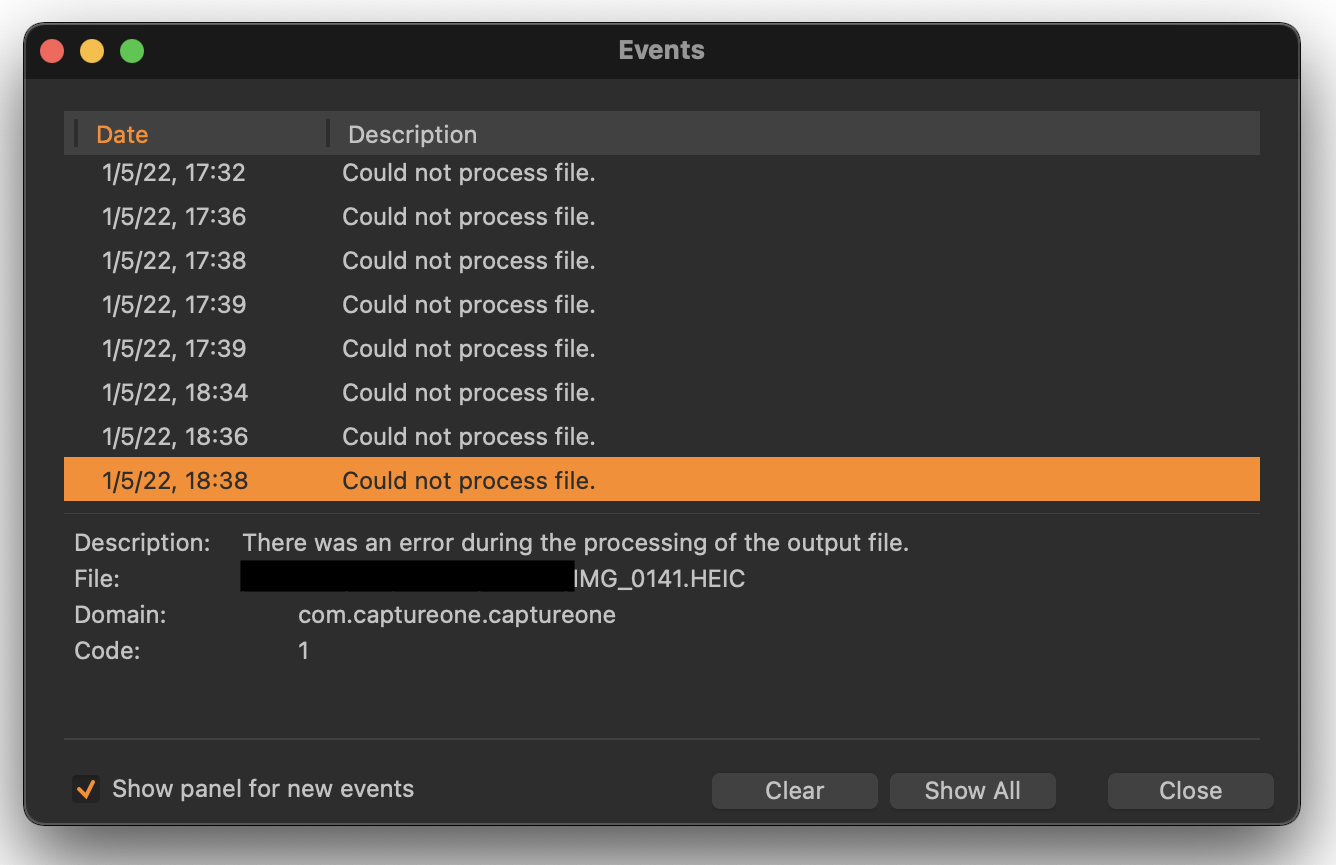
Previewing and editing these files works fine, but no exports work, regardless of format. Can anyone help with this?
(NB: to be absolutely clear, this is me trying to export an existing HEIF file as a JPG or TIFF, not trying to export to HEIF.)
-
I've just upgrade to 14.4.1.16, and the export is now working. I'm not sure why it was broken before, but hopefully this helps anyone else having this problem.
0
Post is closed for comments.
Comments
1 comment