Corrupt Files Display

I opened a post in the Windows section that relates to the Mac as well and was curious if anyone in this thread may have seen this before. Essentially, I import photos using the Win10 machine into Session Favorites. Perform edits then move to the Mac for Color Grading. When I open the file on the Mac, some of the session favorites have been renamed to include "Capture/" in front of the Session Favorite name and the images are missing, listed as missing or corrupt. I included images in the other thread. It would be appreciated if anyone could have a look here, https://support.captureone.com/hc/en-us/community/posts/4416660927377-Help-Please-Corrupt-Files and see if they have seen this issue before. I have had an open ticket with C1 for three months now with no response and this is killing my workflow. Any direction is appreciated.
Thank you,
-

> Thomas Whitmore: Perform edits then move to the Mac...
Looking at your other posts I think your description may be a bit vague.
What files are corrupt and how do you know they are corrupt? Post a copy of the full error text issued by C1 in this matter. As far as I can see, the post you linked to does not provide this information.
How exactly did you "move" what from the Windows computer to the Mac? Don't be shy, step by step in teaspoon mode, please.
0 -
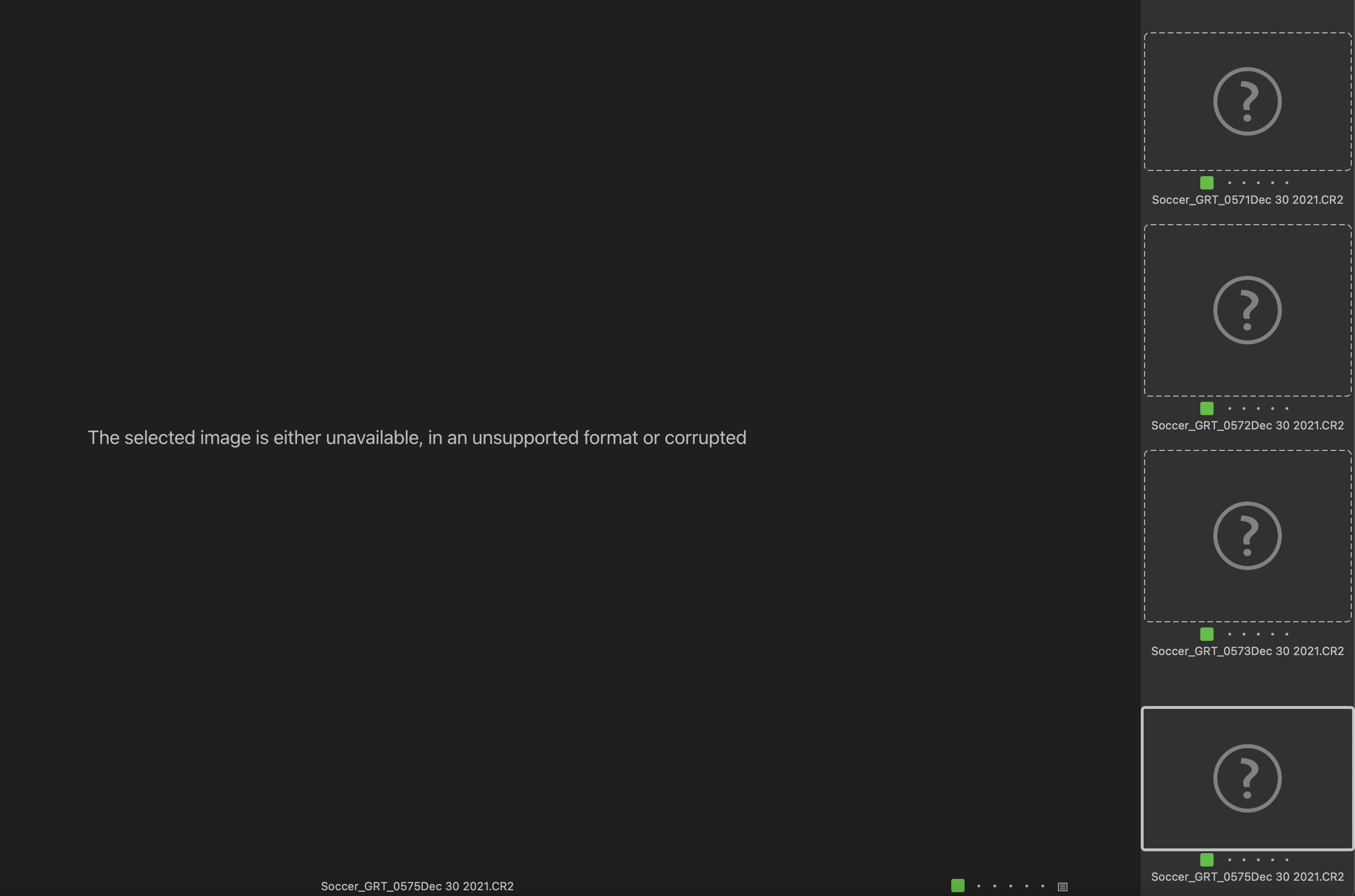
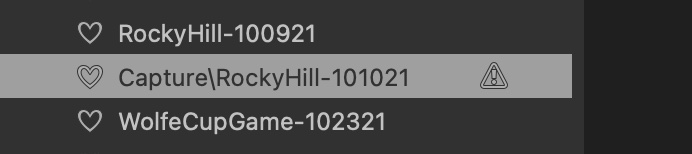
LOL, thank you. My Sessions are stored on a NAS. When I say move from the Win10 to the Mac, I am opening my instance of C1 on W10 for edits then closing C1 on Win10 and starting my instance of C1 on the Mac and continuing to edit the Session stored on the NAS. The attached image in the last post in the Win10 thread is what I am seeing on the Mac. I don't believe the RAW files are corrupt and probably a mis-representation, the net result is I am unable to edit or see my edits in the Session Favorites. The Session favorite has been renamed when on the Mac to include the precursor, "capture/" and place holders are displayed on the Mac where the images used to be with the message, "The selected image is either unavailable, in an unsupported format or corrupted" when I select the placeholder where the image used to be. I hope I am being clearer but please let me know...it is appreciated...
0 -
Here are the images,
 0
0 -
> Thomas Whitmore: I am unable to edit or see my edits in the Session Favorites...
I have seen your other postings, you do not have to repeat those. It is generally better to keep everything in one thread rather than cross posting. From what I can see, C1 may be confused by paths not matching up between your two systems. Verify the paths and that your image files are at the location you intended, as seen from both systems. Use C1 open in explorer and finder (on both systems that is) to verify that C1 agrees with your paths.
0 -
thank you, wasn't sure as I know how dedicated the Apple folks are to Mac...thanks again...
0
Post is closed for comments.
Comments
5 comments