Import Workspace on Capture One 21 - Mac M1

I am unable to uplaod an older workspace using the suggested method on Capture One 21.
The files aren't in the location as specified.
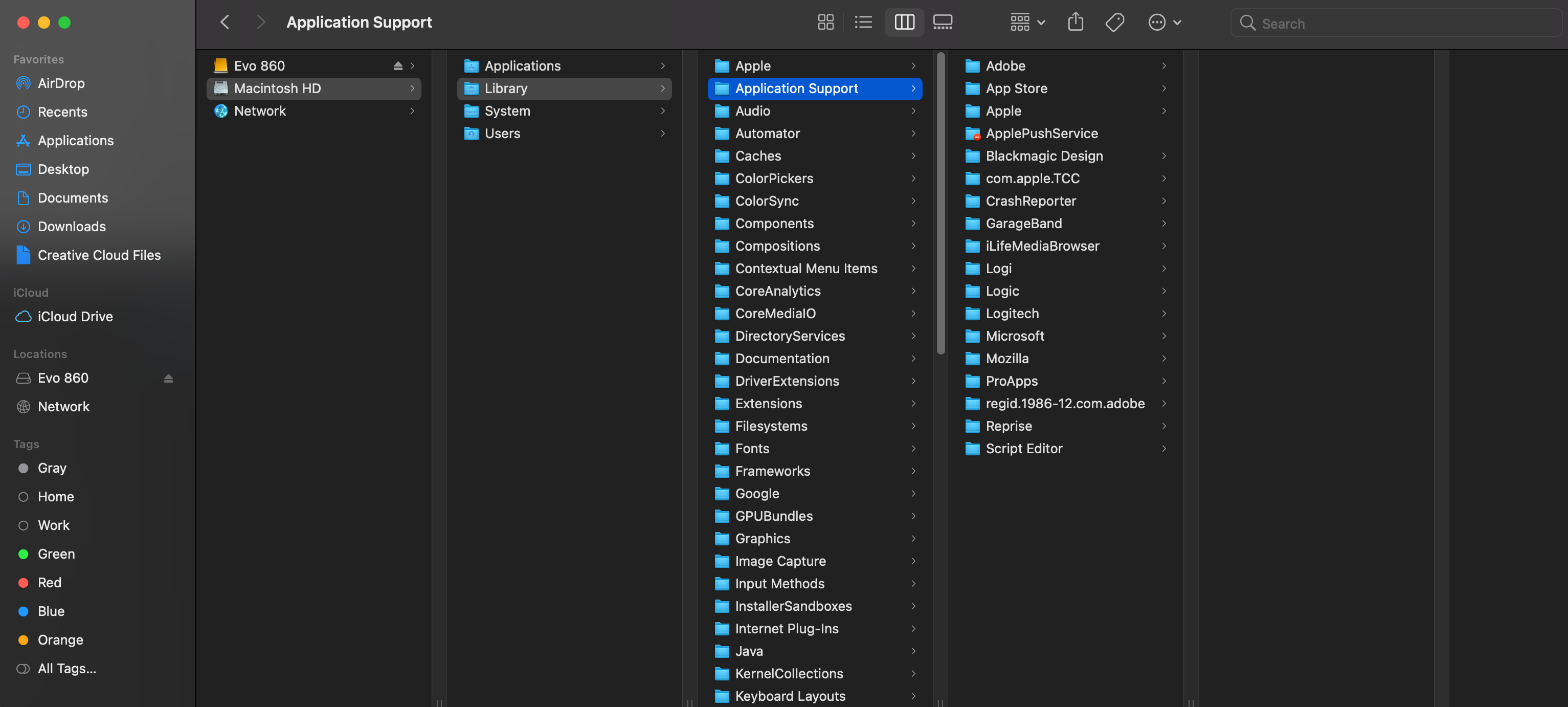
Instead I find them here.
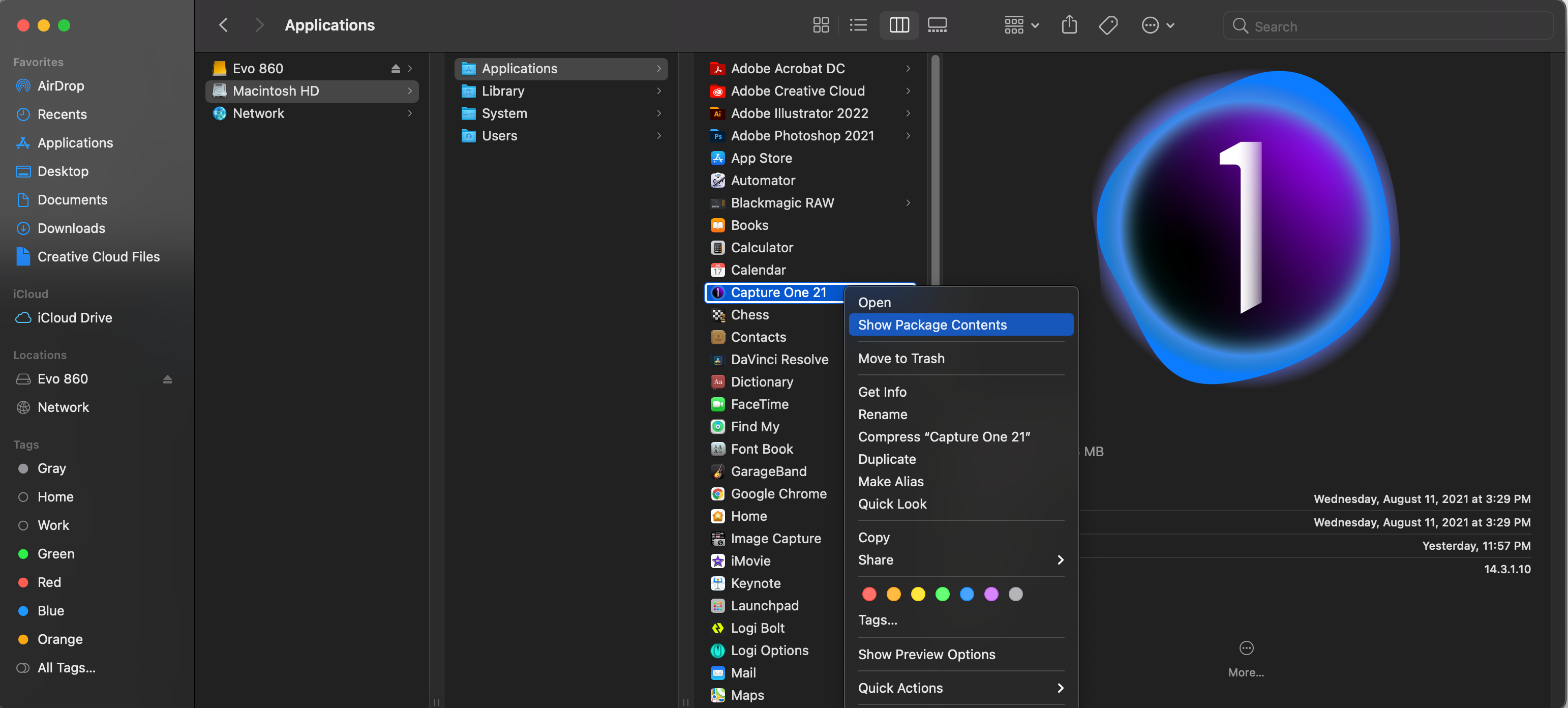
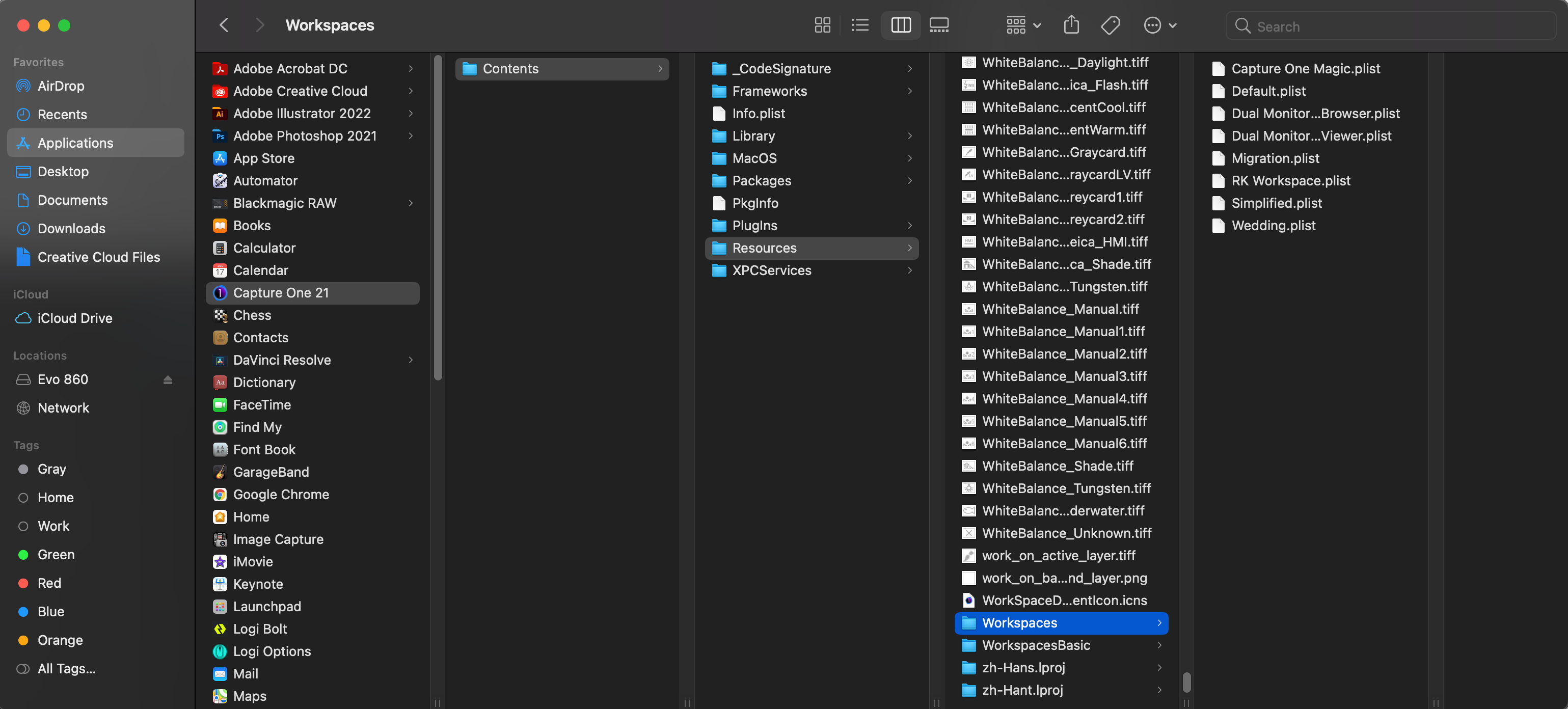
Unable to view the uploaded workspaces on the Capture One 21 program.
-

They are in the hidden library that you can access pressing the Alt/opt key when "Go to..." is chosen in the Finder.
0 -
To be more complete, the full path is:
~/Library/Application Support/Capture One/Workspaces
Do as Robert said to get to the library, then navigate through the path I described.
BTW: The Capture One folder also contains your styles, export recipes and other folders you might find useful if you want to transfer your custom settings (other than preferences) among machines.
0 -
Thank Abbott and Robert!
Yes I finally managed to find it!0
Post is closed for comments.
Comments
3 comments