Apply adjustments to selected pictures

When I select all pictures and apply adjustments to all of them, nothing happens: only the first picture is adjusted. This feature uses to work on previous version 21.
0
-
Is edit all selected engaged?
 0
0 -
Yes. I am currently using the arrow to apply changes. And it fails now with Capture 22.
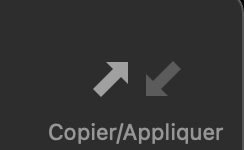
But if use the below menu option it works like before.
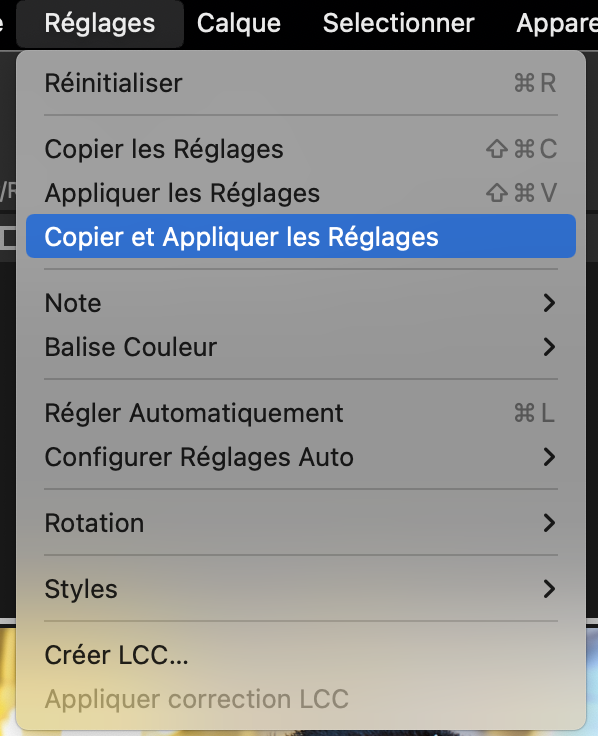
Solved.
0 -
Is this icon showing on your toolbar?
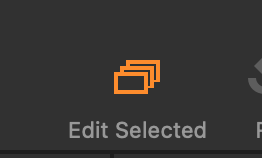
If not, click on it so it becomes illuminated, and then you can use the copy adjustments arrows
 0
0 -
Thanks.
0
Post is closed for comments.
Comments
4 comments