Pics showing in album with questionmark but in folder the picture is shown

Hi,
i've marked some pics in the session with red color and created a smart album to filter those red marked images. The images are filtered correct in the smart album and are shown as symbols, but with a questionmark ("Image offline or corrupt"). In the capture folder the images are shown correct. Please see screenshots.
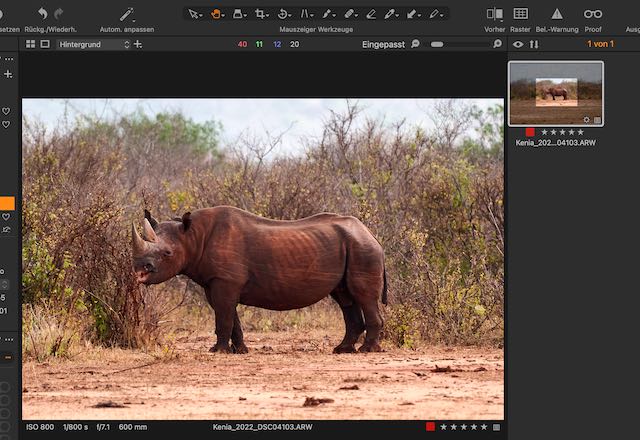
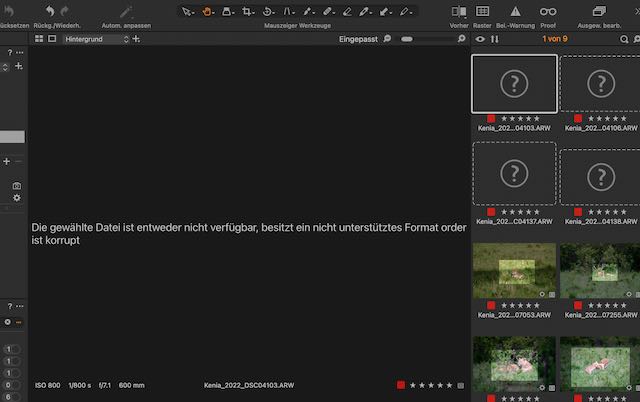
What causes this issues and how can i solve it?
Thank you BR Valentin
-
For me (Windows, version 20) it works (at least with a blue color tag :-)
Can you right-click on the empty thumbnail image and "Show in library"? Then do the same with the thumbnail in the Capture folder. Do the thumbnails reference the same folder?
Your first and second screenshot differ in the icons in the library tool, I wonder why. Maybe seeing this helps to understand better. Then, which C1 version and operating system?

 0
0 -
Hi,
thank you for response. When i click "show in library" on the thumbnail inside the smart album with the questionmark symbol it does nothing. When i click "show in finder" (probably same as "show in explorer" for windows) it says "The original file could not be found", so it seems the link to the original file within the smart album/albums is corrupt (see screenshot).
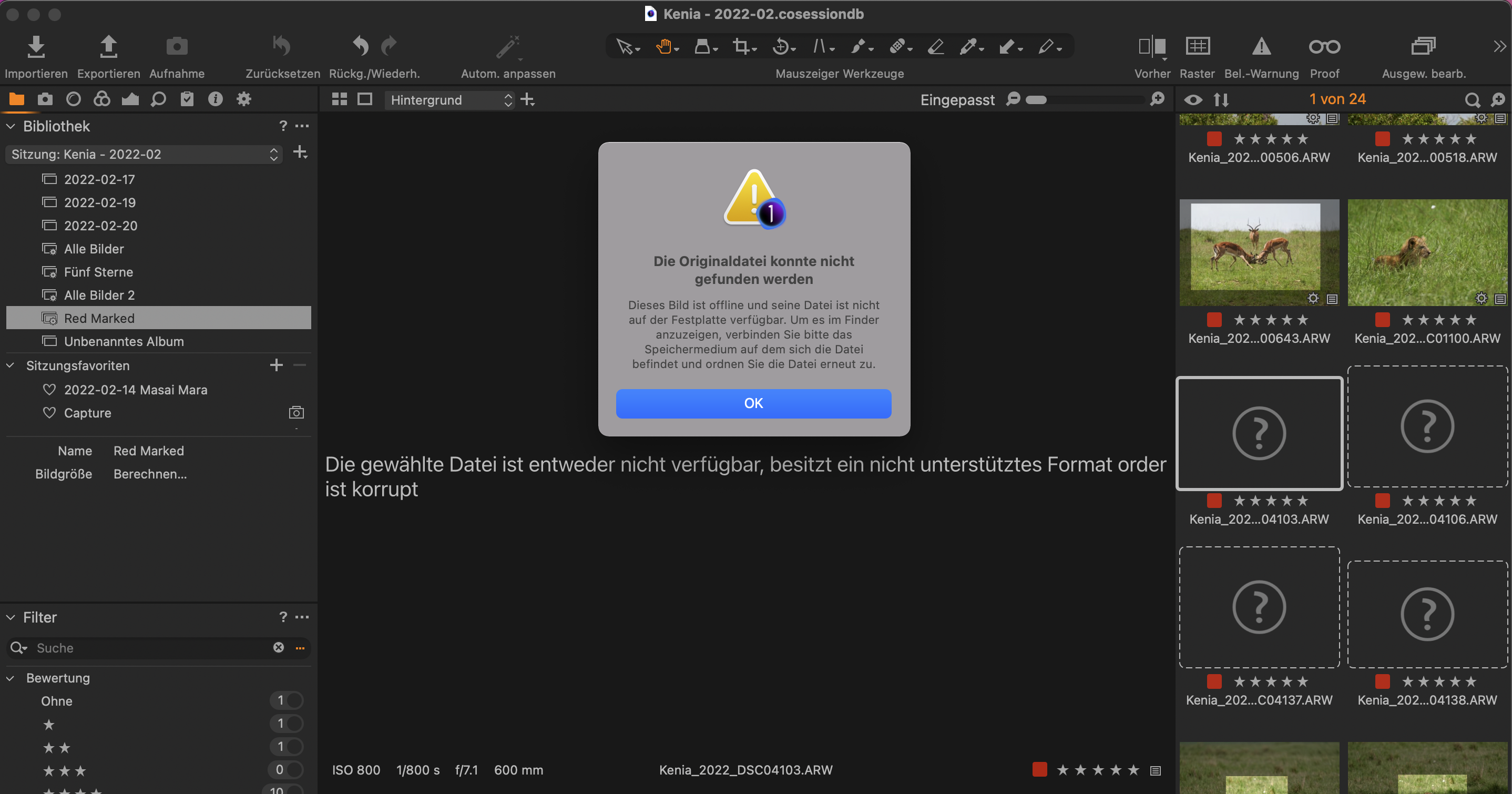
When i click "show in finder" on the thumbnail without the questionmark (which I do by clicking in the respective capture folder and select the pic, wehere it is shown correctly in the capture folder with pic thumbnail) then Capture ONE jumps into the folder (see screenshot) -> Interestingly there is a .xmp file of the with the same filename than this pic in the folder.

Operating System is MAC OS Monetary 12.2.1 with Capture ONE 20 (for Sony).
Thanks
BR Valentin
0 -
the xmp file is not a problem you have probably selected sync metadata for this file.
I have no idea what happened here. Try menu File>Verify session, maybe this helps.
0 -
I tried "verify session" and it says everything "ok". It is strange because even if i create a new smart album "All Pictures" without any filter the pics is shown with a questionmark, how can that be?
Is there any way to manually link it to the original file? Or could a workaround be to reimport everything (i fear i have doublettes then in the filesystem)?
BR Valentin0

Post is closed for comments.
Comments
4 comments