Noise Reduction - A7r m IV jpg's

Please explain, why we dont have the same control over denoising (Noise Reduction) on a7r IV files in jpg, as in files of this cam before ?
For years i switched to c1 - now the a7r IV seems better handeld by camera raw - ??
Any explanations?
-
"as in files of this cam before" means what?
You have one of the best cameras, one of the best raw converters, but you shoot jpg out of camera?
Except from some AI noise reduction tools, noise reduction in general (not only in C1) works best on raw files, always been so in the past, at least I don't know a tool where this is different. Same with white balance or color editing, dynamic range of course too. Even DXO AI noise reduction only works on raw files exclusively.
My suggestion: shoot raw.
0 -
I'd like to shoot jpg, because of speed in post and the DRO feature of the cam. This way I'm faster with lightening the shadows.
As I saw with my A7r II files that I've shot JPG - I can easily denoise the shadows - if needed.
Supringsingly the sliders of the denoise tool don't have any effect with the A7r IV jpg files - it's strange but you can only hardly see a subtle change.
Any idea ?
0 -
... to be true - old camera raw can denoise the A7r IV JPG-files
0 -
ok - I got the point - just made myself a HDR preset and a style for import. - The solution is fair for me.
0 -
but the issue of misfunction of the denoise with A7r IV JPG files remains
0 -
denoise tool don't have any effect with the A7r IV jpg files
C1 version 22 on Windows, jpgs ooc from Sony a7R IV:
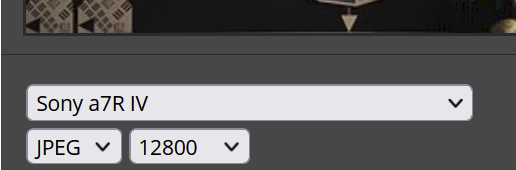

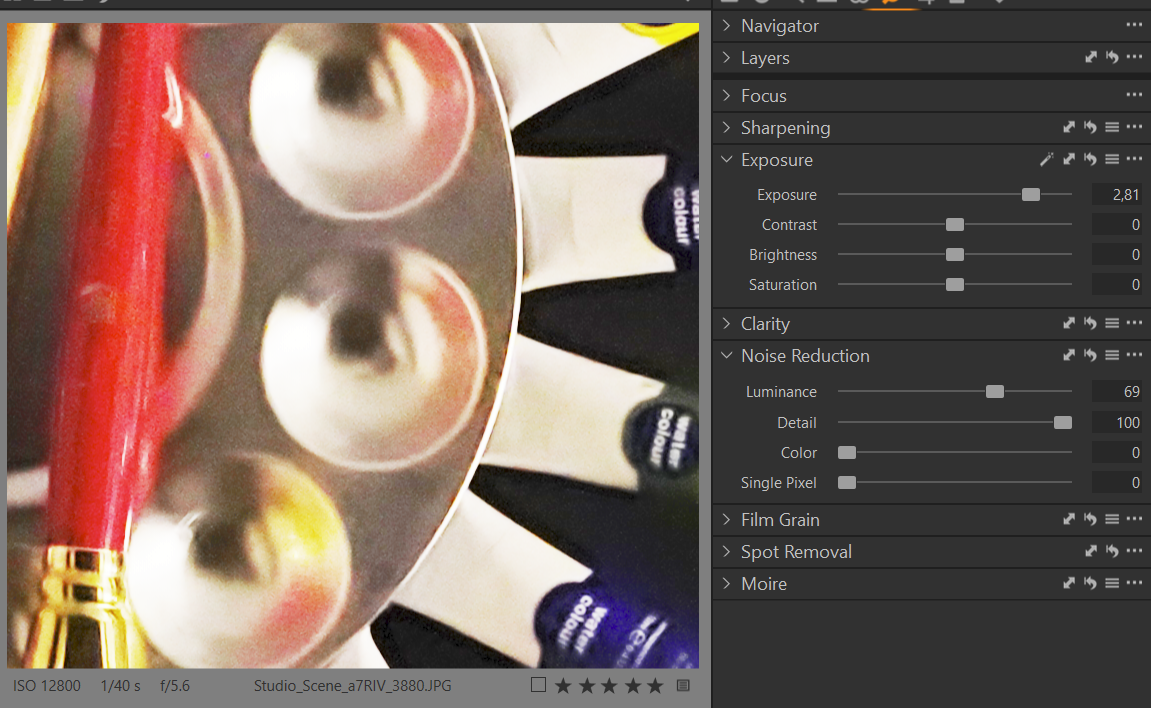
As you can see, NR has a massive effect. However, if you don't like the result of the NR then ACR or raw files are your friends.
0

Post is closed for comments.
Comments
6 comments