Open with Photoshop 22

If I want to open a file from Capture One in Photoshop, it's just create a Tiff without open Photoshop. Does anyone have found a solution for this?
Thanks
Michael
0
-
Is the correct version of Photoshop checked in the Open With plugin in Preferences?
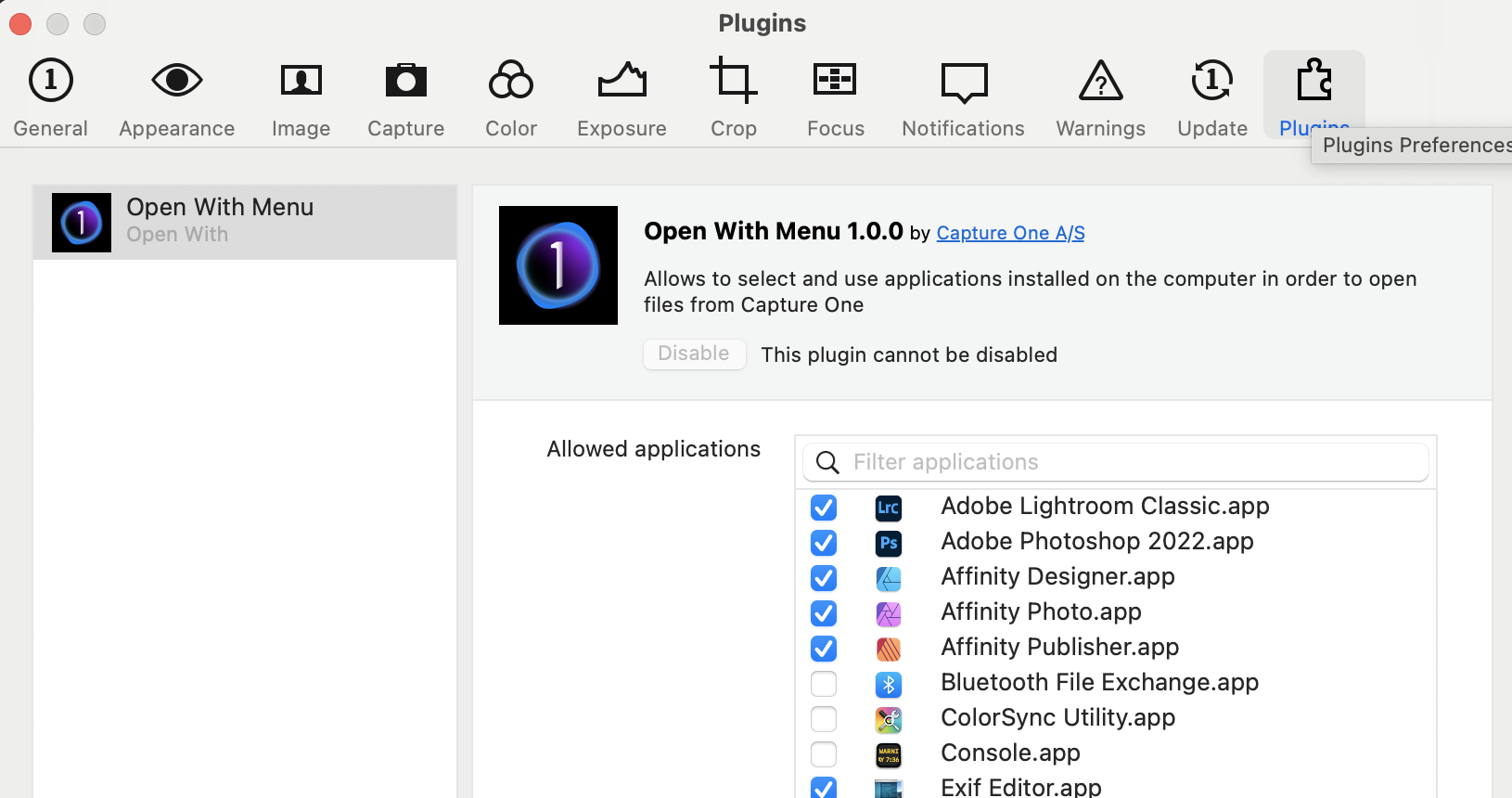
Also, while you are trying to find a solution to this you can, of course, still use Photoshop on the image - you just have to open the TIF from within Photoshop. An extra tedious step, I agree, but it would keep you going in the meanwhile.
Ian
0 -
thanks Ian, it works!!!
0

Post is closed for comments.
Comments
2 comments