Is it possible to bind a shortcut to control crop ratios?

Hi, I'm trying to setup my workflow and I would really like to be able to be able to either bind shortcuts directly to specific crop ration or to allow cycling through them.
Is it currently possible if so how?
Thank you
-

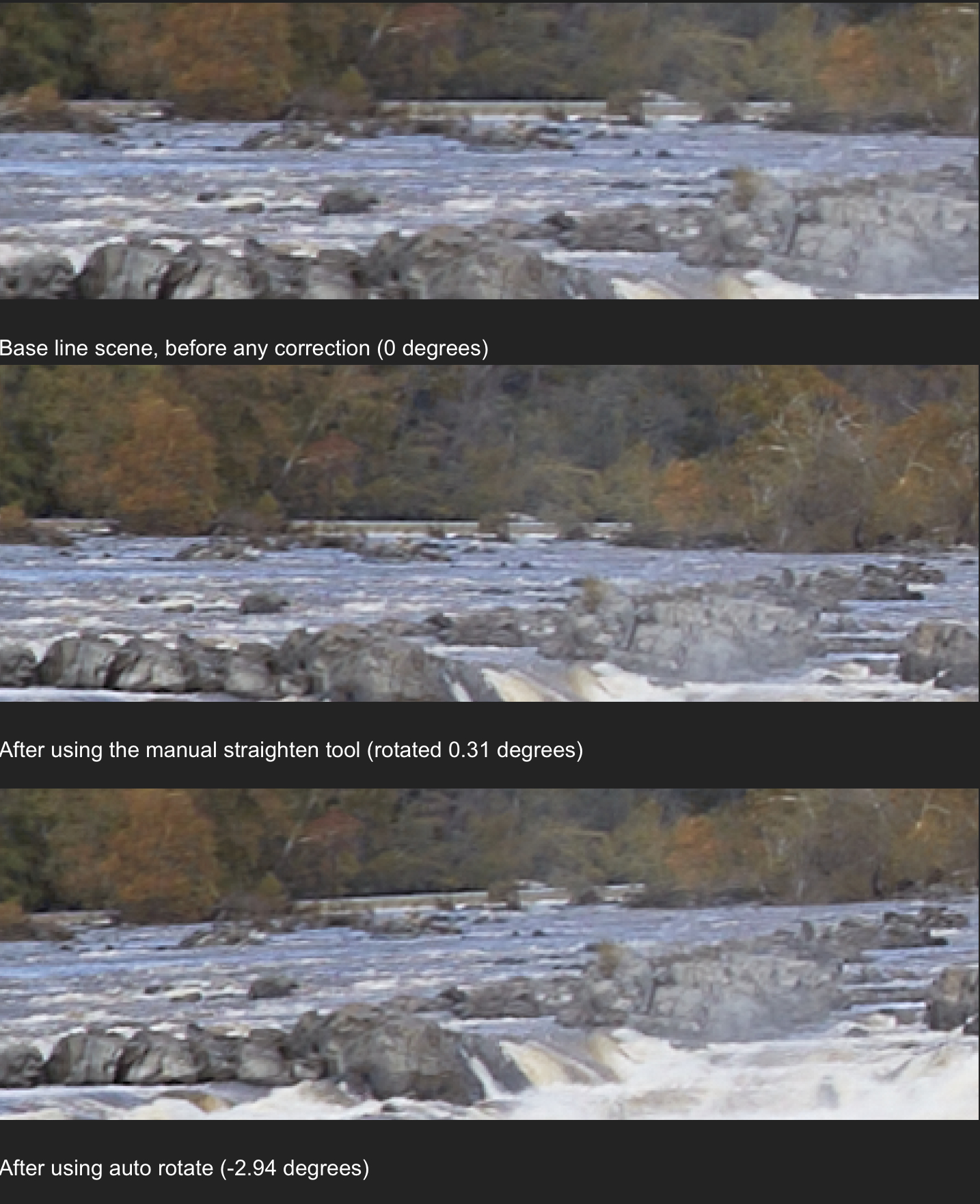
Before you get too enthralled with auto-rotate be careful. I ran a simple experiment where I shot a scene that contained a low-head dam. A low-head dam extends a cross a river and the entire length is the spillway. A low-head dam is a good reference source for level. I shot the scene using a tripod (the camera was not perfectly level). Using the dam as the reference made it easy to level the image and then see the effect of the level error created by using auto adjust rotation tool.
After importing the image into C1, I used the "straighten" tool to manually correct the slight error in the tripod level. I found that I was off by 0.31 degrees. I then used the auto adjust rotation tool on the image, the auto adjust tool resulted in the image rotating in the opposite direction (-2.94 degrees).
 0
0 -
Thank you for your answer but I think you misunderstood what I want. I'd like to bind a hotkey to Square, 2x3, 4x5, etc crop ratio or at least bind a hotkey to cycle among the existing ratio.
Same thing for a hotkey to go from landscape to portrait.
0 -

As far as I know, this can be only realised by writing a script. Maybe you should ask in the this forum:
Sometimes there are "ready to use" scripts available :-)
Kassur
0
Post is closed for comments.
Comments
3 comments