Problem with exporting images on MacBook Pro

Hello,
When I select multiple images on my MacBook Pro to export - it only selects one image to export:
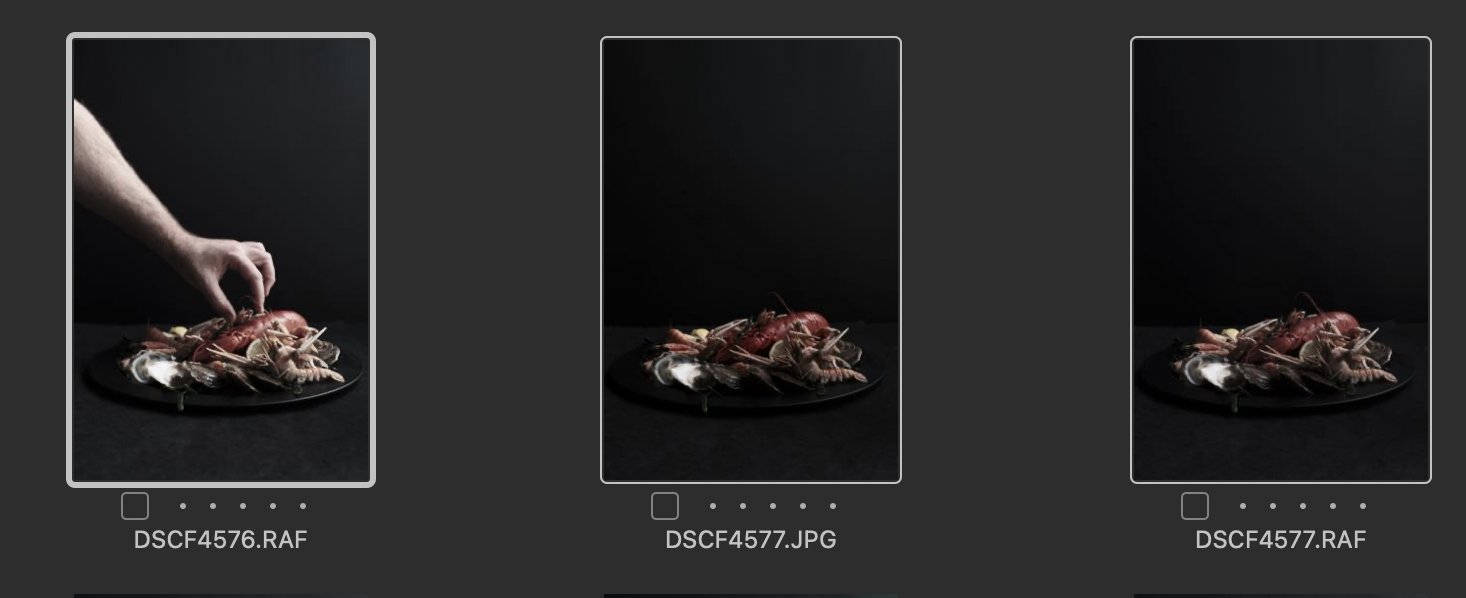
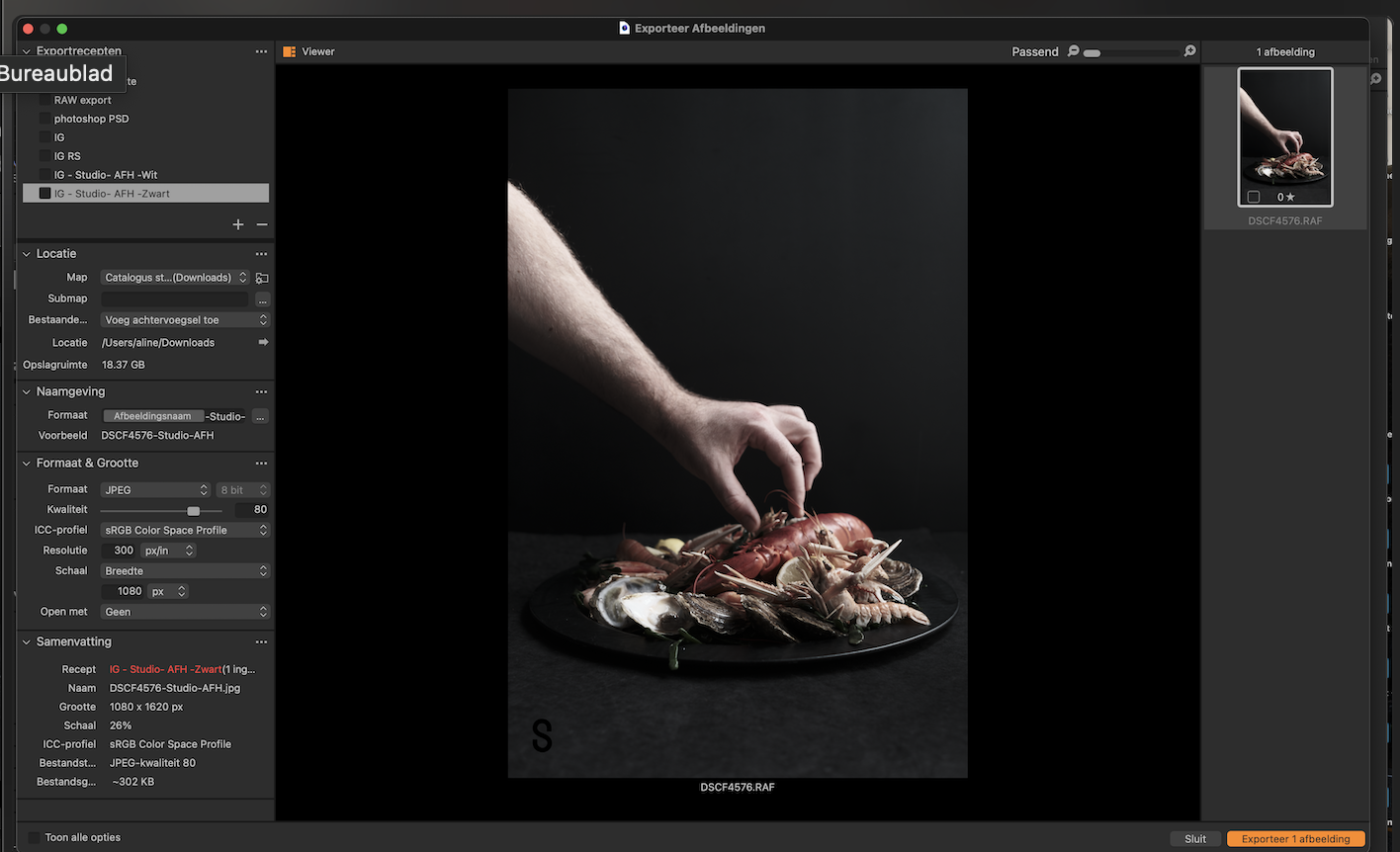
I don’t have this issue on my iMac.
But I have a shoot tomorrow where I will have to export a large amount of images on the spot on my MacBook Pro so I need this issue to be fixed urgently (prefer not to use Lightroom 😉).
I have tried to update and reinstall - but this did not solve the problem.
Can someone please help me on this one asap?
Many, many thanks in advance.
Aline
-
Have you toggled this button on on the toolbar? If not it will only do one at a time.

Ian
0 -
Hi Ian,
Thank you for the quick reply!
Where exactly can I find this button? Don't see it atm.
Thank you!
Aline
0 -
You can right click the tool bar, and customise it to add that button. Or you can alternatively choose Edit All Selected Variants on the Image menu (or use the keyboard shortcut for it, which is shown beside that item on that menu). But having the button is easiest, and gives you a visual check on whether the feature is on or off.
Ian
0 -
Hi Ian,
THANK YOU! It worked and I am so happy.
Aline
0

Post is closed for comments.
Comments
4 comments