Gesperrte Dateien

Viele meiner Dateien haben den durchgestrichenen Bleistift, soll heißen, ich kann sie nicht bearbeiten
Gibt es eine Lösung, wie sich das abstellen lässt?
In den Voreinstellungen sind JPEG, TIFF und PNG-Dateien freigegeben.
Die Festplatte hat für alle Objekte meine vollen Rechte.
-
In Preferences, have you looked to see whether editing for JPEG, TIFF and PSD files is enabled?
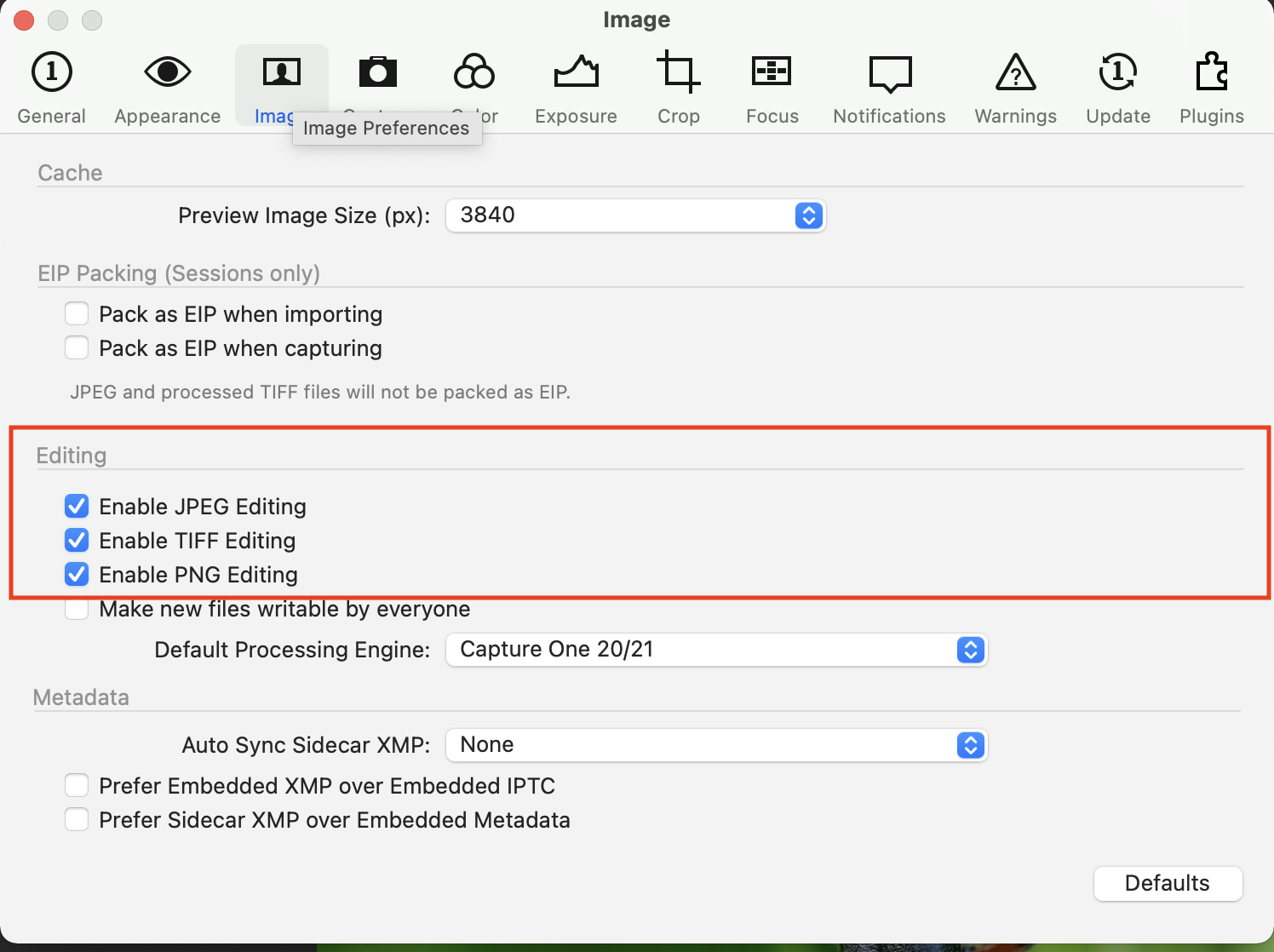
Also, are any of the files you can't edit very small? Capture One won't let you edit files that are smaller than 512 pixels on the shortest side.
Ian
0 -
Thank you Ian,
I wrote: In den Voreinstellungen sind JPEG, TIFF und PNG-Dateien freigegeben.
in englisch: JPEG, TIFF and PNG files are enabled in the presets.
I will try to entlarge some files and see if it would change the lock.
0 -
If the problem is that the images are too small to be edited, you should still be able to see what their size is in the metadata tool, and check whether any of the dimensions is less than 512 pixels.
Ian
0

Post is closed for comments.
Comments
3 comments