Batch Job not working

Capture One 22 Express. for Sony 15.3.1.15
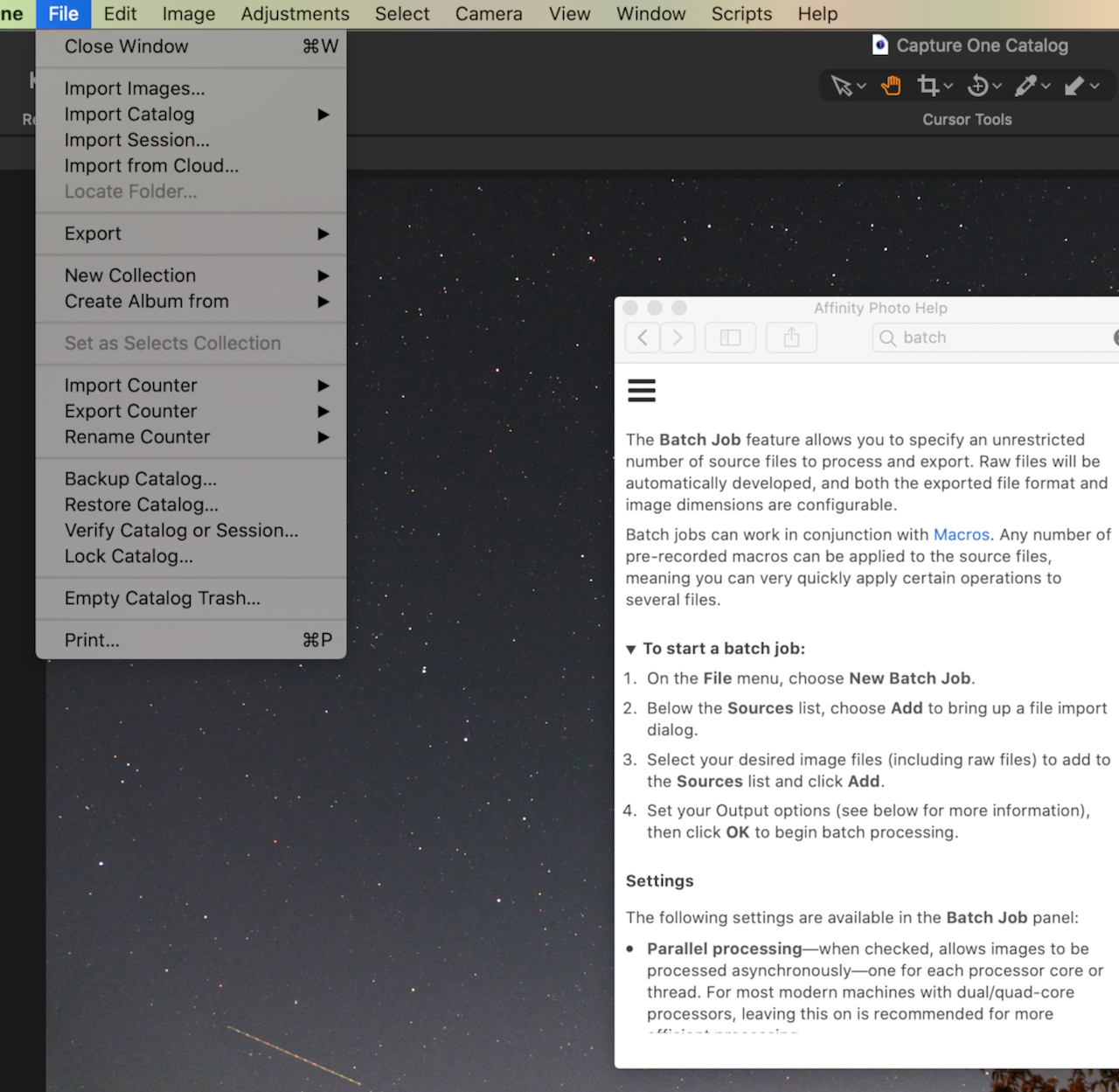
In "Help" it says one can enter Bulk job from the File menu but I do not have it there?
How can I do batch processing please?
-
It looks as though your screenshot is of the Help from Affinity Photo, not from Capture One.
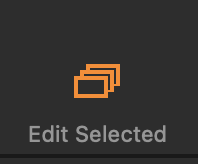
However, if you want to do something t a lot of files at once (for instance, to output them all as JPEGs, or to apply a 5 star rating to them all) you need to have turned on the Edit Selected feature. You can either do this with the button on the tool bar as shown...
... or you can choose it from the Image menu...
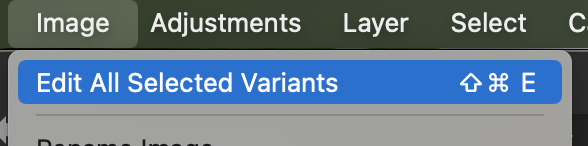
... and as you can see there is a keyboard shortcut for it.
I keep that one turned on all the time, and only turn it off if I need to for some specific reason.
(Note that turning on Edit Selected does not quite mean that everything you do to an image automatically applies to all the others that you have selected. For instance if you move the Exposure slider that only affects one image - you could then copy the adjustment to all the rest, But if you use Speed Edit to adjust exposure, it will adjust it by the same amount on all of them if edit Selected is turned on.)
Ian
0 -
Thanks Ian. Have turned on the "Edit all Selected" and also found the Copy and Apply adjustments and managed to apply adjustments to all 160 images I took the other night.
Thanks for the help, I'm sure there'll be more as I flog through this amazing program!
Cheers
0

Post is closed for comments.
Comments
2 comments