Exports all photos in session

New to Capture One. When I select one image I’ve edited and then click export I get 130 photos selected. There is nothing to de-select. Only the selected photo is hi-lighted. Dont’t understand what is going on.
-

> Albert Wojciechowski: Only the selected photo is hi-lighted
Are you sure? A selection of multiple images will have one image marked with a clearly visible frame, while the other selected images will also be marked, but with a less prominent frame. Try to deselect all by a single click on the browser canvas/background (between thumbnails for example), then click on one image to select it.
With multiple images selected, you can switch between operating on all selected images or just on the image marked with the prominent frame, Use the Edit Selected icon to switch between one or many.
 0
0 -
Nothing else selected; only the one.
0 -
Could you show us a screenshot of the images and the selected one?
Ian
0 -

Hello I have the same Problem
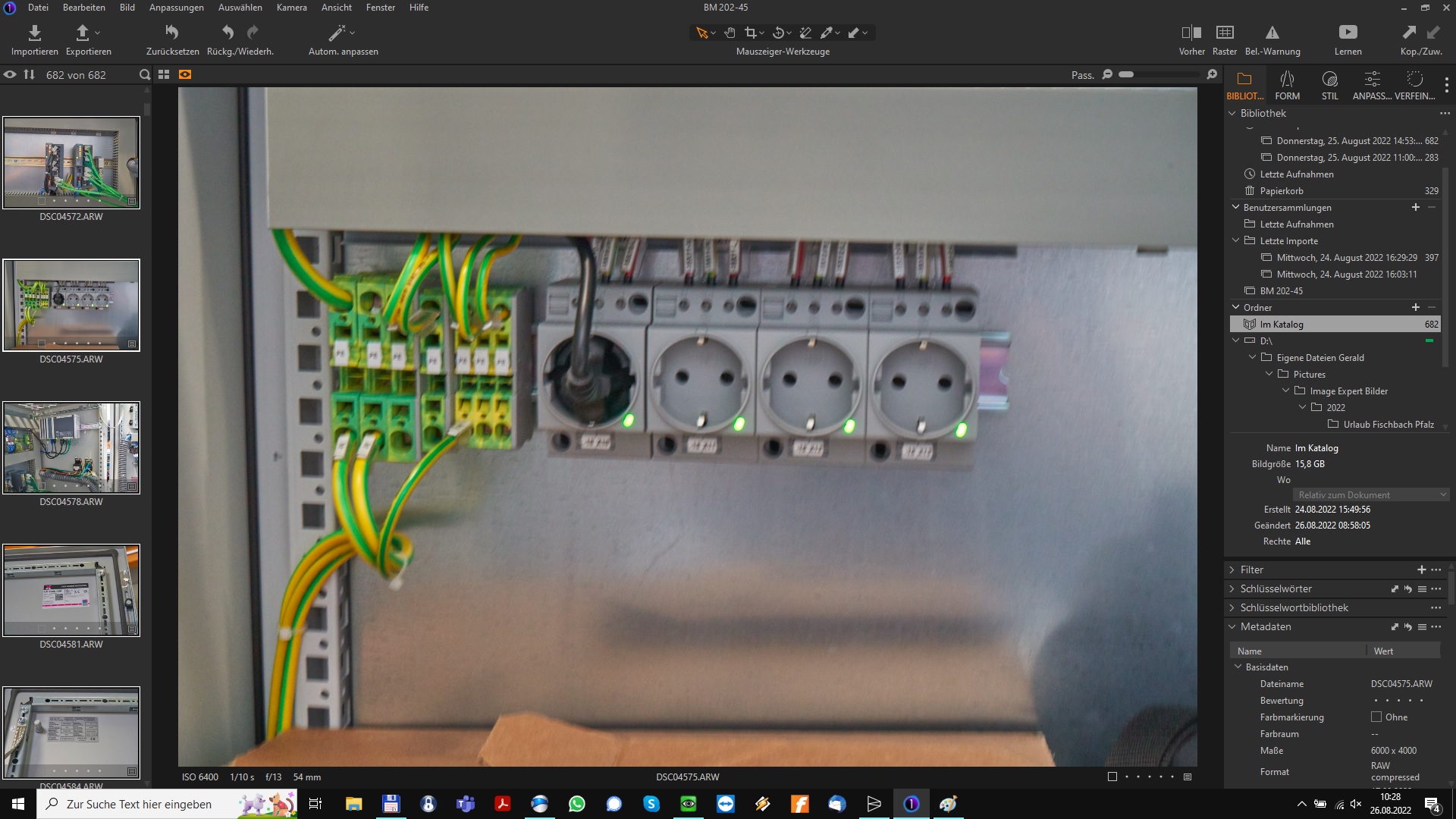
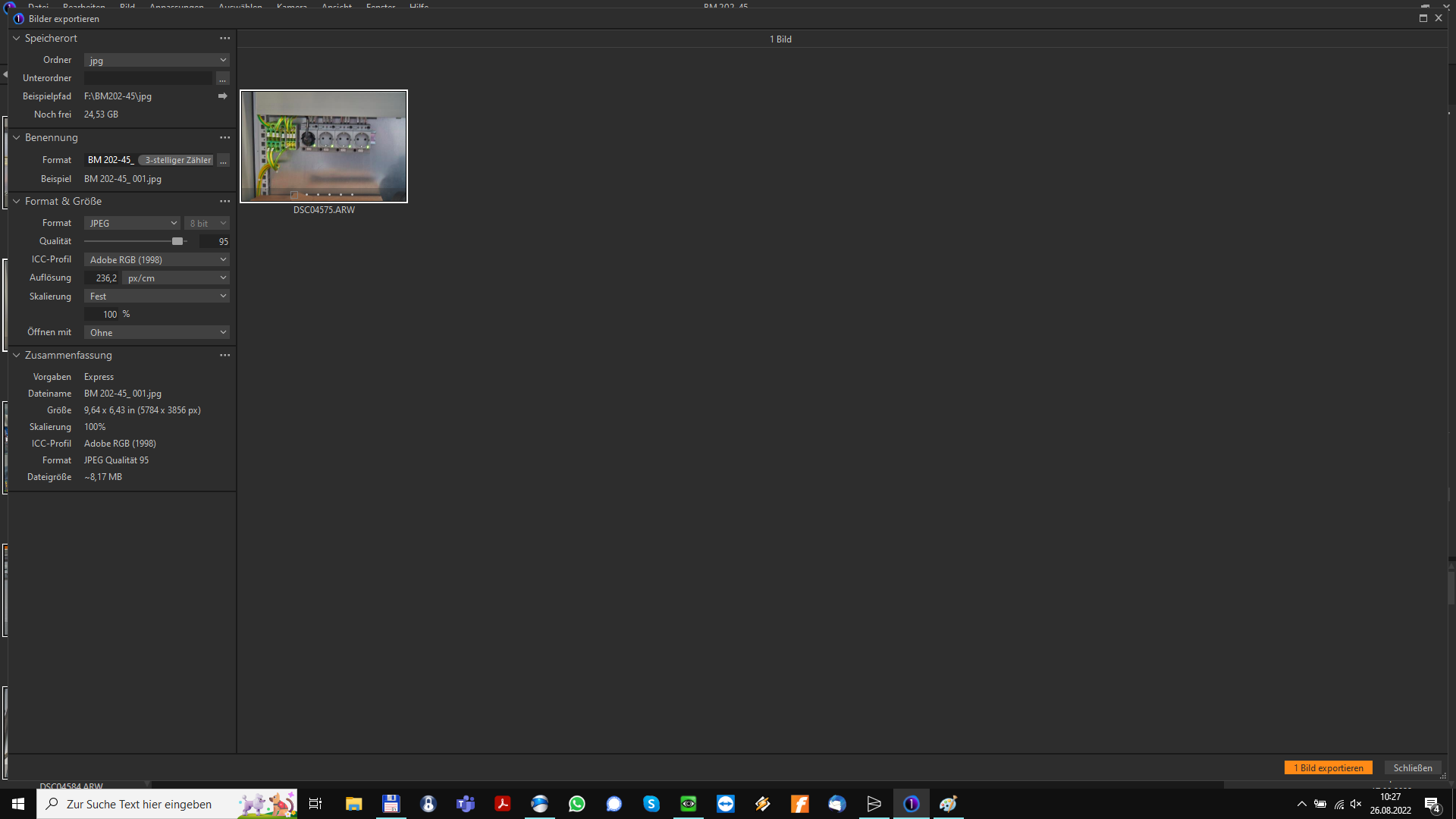
All Pictures selected, only one set when I click on Export.
0 -
But Windows
0 -
> Gerald Sinzig: ...I have the same Problem
But, but, but... your screen-dump does not show that you activated "Edit Selected" as shown in my previous post. Did you read that?
Modify your workspace to include that icon. Save your workspace under a name that you can restore the workspace from, if required.
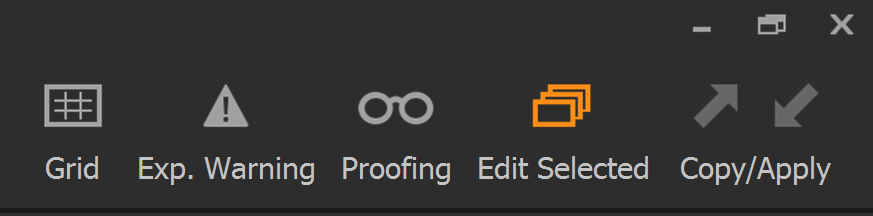
Activate that icon (it turns orange) if you want to export all selected images. Deactivate that icon (turns gray) if you only want to export the main selected image of the many. I would also recommend reading the docs and watching a few of the basic Capture One tutorials.
0 -
Thanks for the help guys. I did notice that mine were all selected. I thought the bolded white frame was the only one selected and the other white frames weren't. In a new session those not selected don't have any frame at all while those that do have a white frame and the one being worked on is bolded.
Anyone know how I could quickly deselect multiple photos?
0 -
> Albert Wojciechowski: Anyone know how I could quickly deselect multiple photos?
Read the docs, man! The Select menu may be a good place to start and you can learn some of the keyboard shortcuts from it. With multiple images selected, try a single mouse click on a few of the normally selected (thin frame), one image after the other, and observe how you can change which image is your main/prime selection. Deactivate the Edit all icon if you want to adjust, export or otherwise operate on that one image only, while still keeping the selection. Then click outside any image, meaning on the browser window background, e.g. between thumbnails, and observe what happens to your selection.
0 -
Did a photo shoot with a friend of mine and wanted to do a quick edit for him.
I will certainly check online tutorials. Big learning curve. Thanks again.
0

Post is closed for comments.
Comments
9 comments