Tool bars not working.

RAW image imported and on main display panel but the tool bars are greyed out, don't work.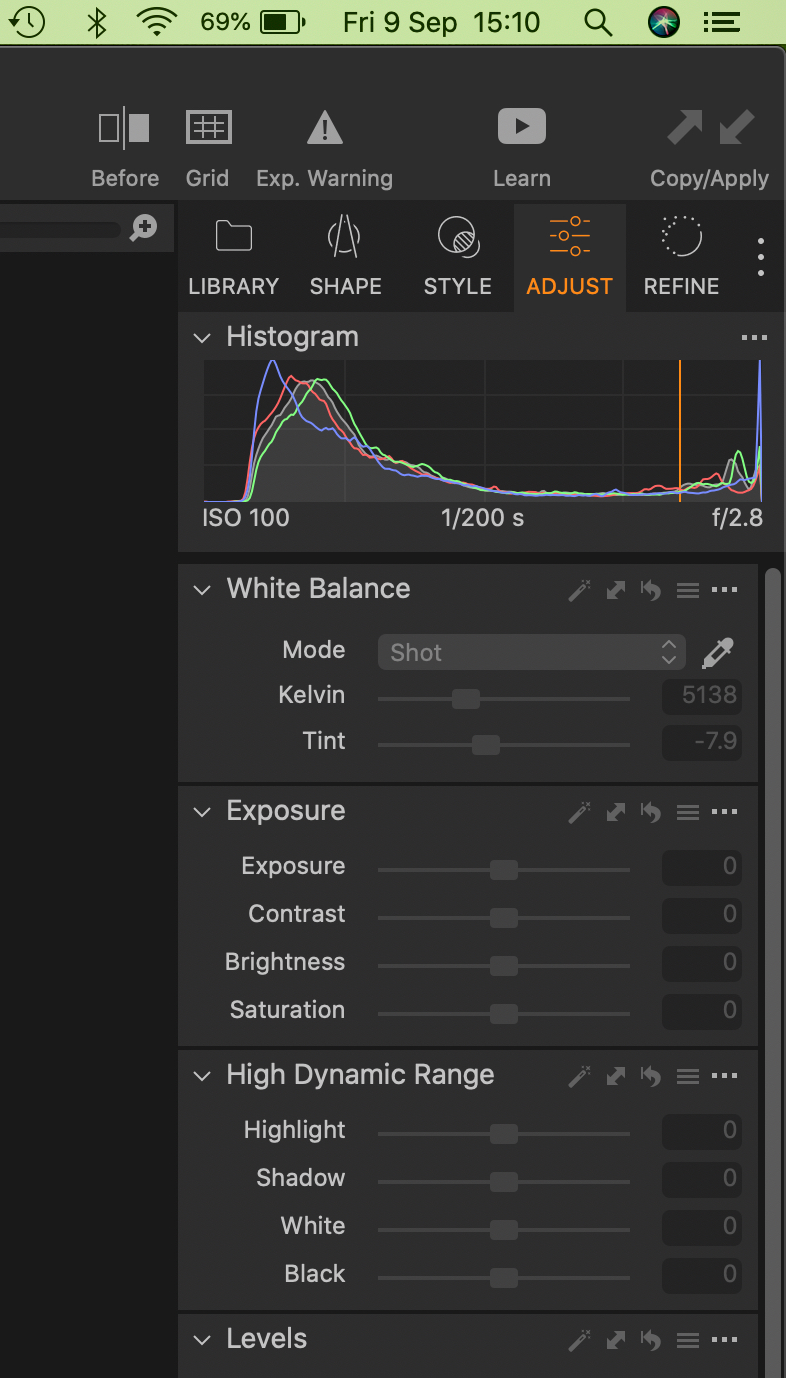
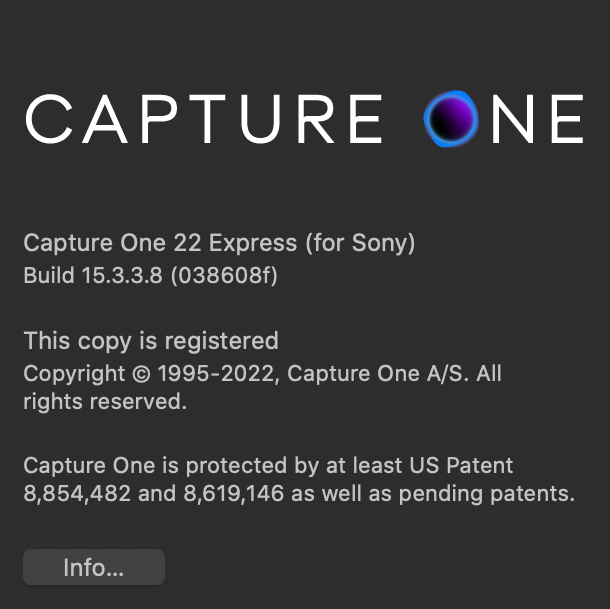
This is the Info on the program:
-
What kind of files are you using (raw? tiff? jpeg?) and from what camera? (Is it a supported Sony camera?)
Ian
0 -
Thanks - As I said in post, RAW images (DNG) from a Sony RX10 Mk4.
It was working fine last week!
0 -
That should say RAW (ARW) from Sony RX10 Mk4
0 -
RAW image imported and on main display panel but the tool bars are greyed out, don't work.
This is unlikely, I'll grant you, but are you on the background layer? (The only time I've seen panels greyed out have been when I'm on a repair layer.)
0 -

Any warning symbols in the browser view?
Are the files you are trying to edit still available at the location where they were during/after importing?Reason for asking: referenced files (not physically imported to the catalogue location) cannot be edited when you (re)move them to a different location than where C1 was told they reside during import. You might still see the generated preview, but cannot do much with it.
0 -
Thanks for the input Propheticus but the fault is all this silly 84 year olds, not the program!
I had forgotten that this version of C1 is for Sony (ARW) RAW images only and I had stupidly imported a DNG image from my drone.
Any way, having deactivated and deleted it from my computer I reinstalled and activated it, imported an image from my Camera, ARW, and all is well.
Silly me.
0

Post is closed for comments.
Comments
6 comments